Blocks from Hell
Saves are stored in this browser.
Player notes
About this game
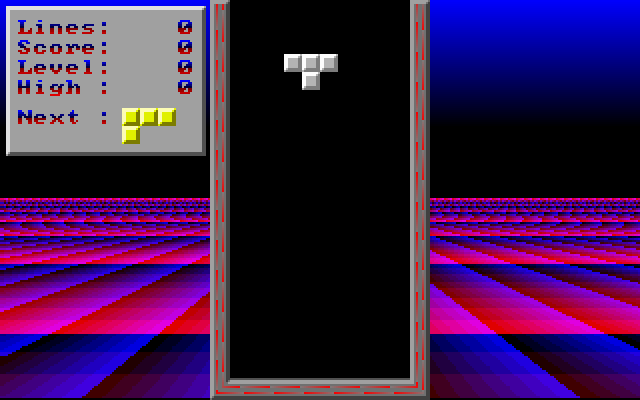
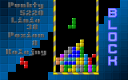
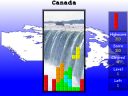
Blocks from Hell is a compact falling-block puzzle. Slide and rotate each four-block piece into place, complete horizontal rows and keep the stack under control. The packaged instructions identify version 1.3.
Use Left and Right, or keypad 4 and 6, to move a piece. Keypad 5 and 8 rotate in opposite directions. Down or keypad 2 speeds the fall, while Space drops the piece immediately. The distinction matters when you still need time for a final sideways adjustment.
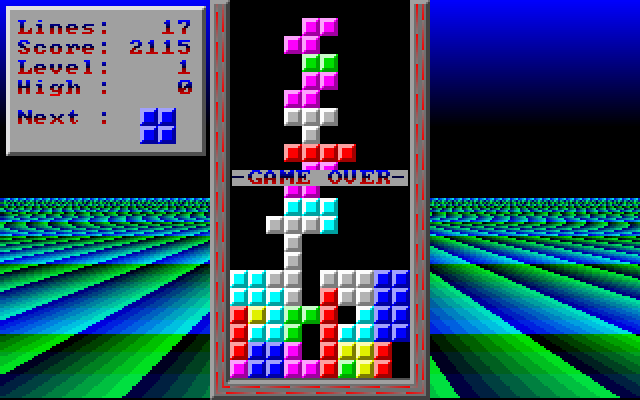
The scoring rewards clearing several rows together: four rows earn substantially more than four separate single-row clears. There are also bonuses for the level, quick-drop distance and playing without the next-piece preview. P pauses and S toggles line-clear sound. Esc abandons the current game; F10 exits the program immediately, so use P when you only want a break.
Start here
Quick tips
Use Down for a controlled descent and Space for an immediate drop.
P pauses; Esc and F10 end play instead.
- Left / Right or keypad 4 / 6
- Move the falling piece
- Keypad 5 / 8
- Rotate in opposite directions
- Down / keypad 2
- Make the piece fall faster
- Space
- Drop immediately
- P
- Toggle pause
- S
- Toggle line-clear sound
- Esc
- Abort the current game
- F10
- Exit the program immediately
Screens
Screenshots
Keep playing
Similar Games

Help improve this entry
Something not working?
Report a gameplay or information problem. Short reports are enough.
Archive notes
Rights and Source Notes
Browser play uses the archived Freeware release.
- Distribution
- Freeware
- Browser player
- js-dos · Browser play
- Added to archive
- 2026-07-26