CyberBox Forever
Saves are stored in this browser.
Player notes
About this game
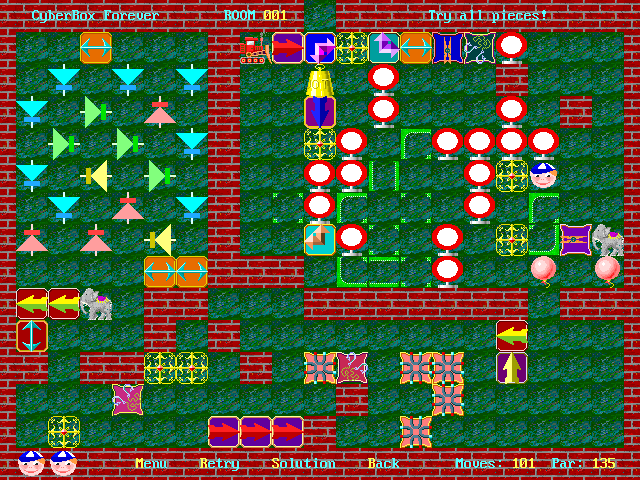
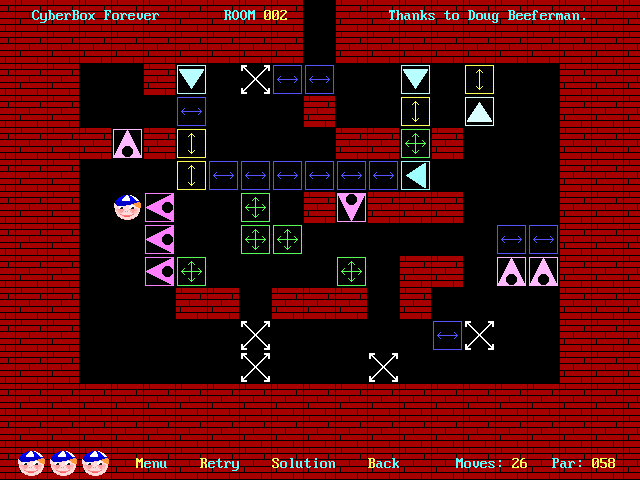
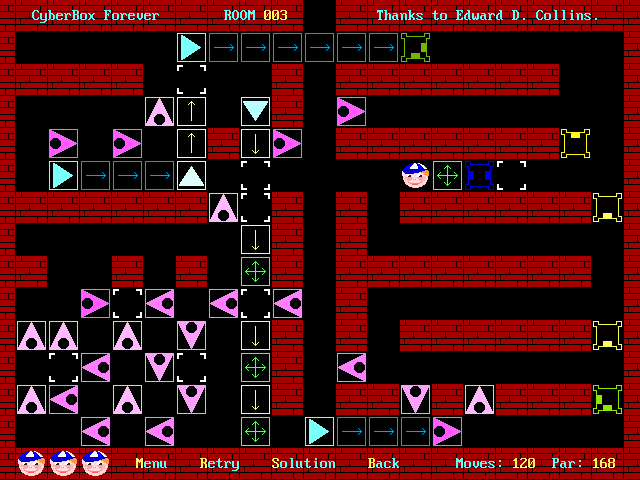
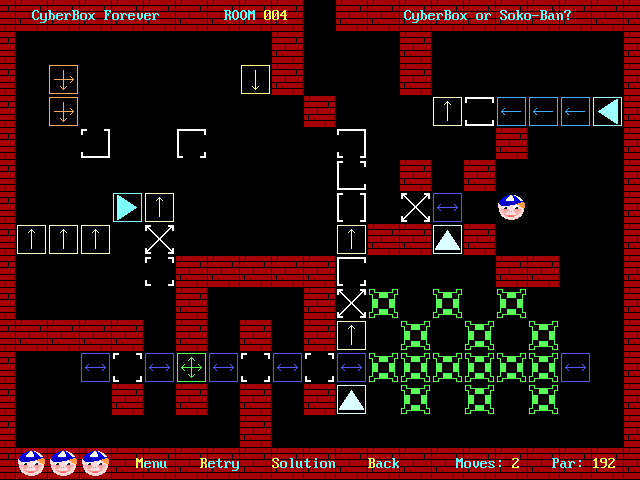
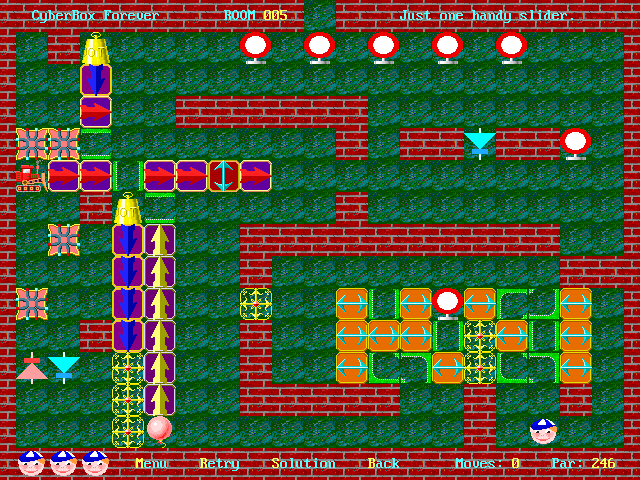
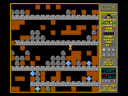
CyberBox Forever asks you to reach the small exit at the middle of the room's top edge. Objects obstruct the route, and they do not all respond to a push in the same way. A move that opens one corridor can trap another object permanently.
Arrow keys move your character and push suitable pieces. Sliders move along their indicated direction; other objects may need to be pushed by another piece or pulled through their special contact point. The menu's piece preview explains these distinctions.
R restarts a room at the cost of a life; the instructions give four lives initially. S replays a solution after that room has already been solved. Use the instructions and piece preview before experimenting with a crowded room, and work backward from the exit to decide which pieces actually need moving.
Start here
Quick tips
Inspect the piece preview: different objects have different pushing and pulling rules.
Restarting a room spends a life.
- Arrow keys
- Move and push eligible pieces; navigate menus
- Enter
- Confirm a menu selection
- R
- Restart the room at the cost of a life
- S
- Replay the solution to an already solved room
- Escape
- Leave the menu
Screens
Screenshots
Keep playing
Similar Games

Help improve this entry
Something not working?
Report a gameplay or information problem. Short reports are enough.
Archive notes
Rights and Source Notes
Browser play uses the archived Freeware release.
- Distribution
- Freeware
- Browser player
- js-dos · Browser play
- Added to archive
- 2026-07-26