JTris
Saves are stored in this browser.
Player notes
About this game
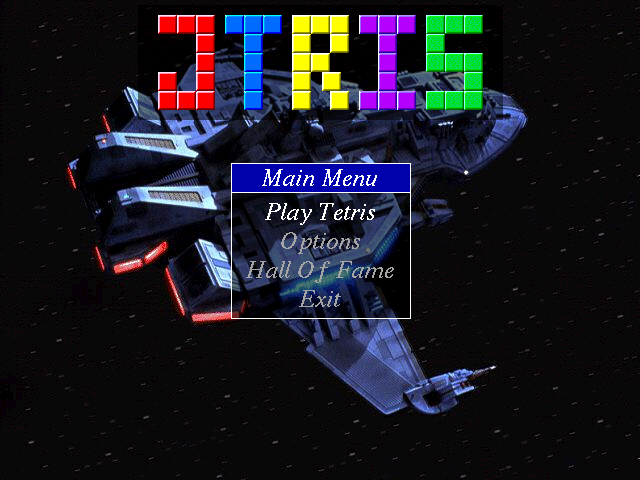
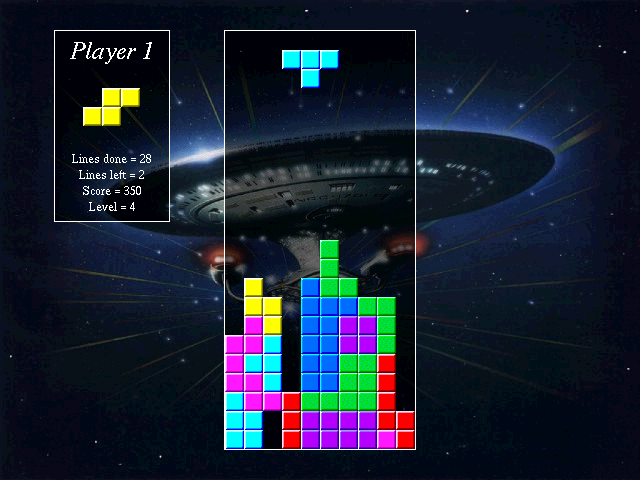
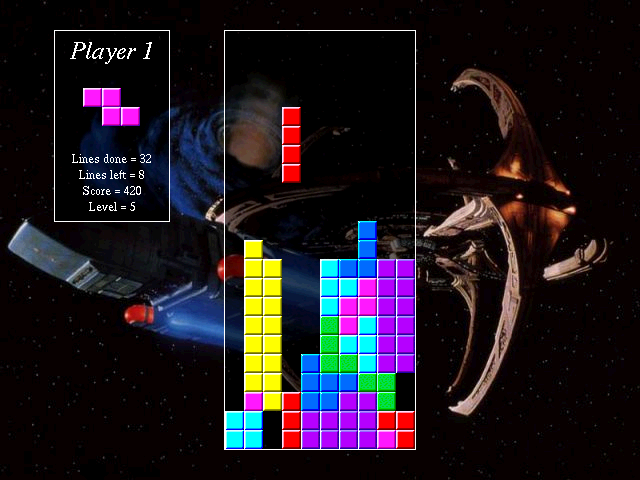
JTris 1.01 is a falling-block puzzle with one- and two-player modes. Fill horizontal rows to remove them, gain points and make room for the next pieces. Every ten cleared rows advances the level and increases the falling speed.
In one-player mode, Left and Right move the piece, Down lowers it, S rotates clockwise and A rotates counterclockwise. Two-player mode changes player one's movement to F, H and G while keeping S and A for rotation. Player two uses the arrows with L and K for clockwise and counterclockwise rotation.
F9 pauses the game. The options let you redefine keys and adjust keyboard sensitivity, useful if repeated movement makes placement difficult. Music and background controls are separate from gameplay: F7 and F8 change tracks, while F10 changes the wallpaper. Build for multiple-row clears without leaving a stack too high to recover.
Start here
Quick tips
Player one's movement keys change in two-player mode.
Use Options to adjust keyboard sensitivity if placement feels too fast.
- Left / Right / Down
- Solo or player 2: move left / right / down
- S / A
- Solo or player 1: rotate clockwise / counterclockwise
- F / H / G
- Two-player mode, player 1: move left / right / down
- L / K
- Player 2: rotate clockwise / counterclockwise
- F9
- Pause
- F7 / F8
- Play the previous / next music track
- F10
- Change wallpaper
Screens
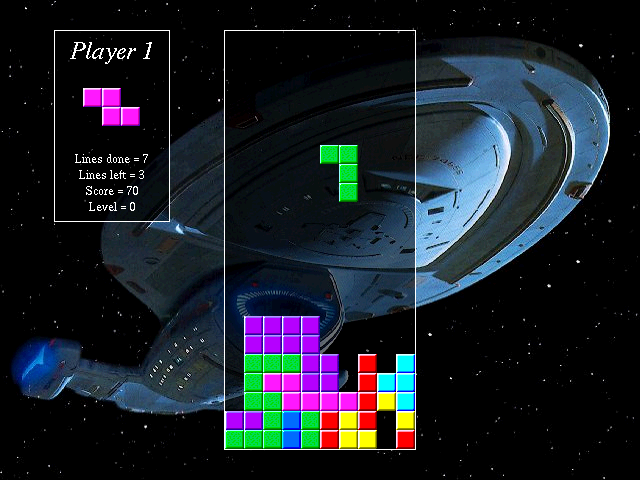
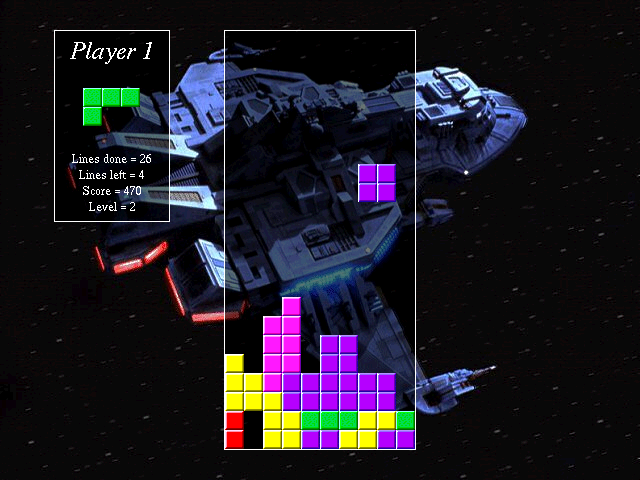
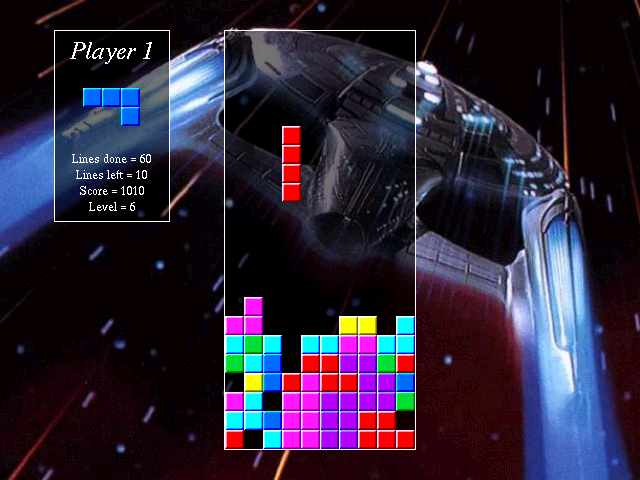
Screenshots
Keep playing
Similar Games


Help improve this entry
Something not working?
Report a gameplay or information problem. Short reports are enough.
Archive notes
Rights and Source Notes
Browser play uses the archived Freeware (installed) release. Official project references are listed below.
- Distribution
- Freeware (installed)
- Browser player
- js-dos · Browser play
- Added to archive
- 2026-07-27
- Official references