PolloPollo!
Saves are stored in this browser.
Player notes
About this game
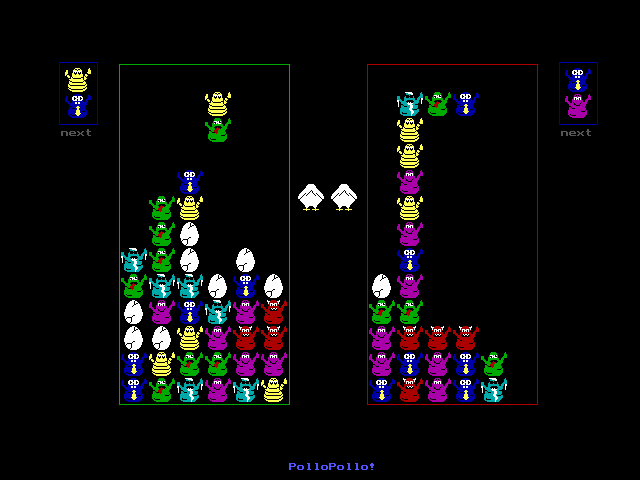
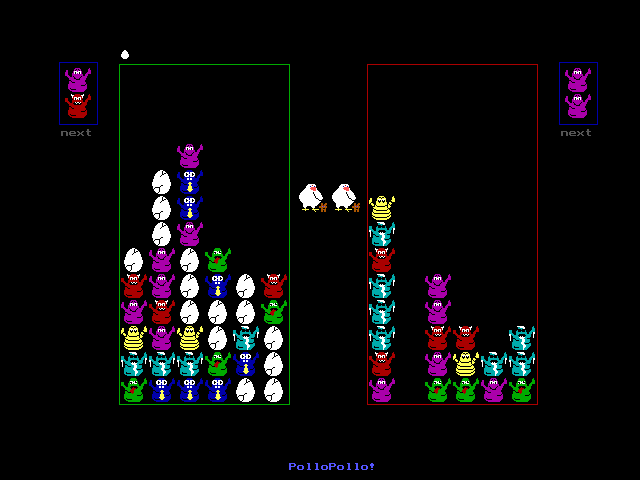
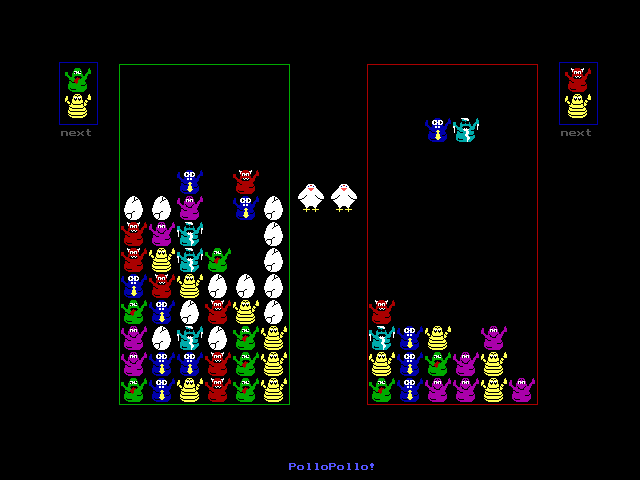
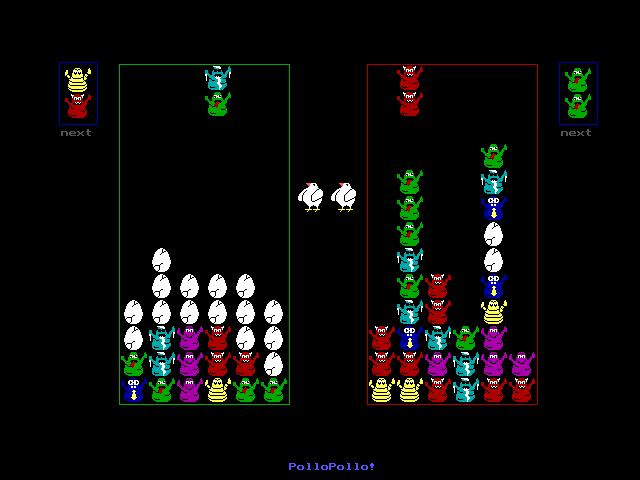
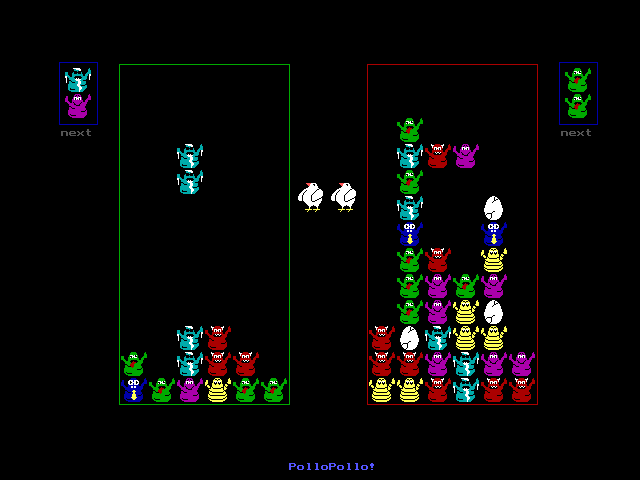
PolloPollo! is a falling-pair puzzle game for one player against the computer or two people at the same keyboard. Connect at least four Pollos of the same colour horizontally or vertically to clear them; diagonal contact does not count. Falling pieces can then create a chain reaction.
At the title screen, choose 1 for a computer opponent or 2 for two players. Player one uses J and L to move, K to rotate and Space to drop. Keep Caps Lock off. Player two uses keypad 4, 6, 5 and 0, with Num Lock on.
Clearing Pollos first cancels warning eggs above your own board. Only the remaining attack is sent to the other player. Clear groups beside fallen eggs to remove those obstacles, and use P to pause while learning the layout.
Start here
Quick tips
Four matching Pollos must connect along their sides, not diagonally.
Keep Caps Lock off; enable Num Lock for player two.
Clears cancel your incoming warning eggs before sending eggs to the opponent.
- 1 / 2
- Choose one player against the computer / two players at the title
- J / L
- Player one: move left / right
- K
- Player one: rotate
- Space
- Player one: drop
- Keypad 4 / 6
- Player two: move left / right
- Keypad 5 / 0
- Player two: rotate / drop
- P
- Pause or resume during play
- Q
- Quit during play
Screens
Screenshots

Keep playing
Similar Games

Help improve this entry
Something not working?
Report a gameplay or information problem. Short reports are enough.
Archive notes
Rights and Source Notes
Browser play uses the archived Freeware release. Official project references are listed below.
- Distribution
- Freeware
- Browser player
- js-dos · Browser play
- Added to archive
- 2026-07-27
- Official references