Adventure Fun-Pak
Saves are stored in this browser.
Player notes
About this game
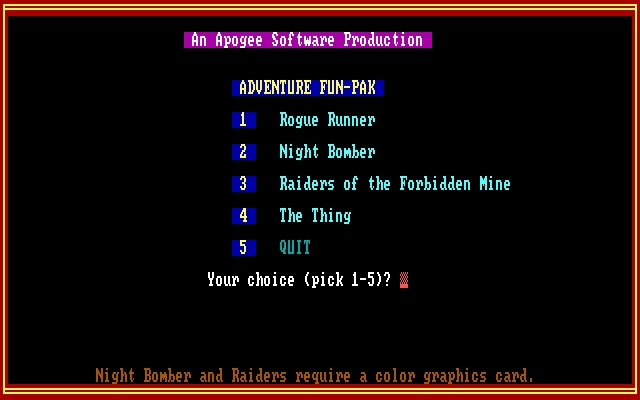
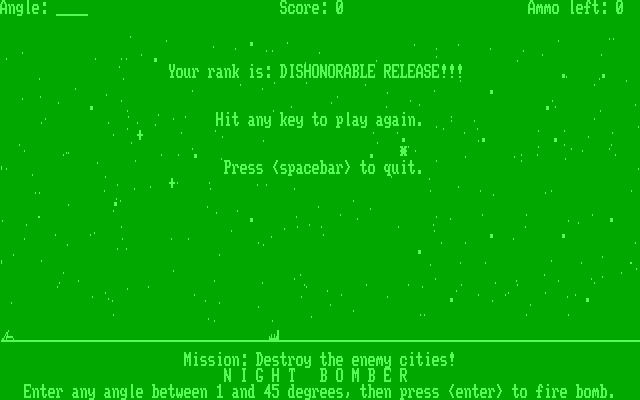
Adventure Fun-Pak opens with a numbered selector: 1 launches Rogue Runner, 2 Night Bomber, 3 Raiders of the Forbidden Mine and 4 The Thing. The games have separate instructions and controls. Answer the color or monochrome prompt when it appears before continuing into a game.
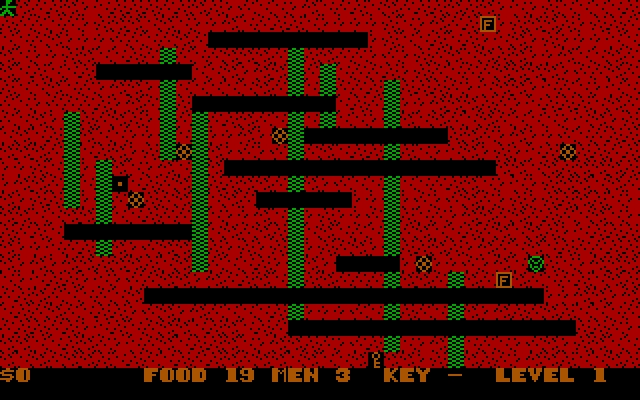
Rogue Runner searches the Ezam dungeons for the Heart of Courage. Arrows move your character; maps, pickaxes and teleport scrolls help with dark passages and pursuing creatures. Look for an exit along the far-right wall. Raiders instead emphasizes collecting gold while finding oxygen and the key needed to advance.
The Thing is a cave hunt: move with the arrows, inspect inventory with I and press S followed by a direction to shoot. Night Bomber asks for a firing angle and confirms it with Enter. Read the selected game’s opening instructions before using another game’s keys.
Start here
Quick tips
Each game has its own controls; read its opening instructions.
In Rogue Runner, look along the right wall for the dungeon exit.
- 1 / 2 / 3 / 4
- Launcher: Rogue Runner / Night Bomber / Raiders / The Thing
- 5
- Quit the launcher
- C / M
- At display prompt: color / monochrome
- Arrow keys
- Rogue Runner, Raiders and The Thing: move
- I
- The Thing: inventory
- S, then direction
- The Thing: shoot into the chosen adjoining cave
- Enter
- Night Bomber: confirm the entered firing angle
Screens
Screenshots


Keep playing
Similar Games
Help improve this entry
Something not working?
Report a gameplay or information problem. Short reports are enough.
Archive notes
Rights and Source Notes
Browser play uses the archived Freeware release.
- Distribution
- Freeware
- Browser player
- js-dos · Browser play
- Added to archive
- 2026-07-25