Bit Bang
Saves are stored in this browser.
Player notes
About this game
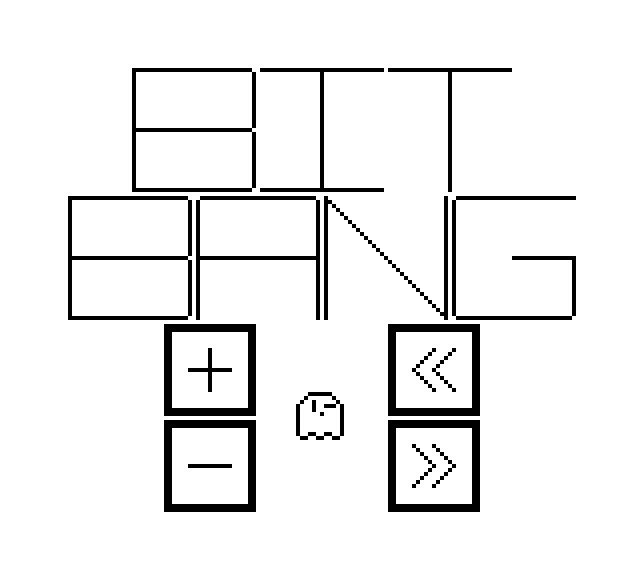
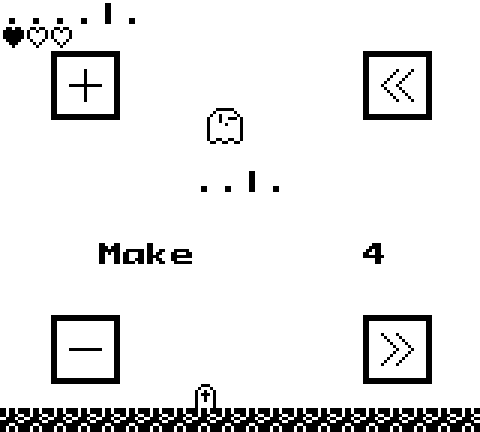
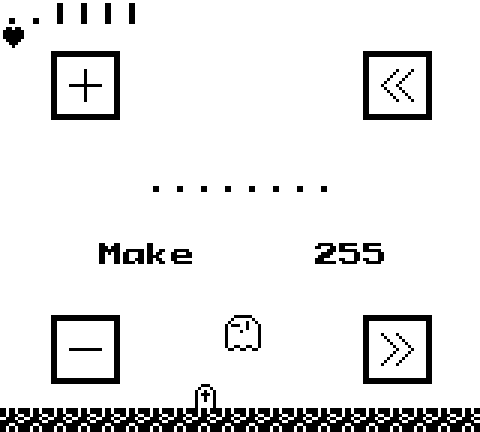
Bit Bang is a Game Boy number puzzle by StudioGuma. Ecto, a small ghost, moves between four buttons: add one, subtract one, shift left and shift right. The number in the middle is binary, while the Make target below it is decimal. Reach that target within the heart-shaped move allowance to clear a puzzle. Moving the ghost does not spend a heart; applying an operation does.
From the title, press X for Standard Mode or Z for Assist Mode. These map to the Game Boy A and B buttons. Assist Mode removes the move limit and also shows the current value in decimal, making it easier to learn what the bit shifts do. Use the arrow keys to move Ecto over a button, then press X to apply its operation. Holding X repeats the action, so use short taps when you want a single step.
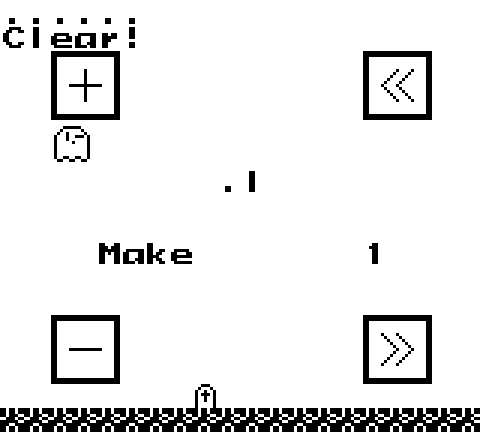
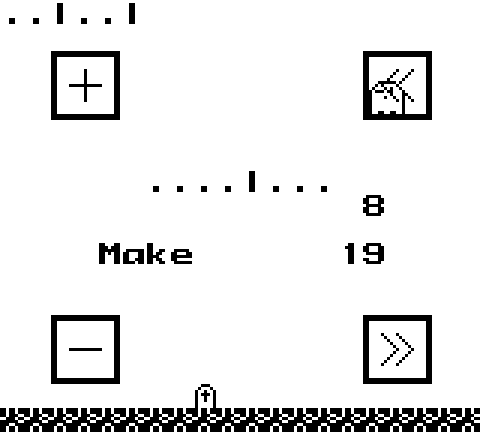
The left-shift button doubles the number within the puzzle's bit width. Right shift halves it, rounding down. The first puzzle only needs one press of the plus button to change zero to one; later targets require combining the operations. The early puzzles use fewer bits, so watch the displayed result instead of assuming the number has unlimited range.
Press Z during a puzzle to restart it. After a clear, Z moves on without waiting for the clear message. Enter toggles the game's music, and Tab toggles sound effects; neither is a game-pause shortcut. These are this site's default keyboard mappings, which differ from some keys listed for the creator's web player. The source download includes the matching game project and the corresponding music-driver sources.
Start here
Quick tips
For the first target, move over the plus button and tap X once.
Plan the operations before spending hearts; moving between buttons costs nothing.
Choose Assist Mode with Z at the title for unlimited moves and a decimal readout.
- Arrow keys
- Move Ecto over an arithmetic button
- X
- Game Boy A: start Standard Mode; apply the button under Ecto (hold to repeat)
- Z
- Game Boy B: start Assist Mode; reset a puzzle or advance after a clear
- Enter
- Game Boy Start: toggle music
- Tab
- Game Boy Select: toggle sound effects
Screens
Screenshots
Keep playing
Similar Games
Help improve this entry
Something not working?
Report a gameplay or information problem. Short reports are enough.
Archive notes
Rights and Source Notes
Browser play is available for this entry. Official project references are listed below.
- Distribution
- GPL-3.0-or-later code / CC BY-SA 4.0 assets
- Attribution
- Bit Bang by Studio Guma; source code licensed under GPL-3.0-or-later and assets under CC BY-SA 4.0.
- Browser player
- EmulatorJS · Browser play
- Added to archive
- 2026-07-23
- Official references
- Source code
- Download open-source code packageSource code only; this is not a game ROM download.