Bricks
Saves are stored in this browser.
Player notes
About this game
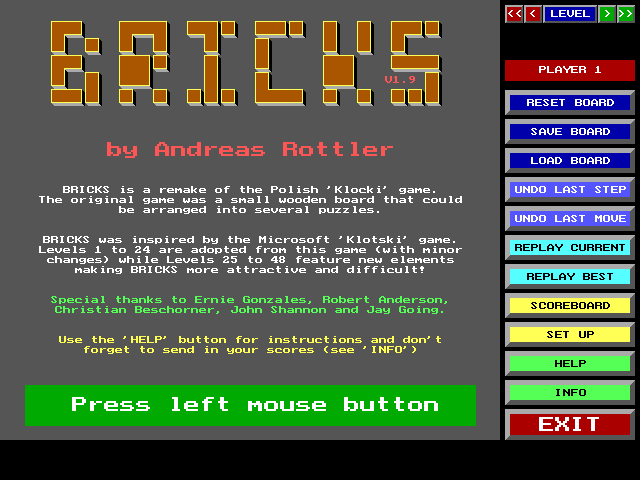
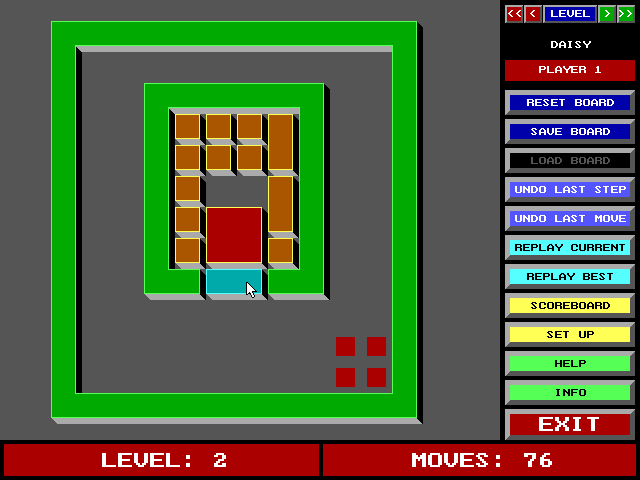
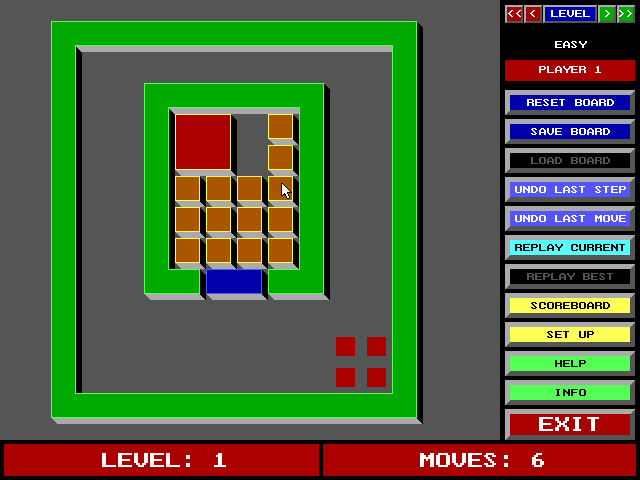
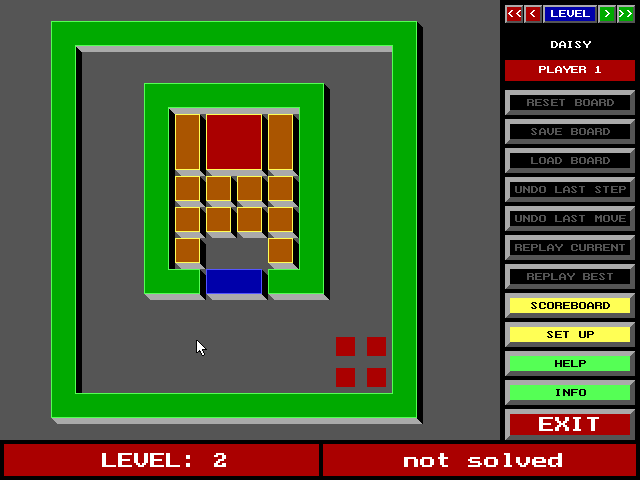
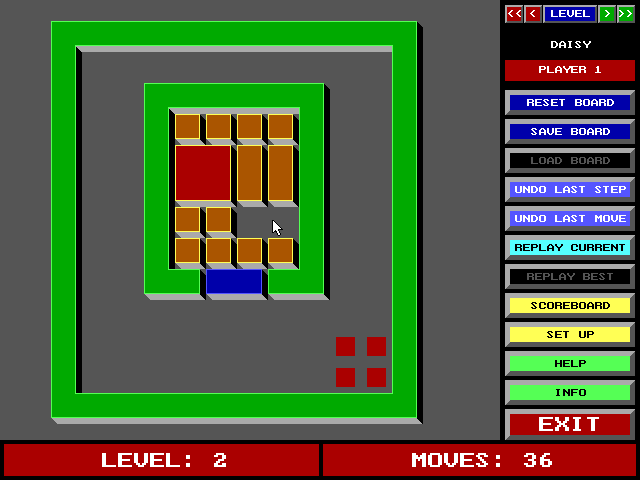
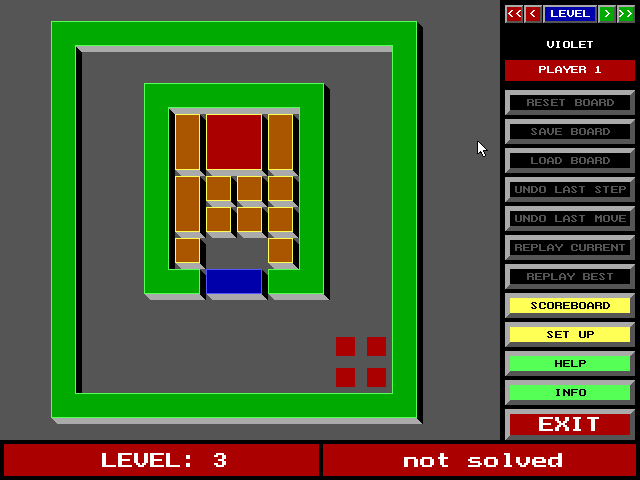
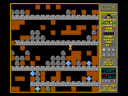
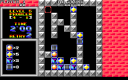
Bricks is Andreas Rottler's block-sliding puzzle game; this package identifies itself as version 1.9. The aim is to bring the master brick onto the marked destination squares. The opening board surrounds it with smaller pieces, so progress depends on creating enough room to slide each block into place.
Use the mouse to click a brick, keep the button held and drag it to a free position. A continuous drag counts as one move even when it contains several shifts. The panel distinguishes Undo Last Step from Undo Last Move, and offers board saving, loading and replay. Use Help to inspect the rules of the selected piece types.
Later puzzles add more than plain blocks. Magnets stick together after contact; linked magic bricks move as a group; a keystone can turn blockade pieces into ordinary blocks. Green trap squares become blocked after a piece leaves them. The blue barrier is removable only after the master brick has turned all of it light blue. Plan the space you will need for the next move before closing off a route.
Start here
Quick tips
Undo Step and Undo Move reverse different amounts of movement.
A fully light-blue barrier can be removed by clicking it.
Read Help before tackling unfamiliar special pieces.
- Left mouse drag
- Hold a brick and drag it to a free position
- Left mouse click
- Use the level, Help, undo, save and replay buttons
Screens
Screenshots
Keep playing
Similar Games
Help improve this entry
Something not working?
Report a gameplay or information problem. Short reports are enough.
Archive notes
Rights and Source Notes
Browser play uses the archived Freeware release. Official project references are listed below.
- Distribution
- Freeware
- Browser player
- js-dos · Browser play
- Added to archive
- 2026-07-26
- Official references