Brix
Saves are stored in this browser.
Player notes
About this game
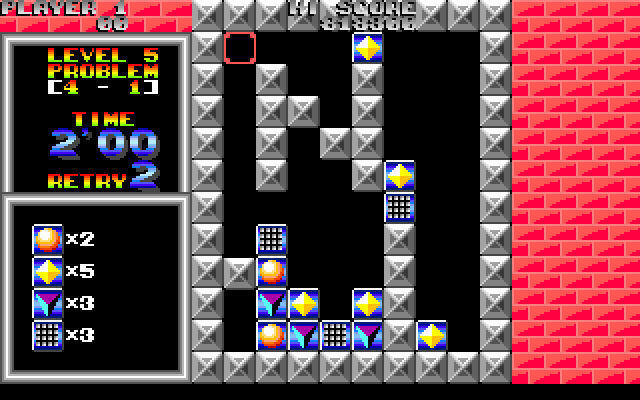
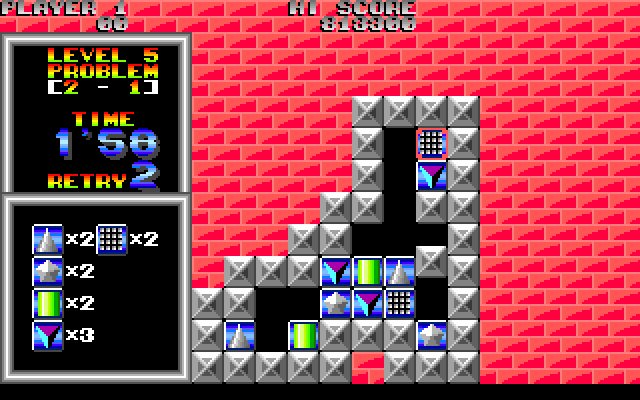
Brix asks you to remove every symbol from a puzzle board by bringing matching icons together horizontally or vertically. Some arrangements require three matching pieces to meet at once, so clearing the first pair you see can leave an awkward piece behind. Each puzzle runs against a timer.
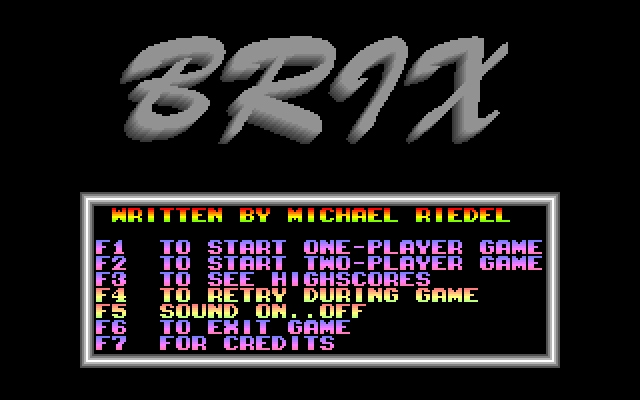
This is Michael Riedel's original Brix 1.00, identified by the included BRIX.DOC. On the level tree, only blue problems can be selected. Choose one with Space, then use the arrow keys to position the selector. Space switches between selecting and moving a piece.
F4 offers a limited restart of the current level, but the clock keeps running and the bonus is lost. It is useful for correcting a blocked arrangement, not for obtaining more time. Escape exits immediately, so use it only when you intend to leave the game.
Start here
Quick tips
Check whether three matching icons must meet before removing a pair.
A restart with F4 does not reset the clock and forfeits the bonus.
- Arrow keys
- Move the selector
- Space
- Choose a problem or switch select / move mode
- F4
- Restart the level, with limited uses
- Esc
- Exit immediately
Screens
Screenshots
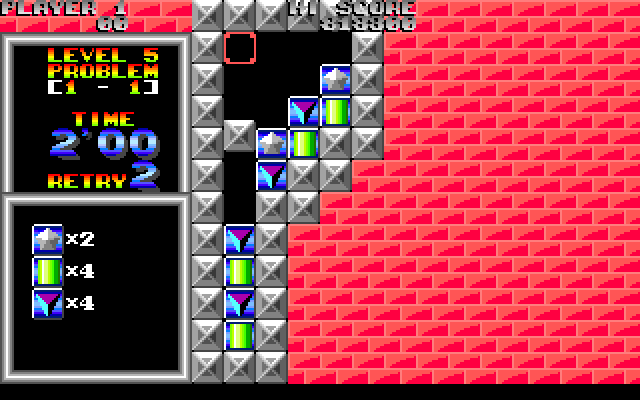
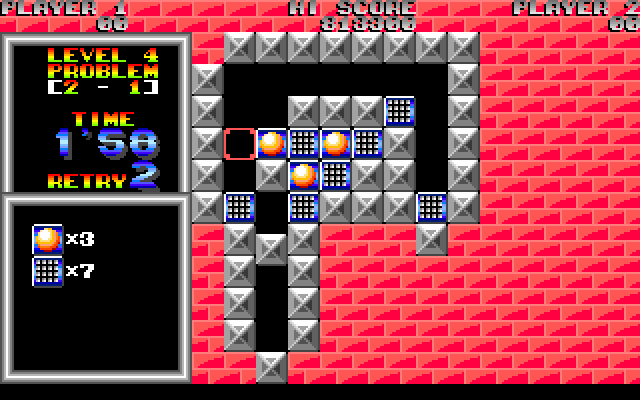
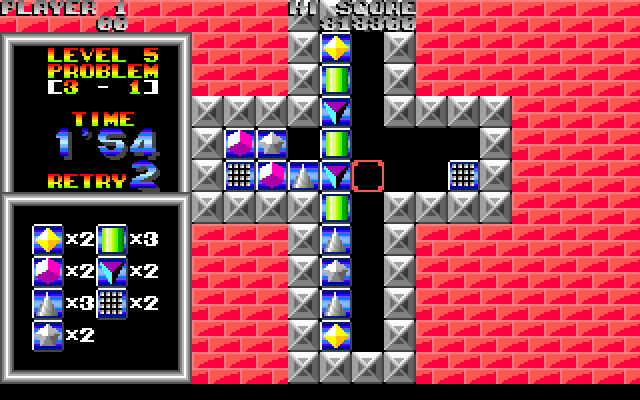
Keep playing
Similar Games
Help improve this entry
Something not working?
Report a gameplay or information problem. Short reports are enough.
Archive notes
Rights and Source Notes
Browser play uses the archived Freeware release.
- Distribution
- Freeware
- Browser player
- js-dos · Browser play
- Added to archive
- 2026-07-26