MS-PAC PC
Saves are stored in this browser.
Player notes
About this game
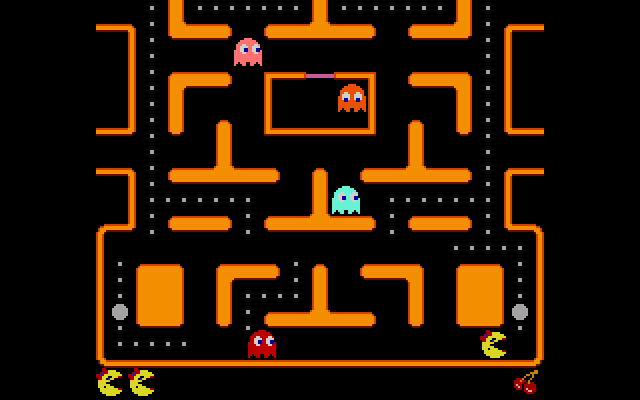
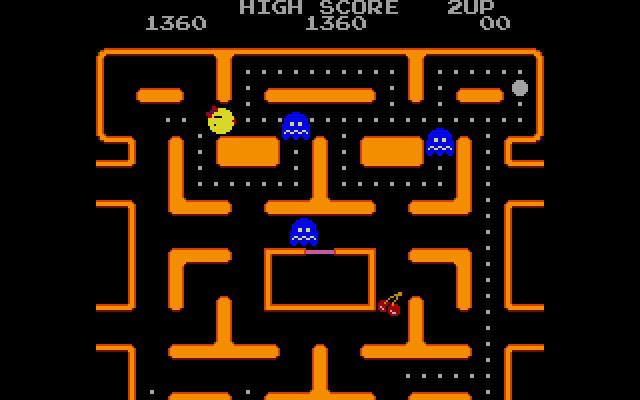
MS-PAC PC is an unofficial maze game in which you clear dots while avoiding ghosts. A flashing power pill temporarily lets you chase them instead. Bouncing fruit offers another scoring opportunity, but reaching it may take you away from the route you were using to clear the maze.
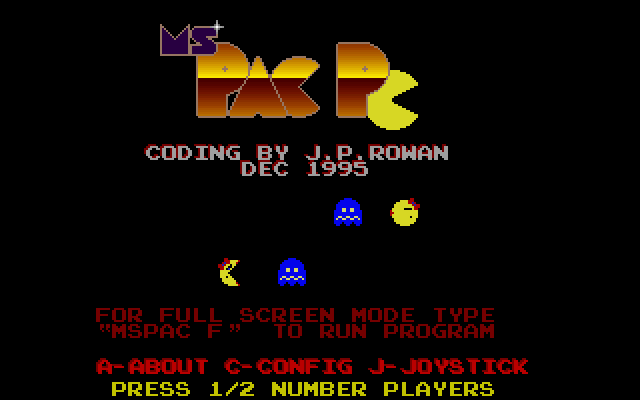
The included manual identifies this build as version 1.02A from December 1996. It documents a Fast option that makes the player move much faster than the ghosts. Press C on a title screen to inspect the configuration if the movement feels different from the pace you expected.
Use the arrows to move, or the alternative layout A for up, Z for down, N for left and M for right. P pauses and Q toggles sound. Escape ends the current game or exits from the title screen. Choose a route through the remaining dots before collecting a power pill, so its temporary advantage helps you clear an awkward part of the board.
Start here
Quick tips
Press C at the title screen to check the Fast setting if movement seems unusually quick.
Use P to pause and Q to toggle sound; Escape ends the current game.
- Arrow keys
- Move
- A / Z / N / M
- Move up / down / left / right
- P
- Pause
- Q
- Toggle sound
- C
- Open configuration from a title screen
- Esc
- End the current game / exit
Screens
Screenshots
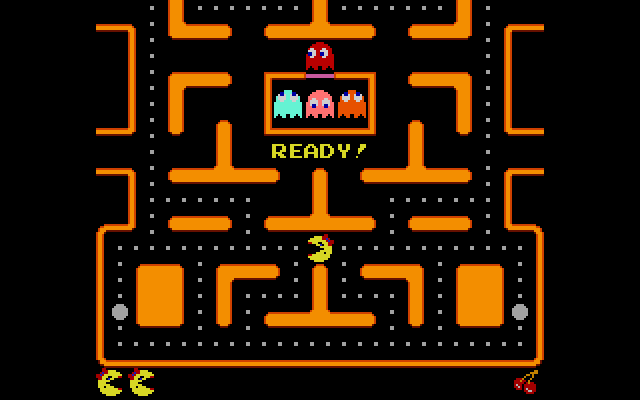
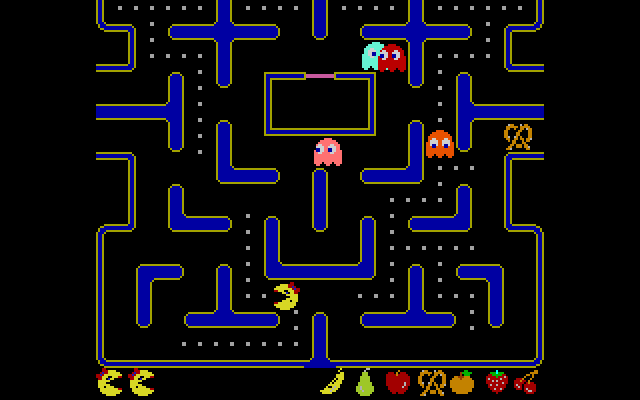
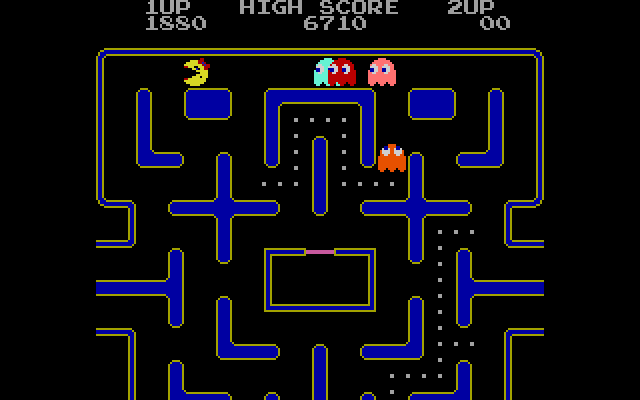
Keep playing
Similar Games
Help improve this entry
Something not working?
Report a gameplay or information problem. Short reports are enough.
Archive notes
Rights and Source Notes
Browser play uses the archived Freeware release. Official project references are listed below.
- Distribution
- Freeware
- Browser player
- js-dos · Browser play
- Added to archive
- 2026-07-27
- Official references