Digger Remastered
Saves are stored in this browser.
Player notes
About this game
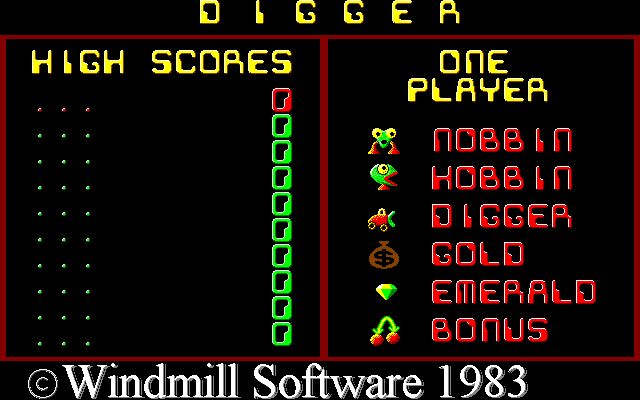
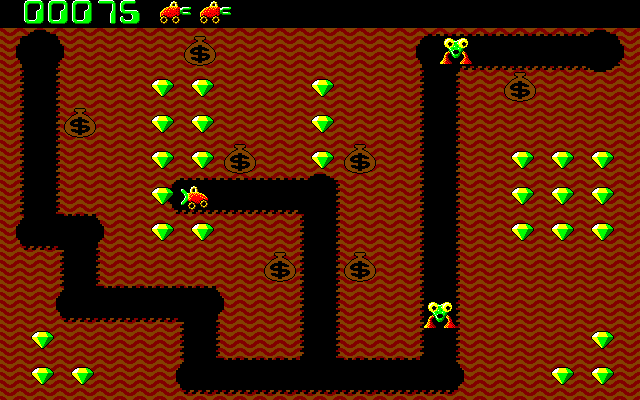
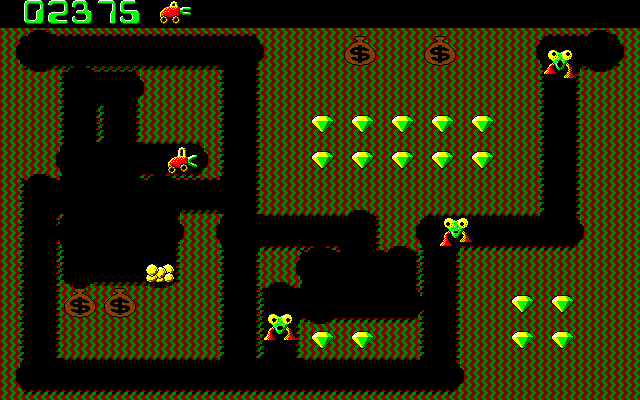
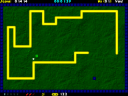
Digger Remastered revives Windmill Software's 1983 mining game. Tunnel through the earth, collect emeralds and avoid the creatures using the same passages. Bags of gold can be pushed down shafts, breaking open when they fall far enough and threatening anything beneath them. A fireball gives you another defence, but it takes time to recharge.
Andrew Jenner's included history dates the remastered project to 1998. This page runs its DOS edition. The documentation also discusses other ports, whose shortcuts are not always identical, so the keyboard reference here follows the DOS FAQ.
Use the arrows to move and F1 to fire. Space pauses, F7 toggles background music and F9 toggles sound. F10 returns from a game to the title screen, then exits from there. Before dropping a bag, leave yourself a route out from underneath it; a useful trap for a pursuer can also block your escape.
Start here
Quick tips
Save a fireball for a clear shot: another one is not immediately available.
Move away from the shaft before dropping a gold bag through it.
- Arrow keys
- Move and dig
- F1
- Fire a recharging fireball
- Space
- Pause
- F7
- Toggle background music
- F9
- Toggle sound
- F10
- Return to the title screen / exit
Screens
Screenshots
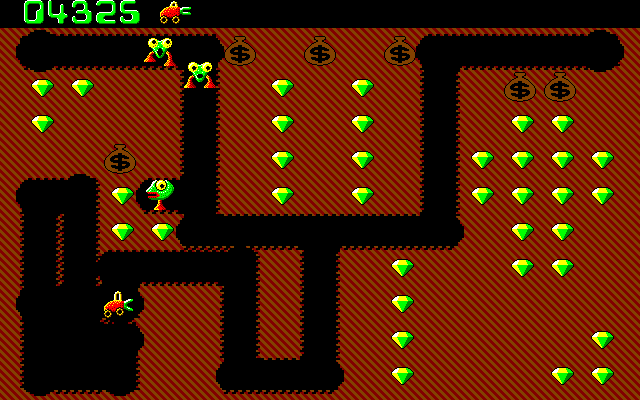
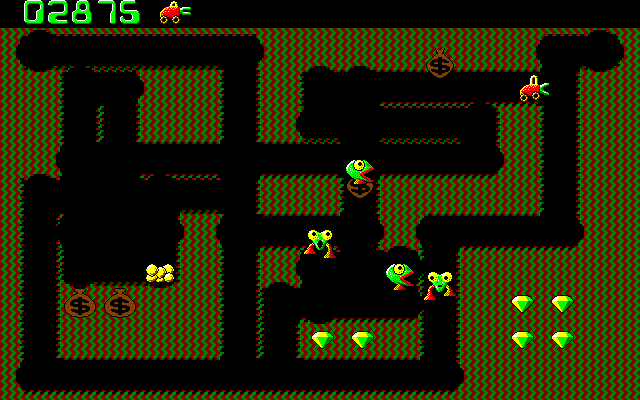
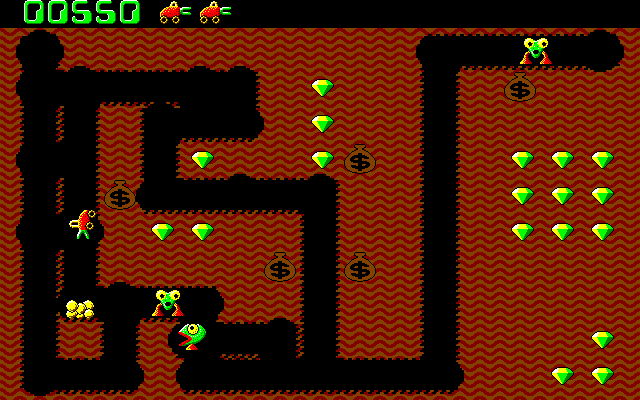
Keep playing
Similar Games

Help improve this entry
Something not working?
Report a gameplay or information problem. Short reports are enough.
Archive notes
Rights and Source Notes
Browser play uses the archived Freeware release. Official project references are listed below.
- Distribution
- Freeware
- Browser player
- js-dos · Browser play
- Added to archive
- 2026-07-26
- Official references