Zorlim's Arcade Volleyball
Saves are stored in this browser.
Player notes
About this game
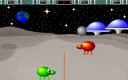
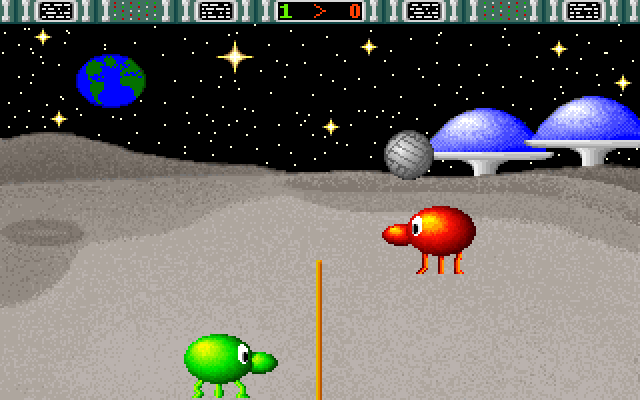
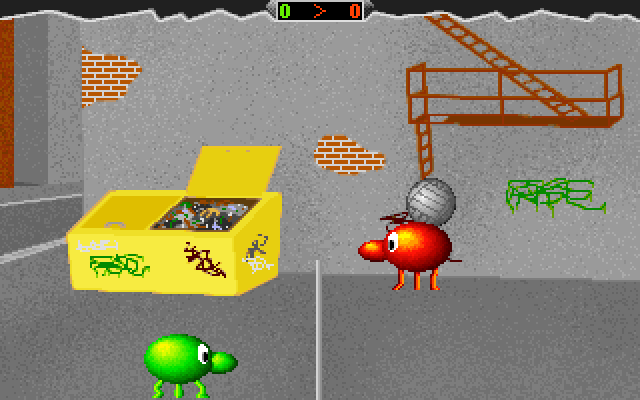
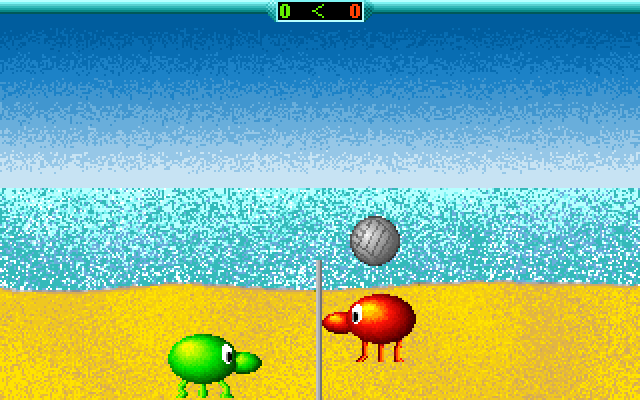
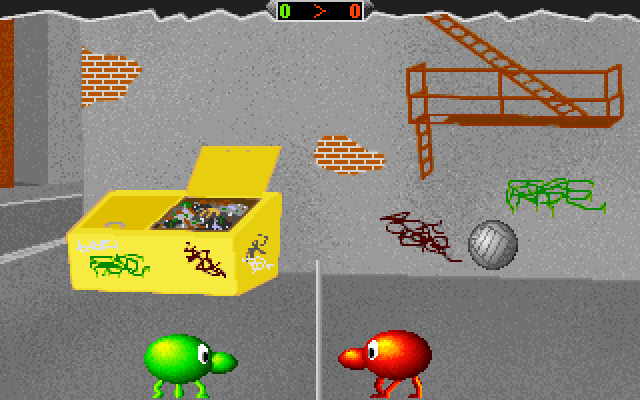
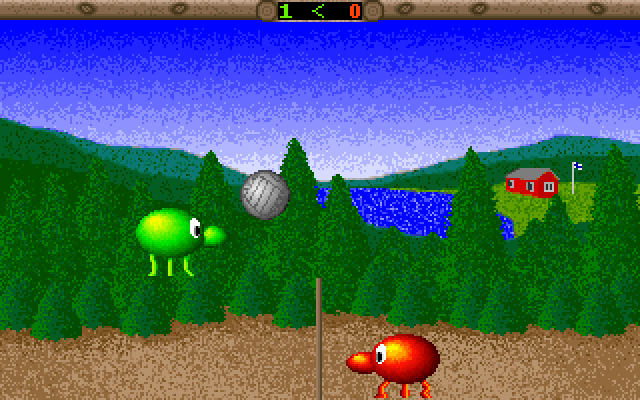
Zorlim’s Arcade Volleyball reduces a match to two rounded players, a ball and a central net. Position your player under the falling ball and time a jump to send it back across the court. The score appears above the play area, leaving most of the screen for reading the ball’s arc.
The archived keyboard configuration gives the left player A and D for movement and W for jumping. The right player uses Left, Right and Up. Both layouts can be used on one keyboard, so agree on sides before beginning. The game’s separate setup program can change the controller assignments; these instructions describe the supplied layout.
F5 toggles music and F6 toggles sound effects. Allow the opening logo sequence to finish before playing. Escape leaves the game through its closing screens. Move into position early rather than trying to reach every ball with a last-second jump.
Start here
Quick tips
The two players use different parts of the same keyboard.
Move underneath the ball before jumping.
- A / D
- Left player: move left / right
- W
- Left player: jump
- Arrow Left / Arrow Right
- Right player: move left / right
- Arrow Up
- Right player: jump
- F5 / F6
- Toggle music / sound effects
- Escape
- Leave the game
Screens
Screenshots

Keep playing
Similar Games
Help improve this entry
Something not working?
Report a gameplay or information problem. Short reports are enough.
Archive notes
Rights and Source Notes
Browser play uses the archived Freeware (installed) release. Official project references are listed below.
- Distribution
- Freeware (installed)
- Browser player
- js-dos · Browser play
- Added to archive
- 2026-07-27
- Official references