Deluxe Snake
Saves are stored in this browser.
Player notes
About this game
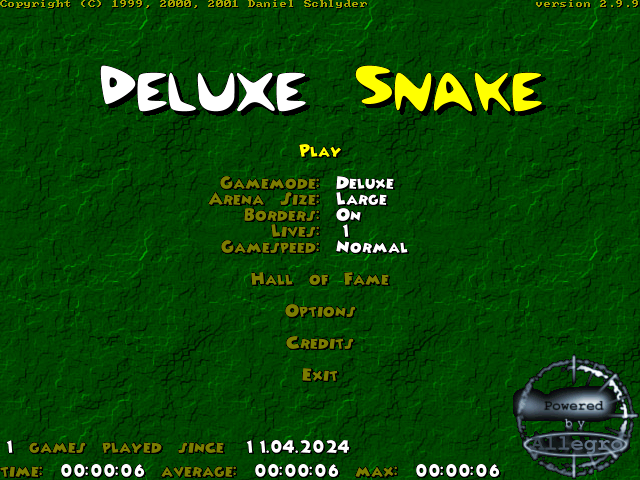
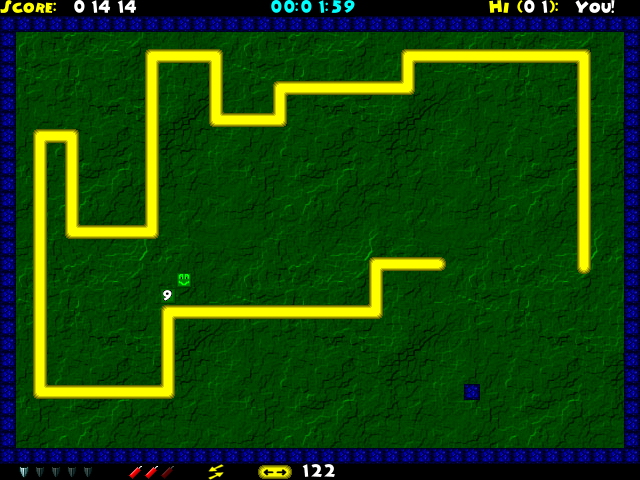
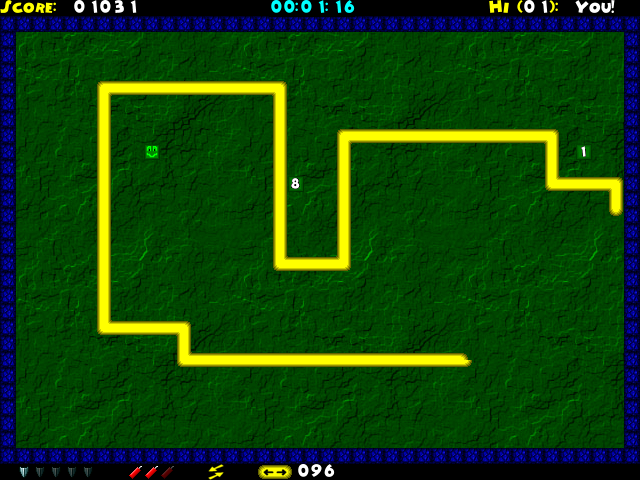
Deluxe Snake turns the familiar growing-snake game into a choice of modes. UltraBasic keeps one piece of food on the board until it is eaten. Basic can spawn several pieces, and uneaten food can disappear or become a wall. Deluxe adds frogs, gifts, mushrooms and powerups that change how you survive.
The playable package uses the DOS executable of version 2.9.9. Its instructions cover features added after the game's original 1999 release, so they are more extensive than a basic Snake ruleset. Use the arrow keys to steer and P to pause. Escape returns to the menu.
Some keys work only after collecting the right item. Left Ctrl reverses travel when you have a Reverse powerup. After assembling a bomb from dynamite pickups, Space targets blue walls, while Left Shift targets four grey walls. Start with UltraBasic to learn the movement before taking on modes where the board itself changes as food expires.
Start here
Quick tips
UltraBasic is a useful starting mode because its food stays put until eaten.
Left Ctrl needs a Reverse powerup; the bomb keys also require an available bomb.
- Arrow keys
- Steer the snake
- Left Ctrl
- Reverse travel with a Reverse powerup
- Space
- Use a bomb against blue walls
- Left Shift
- Use a bomb against four grey walls
- P
- Pause
- Esc
- Return to the menu
Screens
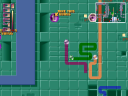
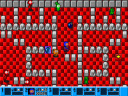
Screenshots
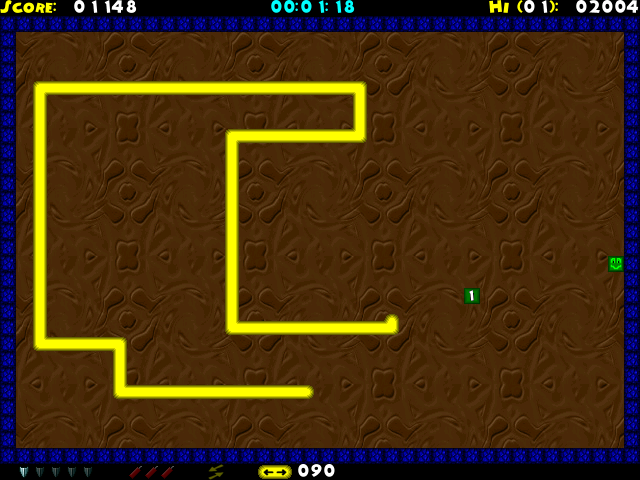
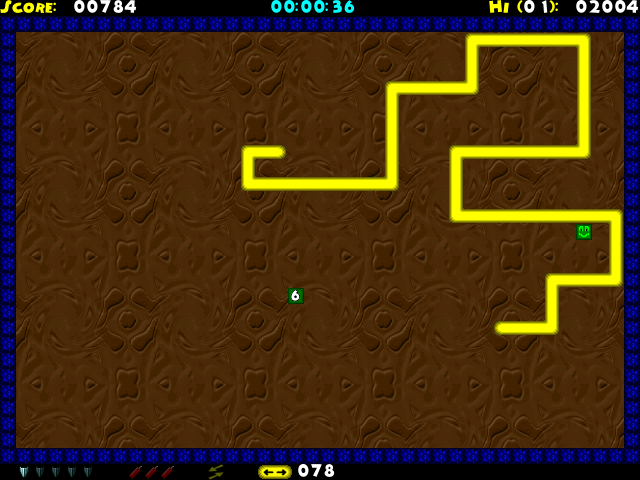
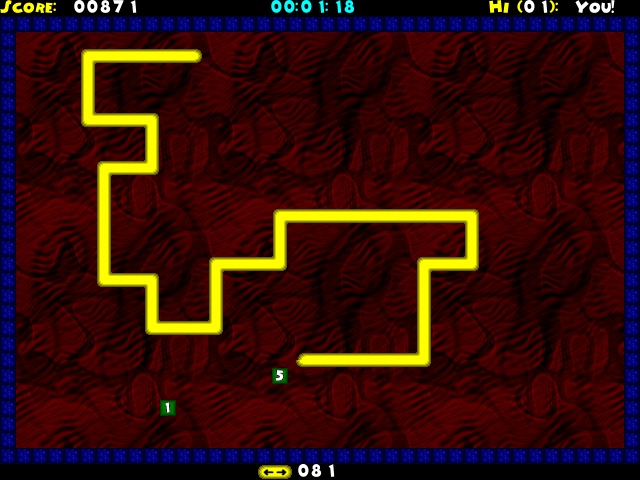
Keep playing
Similar Games
Help improve this entry
Something not working?
Report a gameplay or information problem. Short reports are enough.
Archive notes
Rights and Source Notes
Browser play uses the archived Freeware (installed) release. Official project references are listed below.
- Distribution
- Freeware (installed)
- Browser player
- js-dos · Browser play
- Added to archive
- 2026-07-26
- Official references