Heroes
Saves are stored in this browser.
Player notes
About this game
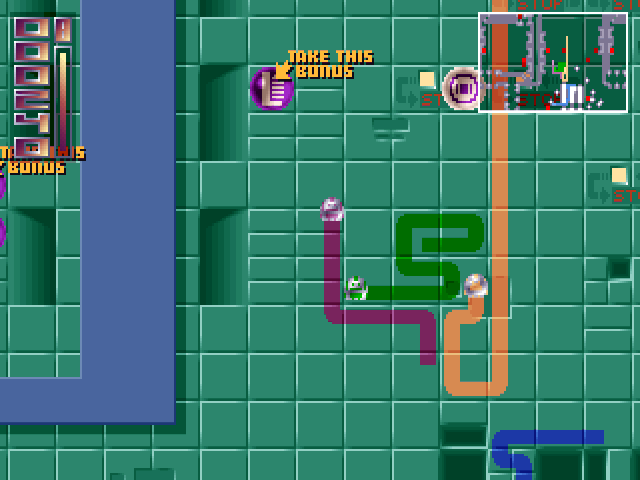
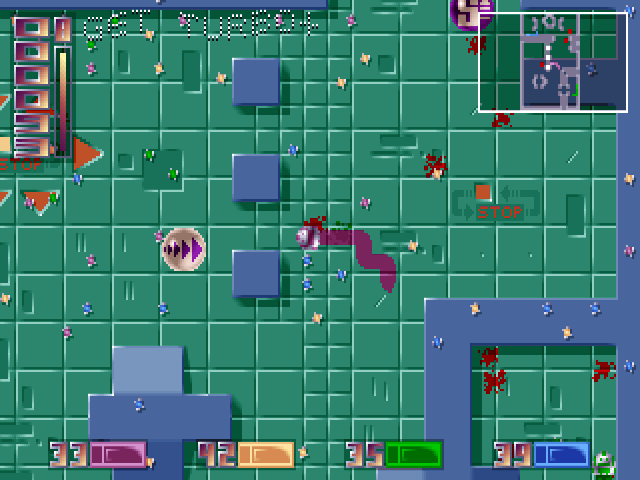
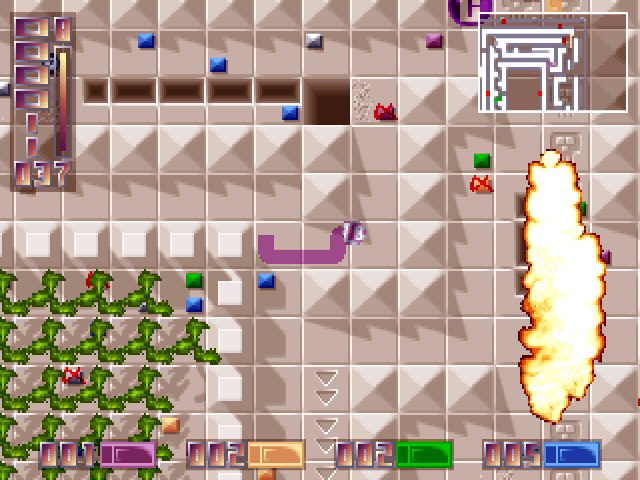
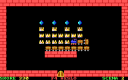
Heroes mixes snake-style growth with arena driving. Guide a small vehicle around the level, collecting useful items while avoiding walls, other vehicles' trails and your own growing trail. Its modes change the emphasis between collecting and outlasting opponents.
The DOS keyboard configuration differs from the later ports. The first player's default movement uses keypad 8, 2, 4 and 6; Ctrl supplies turbo and Shift stops the vehicle. Open Options, then Keys, to inspect or redefine these bindings before starting, especially on a keyboard without a numeric keypad.
Choose Play from the main menu and select a mode. Infos explains the rules and screen indicators inside this build. Begin at the normal speed setting and save turbo for an open route: moving faster is risky when the level is already crowded with trails.
Start here
Quick tips
Options → Keys shows the bindings for both players.
Read Infos for the rules of each mode.
- Arrow keys / Enter
- Navigate and confirm menu choices
- Keypad 8 / 2 / 4 / 6
- First-player up / down / left / right
- Ctrl
- First-player turbo
- Shift
- First-player stop
Screens
Screenshots

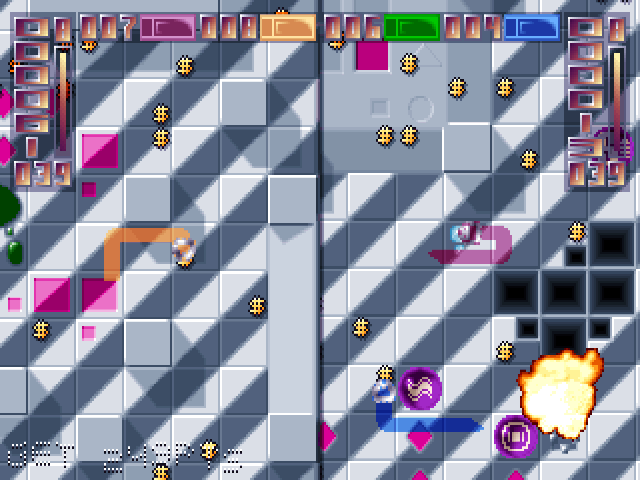
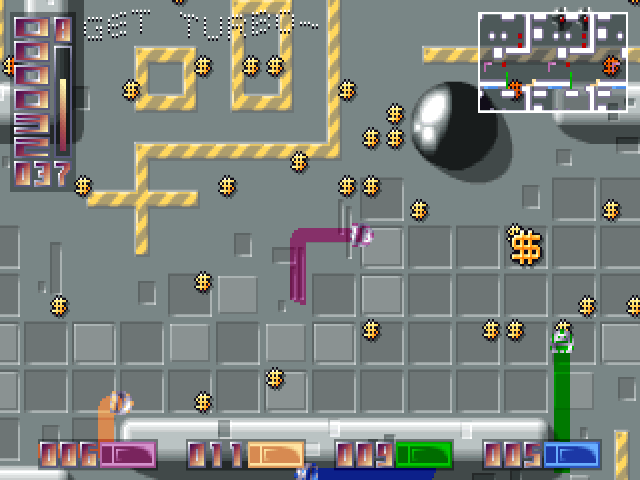
Keep playing
Similar Games
Help improve this entry
Something not working?
Report a gameplay or information problem. Short reports are enough.
Archive notes
Rights and Source Notes
Browser play uses the archived Freeware (installed) release. Official project references are listed below.
- Distribution
- Freeware (installed)
- Browser player
- js-dos · Browser play
- Added to archive
- 2026-07-28
- Official references