The Horizont NibbleS
Saves are stored in this browser.
Player notes
About this game
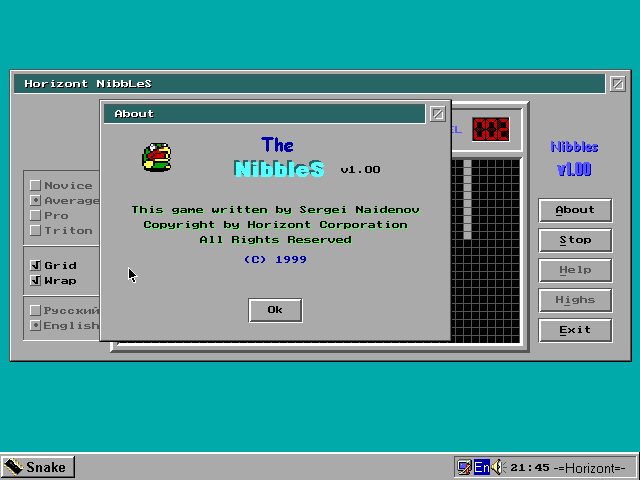
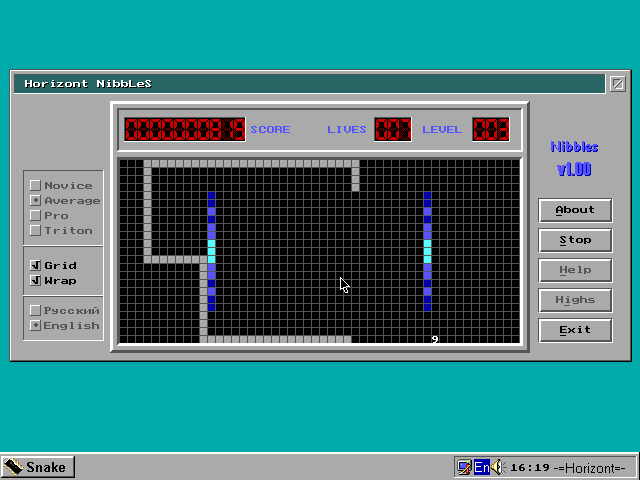
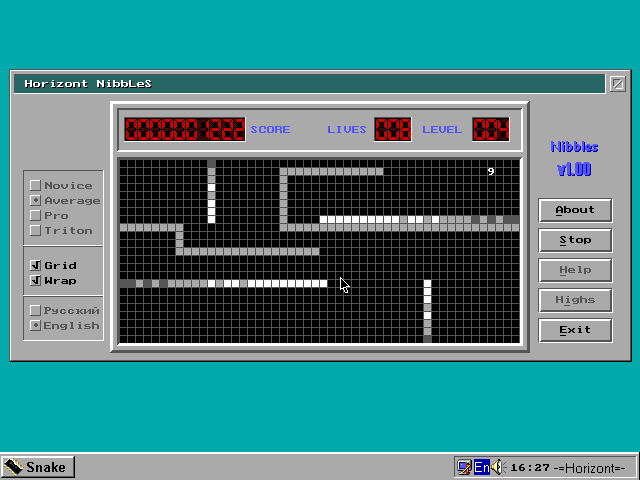
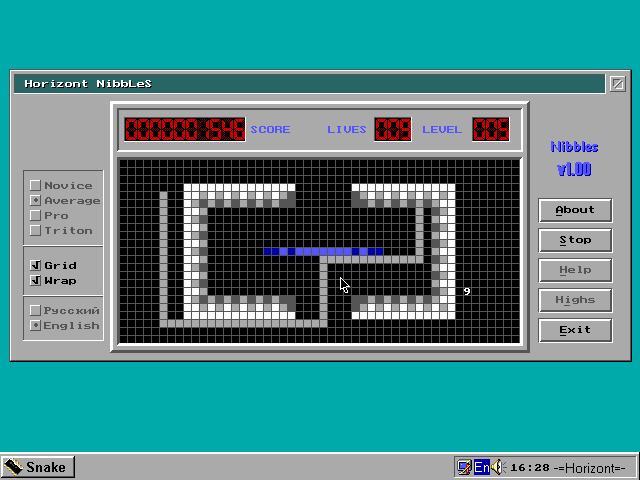
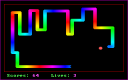
Horizont Nibbles gives the snake game a desktop-style interface with buttons, radio choices and English or Russian text. Its developer adapted levels and settings from FastTracker's Nibbles, with changes to some difficult stages and the later-life rewards.
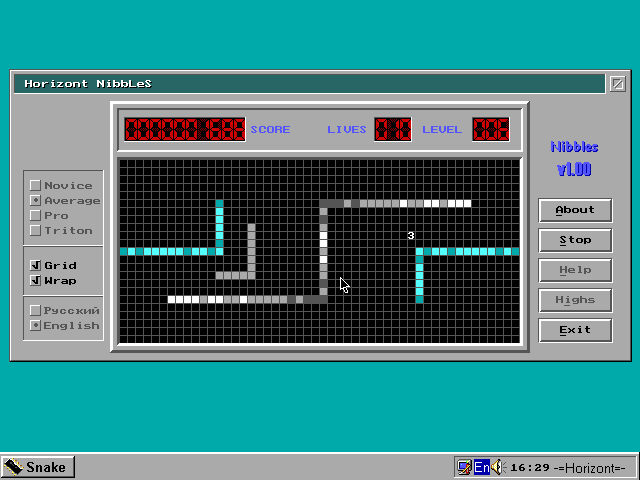
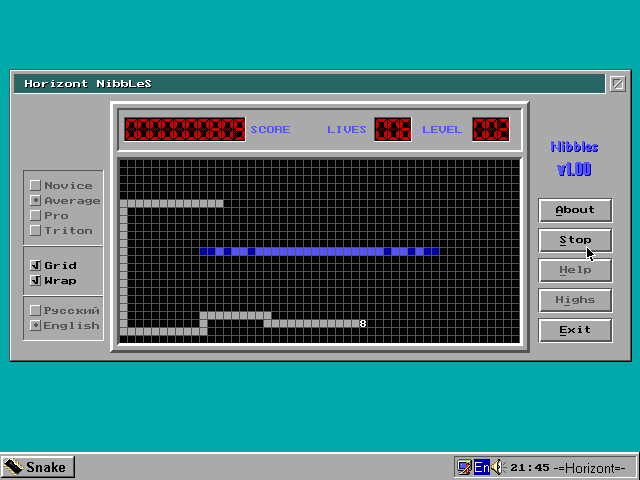
Use the mouse to choose a speed and select Play. The four speed choices are Novice, Average, Pro and Triton. During play, the arrow keys steer the snake. The developer notes that this version needs the mouse for its interface, even though movement itself uses the keyboard.
Grid toggles the visible grid lines. Wrap changes whether the snake can cross a screen edge and appear on the other side. Check that setting before planning a route near a boundary, and begin at Novice speed while learning the layout. Help opens the game's own explanation of these options.
Start here
Quick tips
Choose Novice while learning the level layout.
Wrap determines whether crossing the screen boundary is allowed.
- Arrow keys
- Steer the snake during play
- Left click
- Select speed, Grid/Wrap, language, Play or Help
Screens
Screenshots
Keep playing
Similar Games
Help improve this entry
Something not working?
Report a gameplay or information problem. Short reports are enough.
Archive notes
Rights and Source Notes
Browser play uses the archived Freeware release.
- Distribution
- Freeware
- Browser player
- js-dos · Browser play
- Added to archive
- 2026-07-27