I Can't Believe It's Not Bomberman
Saves are stored in this browser.
Player notes
About this game
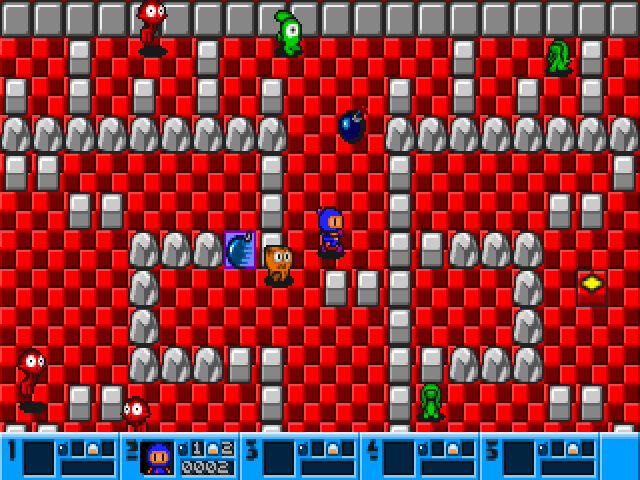
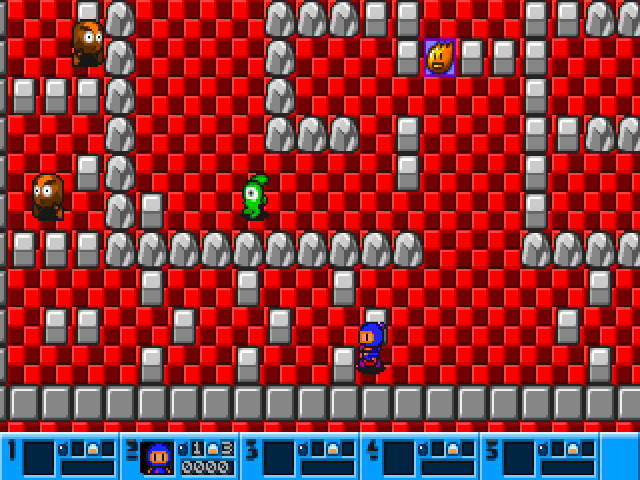
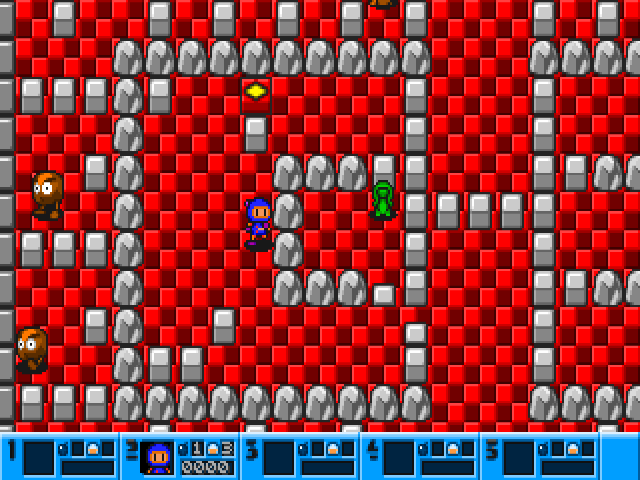
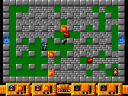
I Can't Believe It's Not Bomberman is a maze action game built around placing bombs and getting clear before they explode. Its setup screen offers a battle mode against computer-controlled bombers and an adventure mode against monsters. Choose the world size before starting.
This build uses a letter-and-punctuation layout: A moves up, Z moves down, comma moves left and full stop moves right. Space places a bomb. Alt is the special bomb action shown in the instructions: it kicks a bomb or triggers remote detonation when that ability is available.
Press I on the opening screen to read the instructions, and use the mouse on the setup screen to choose a mode and Play. Keep an escape route open before laying a bomb; a narrow corridor can trap the player as easily as an opponent.
Start here
Quick tips
Leave an escape route before placing a bomb.
Check the mode and world size before selecting Play.
- A / Z
- Move up / down
- Comma / Full stop
- Move left / right
- Space
- Place a bomb
- Alt
- Kick a bomb or activate remote detonation when available
- I
- Show instructions at the opening screen
- Left click
- Choose mode, world size and Play on the setup screen
Screens
Screenshots

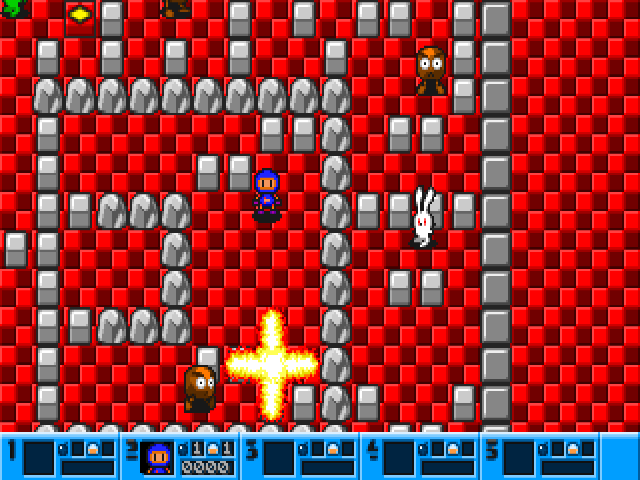
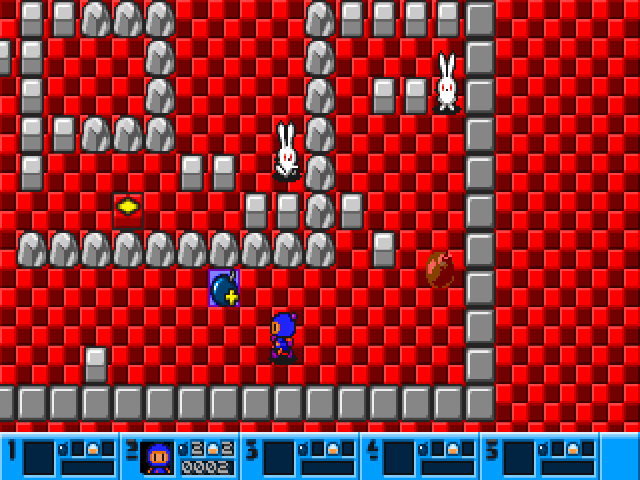
Keep playing
Similar Games
Help improve this entry
Something not working?
Report a gameplay or information problem. Short reports are enough.
Archive notes
Rights and Source Notes
Browser play uses the archived Freeware (installed) release. Official project references are listed below.
- Distribution
- Freeware (installed)
- Browser player
- js-dos · Browser play
- Added to archive
- 2026-07-27
- Official references