Pyromania
Saves are stored in this browser.
Player notes
About this game
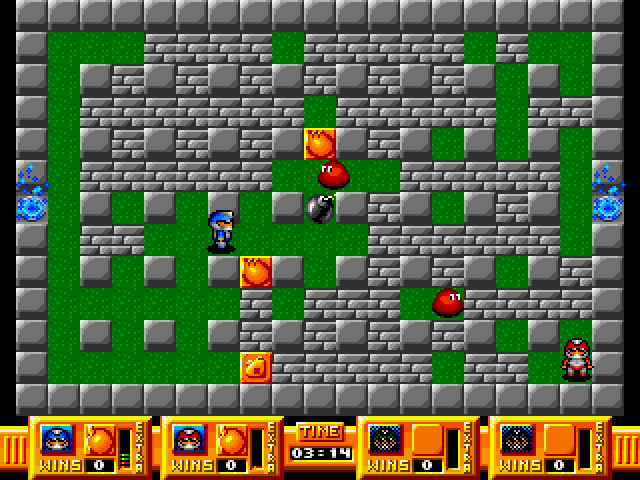
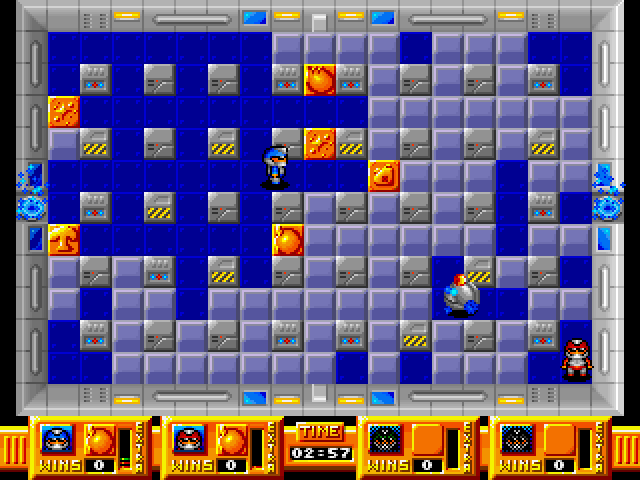
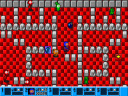
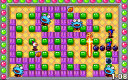
Pyromania is a competitive bomb-maze game for human opponents. Destroy blocks to open corridors and reveal extras, then use the changing arena to trap rivals without being caught by your own blast. The manual describes a multiplayer game rather than a solo campaign.
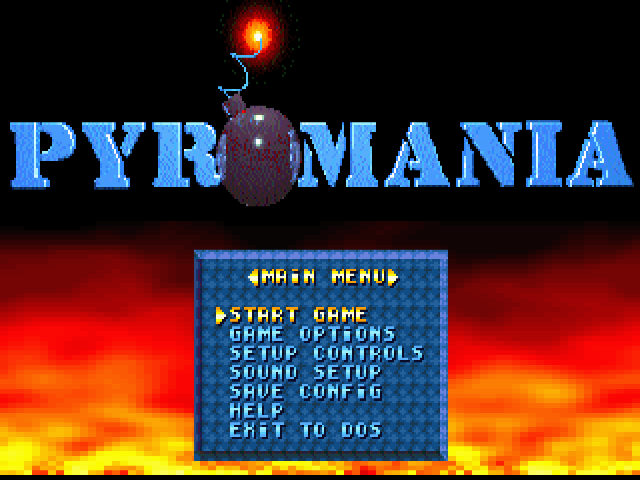
Use the arrows and Enter to navigate menus. Before starting, open Setup Controls and set each player's movement, Bomb and Extra keys. Select an action, press Enter, then press the desired key. A warning appears if another player already uses it. The guide supports three keyboard layouts; the fourth player requires a joystick in the original program.
Game Options controls the player count, time limit and extras. Use Help to inspect power-up symbols with Left and Right. Agree on the layouts and round settings before choosing Start Game.
Start here
Quick tips
Configure each player under Setup Controls before starting.
The original fourth-player option requires a joystick; keyboard layouts cover three players.
- Arrow Up / Arrow Down
- Choose menu items
- Arrow Left / Arrow Right
- Change options or browse help symbols
- Enter
- Confirm; begin assigning a selected control
- Escape
- Leave a submenu
- Assigned movement keys
- Move the corresponding player
- Assigned Bomb key
- Place a bomb
- Assigned Extra key
- Change the selected extra
Screens
Screenshots
Keep playing
Similar Games
Help improve this entry
Something not working?
Report a gameplay or information problem. Short reports are enough.
Archive notes
Rights and Source Notes
Browser play uses the archived Freeware release.
- Distribution
- Freeware
- Browser player
- js-dos · Browser play
- Added to archive
- 2026-07-27