Mr.Boom 3.0
Saves are stored in this browser.
Player notes
About this game
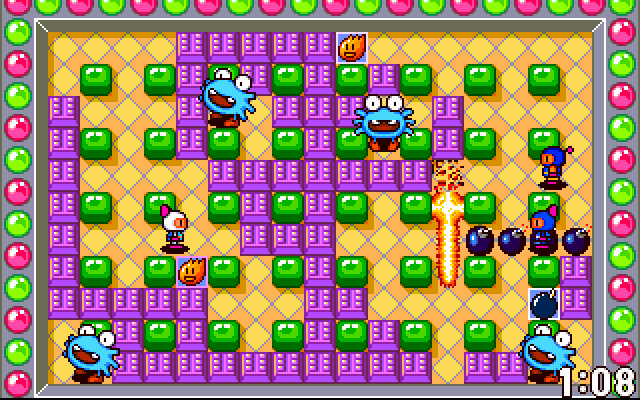
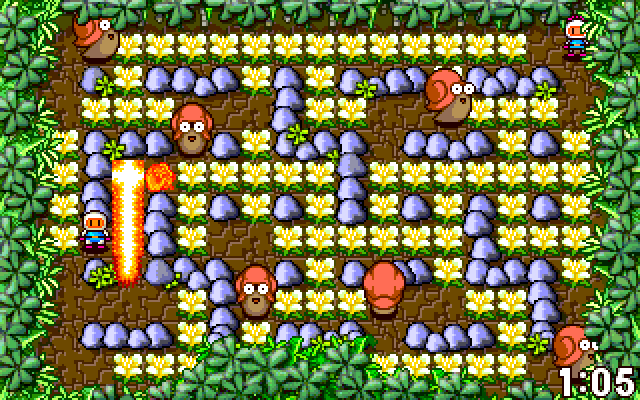
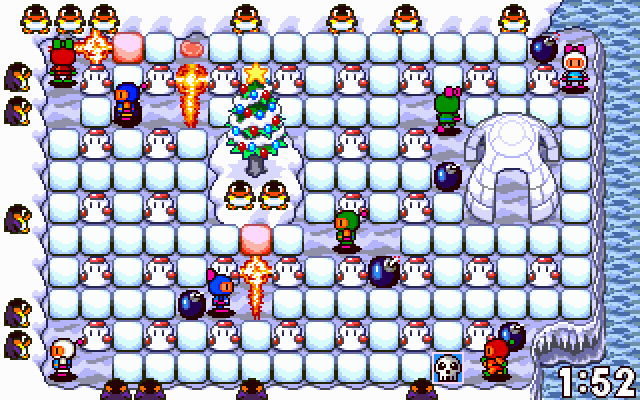
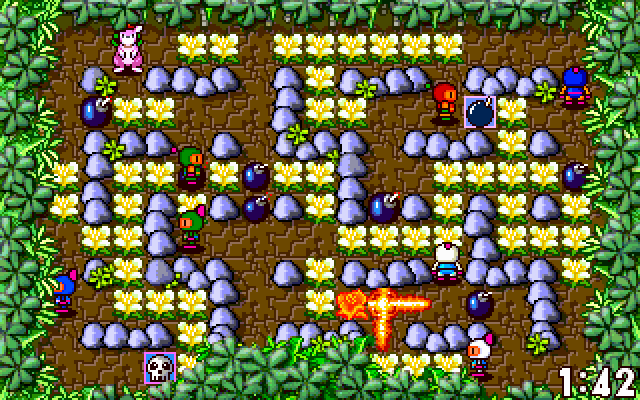
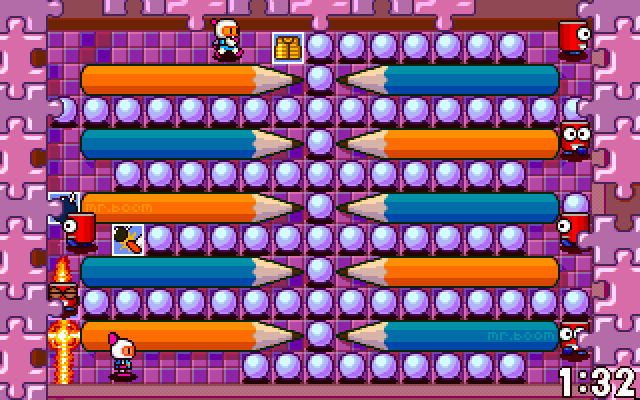
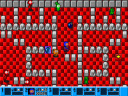
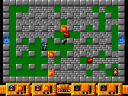
Mr.Boom 3.0 is built for competitive bomb battles, with individual and team modes across eight arenas. It does not include a single-player quest. The original DOS program also described IPX networking and eight-player setups; those features are not a promise of online multiplayer through this browser page.
For the documented two-player keyboard start, press Space to join the left player, Numpad 0 to join the right player, then Enter. Enter alone will not begin a match because at least two bombermen must join first. The left player uses A, Q, T and Y for movement; the right player uses the arrow keys.
Space and Numpad 0 place bombs for their respective players. Tab and Numpad Decimal activate remote control when available. Leave a route away from each bomb and check both players' keys before starting.
Start here
Quick tips
Join both players before pressing Enter.
Numpad 0 is the second player’s action key, not the top-row 0.
- Space
- Join player one or place that player’s bomb
- A / Q / T / Y
- Player one movement keys
- Tab
- Player one remote control
- Arrow keys
- Player two movement
- Numpad 0
- Join player two or place that player’s bomb
- Numpad Decimal
- Player two remote control
- Numpad Enter
- Player two rabbit jump when available
- Enter
- Start after at least two players have joined
- Pause
- Pause the match
Screens
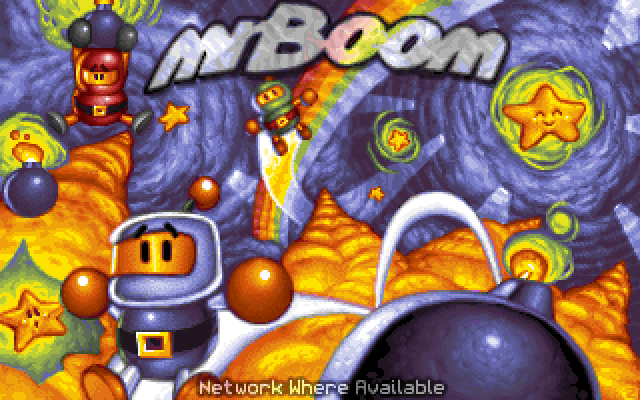
Screenshots
Keep playing
Similar Games
Help improve this entry
Something not working?
Report a gameplay or information problem. Short reports are enough.
Archive notes
Rights and Source Notes
Browser play uses the archived Freeware release. Official project references are listed below.
- Distribution
- Freeware
- Browser player
- js-dos · Browser play
- Added to archive
- 2026-07-27
- Official references