Arkanoid (Eclipse Goodies)
Saves are stored in this browser.
Player notes
About this game
Arkanoid (Eclipse Goodies) is a small DOS paddle-and-ball game included in Eclipse's Goodies, a collection released on 18 October 1993. The original release note pairs ARKA with a separate VGA and Sound Blaster demonstration called BOUNCING. This page starts the ARKA game.
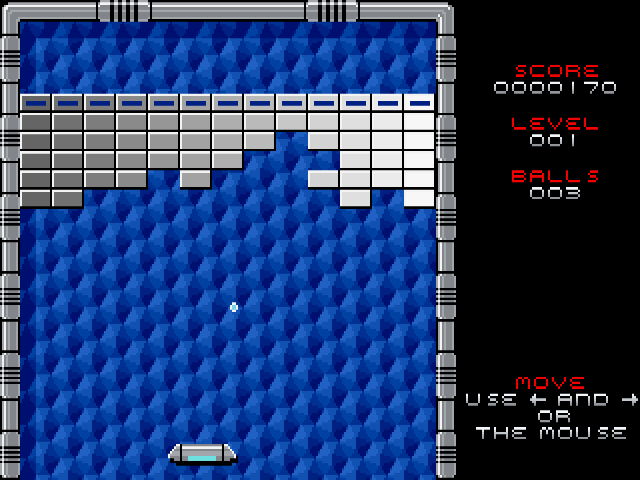
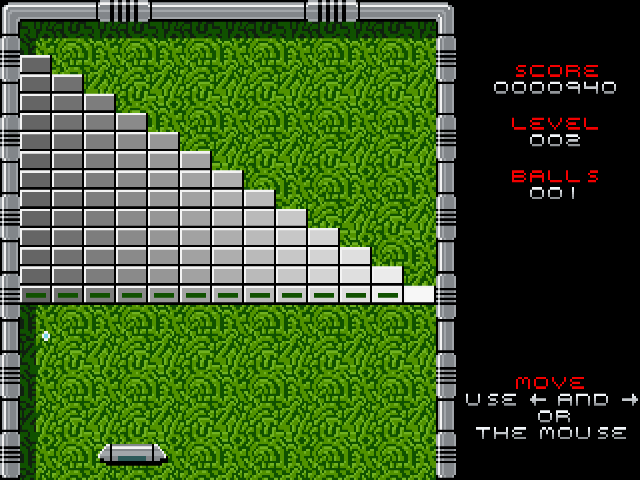
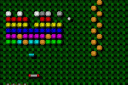
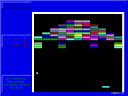
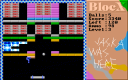
The playfield places a wall of blocks above a paddle. Bounce the ball back toward the blocks to break them and increase your score, while keeping it from falling past the paddle. The side panel tracks score, level and remaining balls. A new game begins on level 1 with three balls.
The opening animation demonstrates the game before you take control. Press Space to start your own game, then wait for the ball to appear resting above the paddle. Move left or right with the arrow keys or the mouse and press Space again to launch. After a miss, the ball returns to the paddle and the remaining-ball count decreases; position the paddle before serving again.
Start here
Quick tips
The moving ball at startup is a demonstration. Press Space to begin your own game with three balls.
Before launching, use the arrow keys or mouse to position the paddle and the ball resting on it.
After losing a ball, press Space to serve the next one. Watch the BALLS counter on the right.
- Left / Right
- Move the paddle horizontally
- Space
- Start from the opening demonstration; launch a ball resting on the paddle
- Mouse movement
- Move the paddle horizontally
Screens
Screenshots
Keep playing
Similar Games
Help improve this entry
Something not working?
Report a gameplay or information problem. Short reports are enough.
Archive notes
Rights and Source Notes
Browser play uses the archived Freeware release.
- Distribution
- Freeware
- Browser player
- js-dos · Browser play
- Added to archive
- 2026-07-25