BlocX
Saves are stored in this browser.
Player notes
About this game
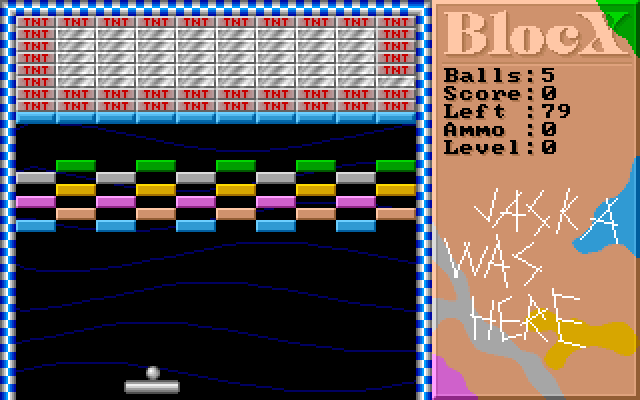
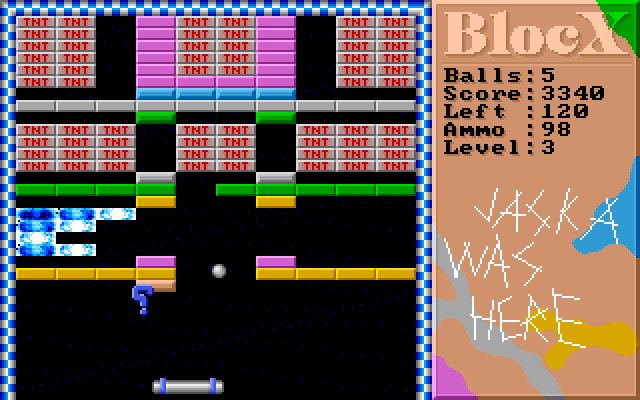
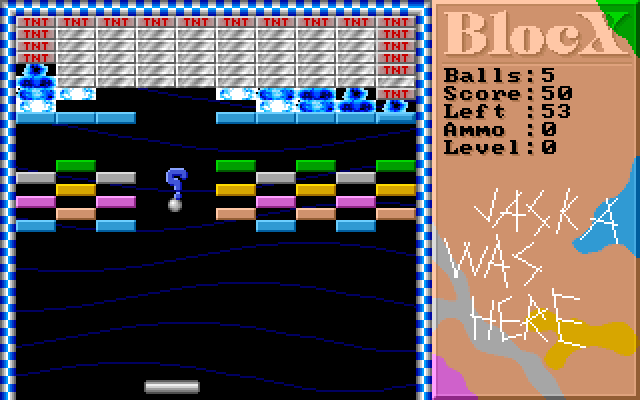
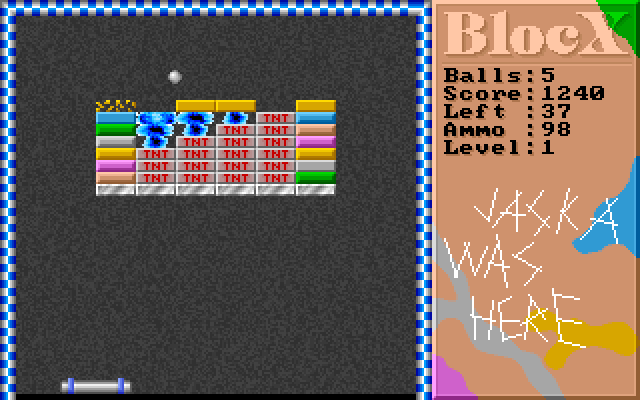
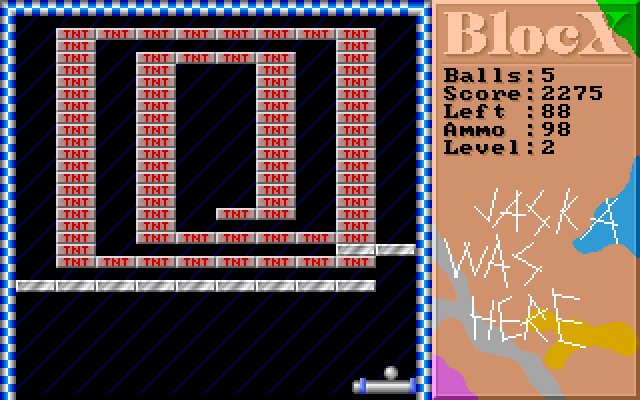
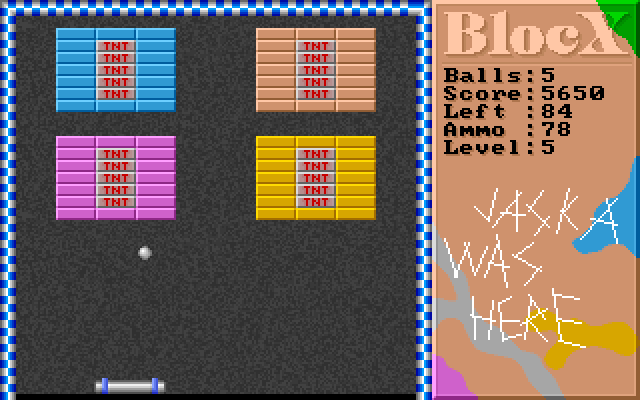
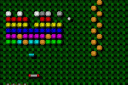
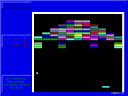
Blocx is a mouse-controlled brick breaker with coloured blocks, explosive tiles and falling bonuses. Bounce the ball back into the wall while watching the Balls and Left counters. Some bonuses change the paddle or ball, while a weapon pickup adds ammunition shown beside the playfield.
This package first opens its level editor. Press Escape to leave that screen and wait for the Level 0 introduction to finish. Move the mouse horizontally to position the paddle, then left-click to release the ball. A sticky-ball bonus can hold it on the paddle again; another left-click releases it.
When the weapon is available and ammunition remains, right-click fires. Escape leaves play. Keep the paddle beneath the returning ball before chasing a bonus at the edge. The original source confirms that clearing the required blocks advances the level; the Left counter helps you track what remains.
Start here
Quick tips
Press Escape once at the initial editor, then wait for the level introduction.
Left-click releases a ball held on the paddle.
Check the Ammo counter before trying the right-button weapon.
- Escape
- Leave the initial editor to start the game; leave active play
- Move mouse horizontally
- Position the paddle
- Left click
- Release the ball from the paddle
- Right click
- Fire the weapon while ammunition is available
Screens
Screenshots
Keep playing
Similar Games
Help improve this entry
Something not working?
Report a gameplay or information problem. Short reports are enough.
Archive notes
Rights and Source Notes
Browser play uses the archived Freeware release.
- Distribution
- Freeware
- Browser player
- js-dos · Browser play
- Added to archive
- 2026-07-26