Bubble Puzzle
Saves are stored in this browser.
Player notes
About this game
Bubble Puzzle is CONM&G's 1995 colour-matching game for DOS. This archived program identifies itself as version 1.31 and credits Oliver Pape for programming, Frank Sander for artwork and Gabor Papp for its keyboard handler. The included November 1995 notes describe the 1.3 update, including improved collision detection and a clearer display of the next bubble.
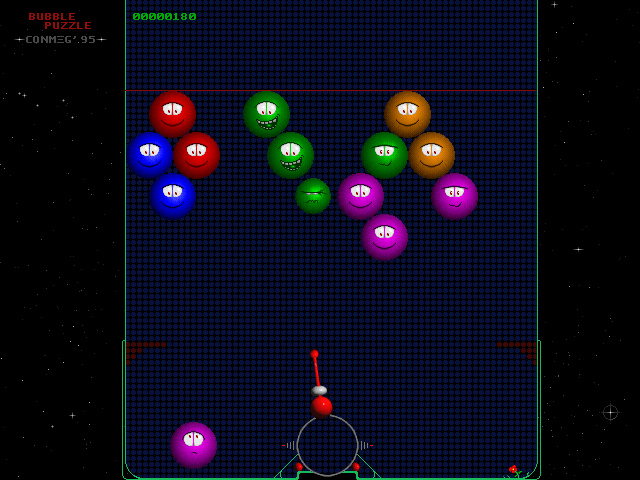
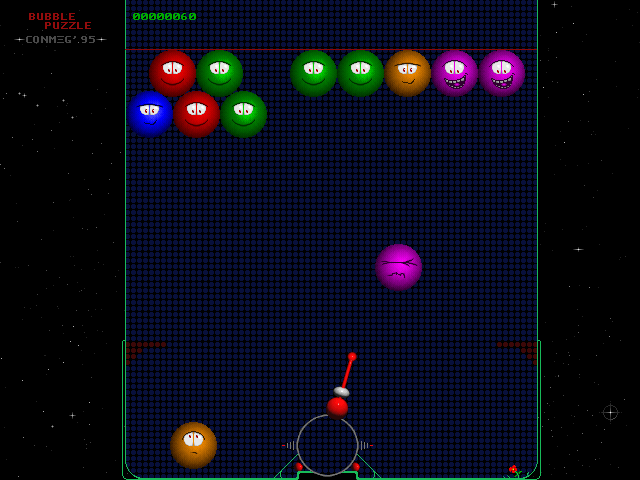
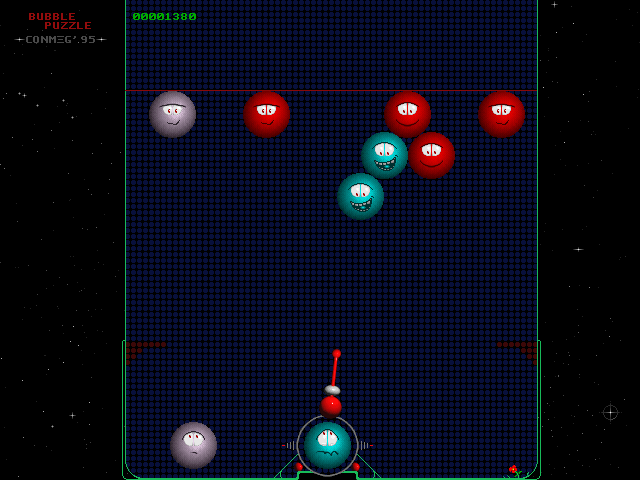
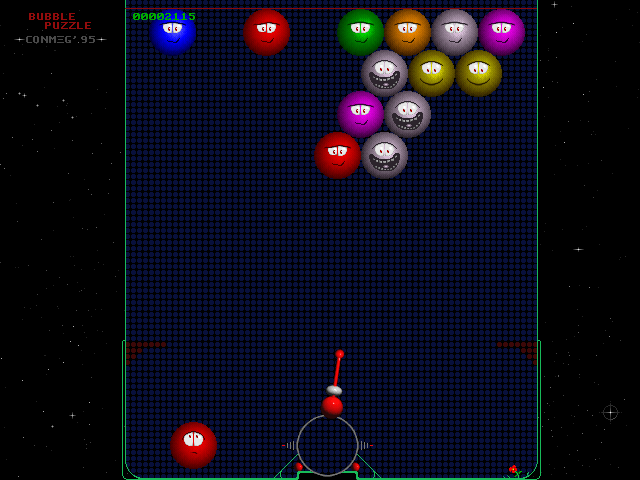
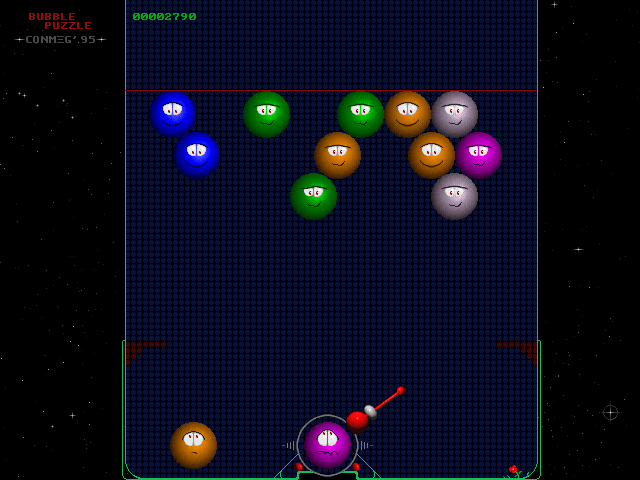
The opening screen can show a high-score table over an automatic demonstration. Click inside the game to begin a fresh round, then move the mouse left or right to aim the cannon at the bottom of the field. Click again to launch the loaded bubble; Space also fires. Watch the cannon itself as you aim, rather than treating the mouse pointer as a direct destination for the shot. The separate bubble at the lower left shows what is coming next.
Aim for matching colours and keep an eye on the descending rows. A shot can bounce from a side wall, so the direction of the cannon matters even when a target is not directly above it. Take time to read the current and next colours, but remember that the field continues moving toward the bottom. Escape exits the DOS game. The original README says this also saves the high-score table; keeping that file across a fresh browser session has not been verified.
Start here
Quick tips
Click to leave the opening high-score demonstration before testing your aim.
Watch both the cannon direction and the next bubble at the lower left.
The rows descend while you line up a shot; avoid leaving the game running unattended.
- Space
- Fire the loaded bubble during a round
- Escape
- Exit the game; the original README also documents high-score saving
- Move left / right
- Aim the cannon
- Left click
- Begin a round from the opening demonstration, then fire during play
Screens
Screenshots

Keep playing
Similar Games

Help improve this entry
Something not working?
Report a gameplay or information problem. Short reports are enough.
Archive notes
Rights and Source Notes
Browser play uses the archived Freeware release. Official project references are listed below.
- Distribution
- Freeware
- Browser player
- js-dos · Browser play
- Added to archive
- 2026-07-26
- Official references