Varmint's EITtris
Saves are stored in this browser.
Player notes
About this game
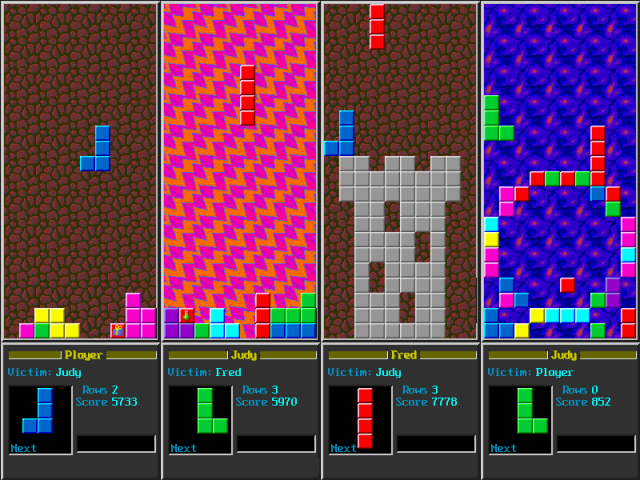
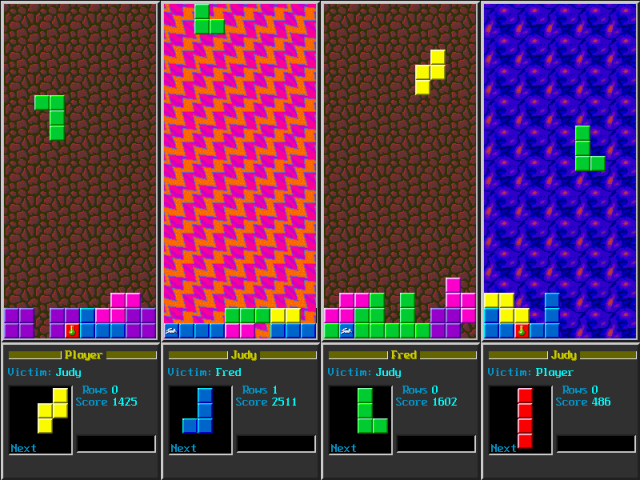
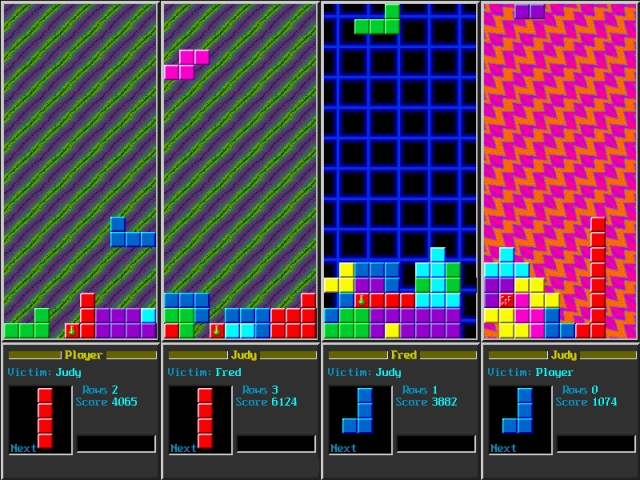
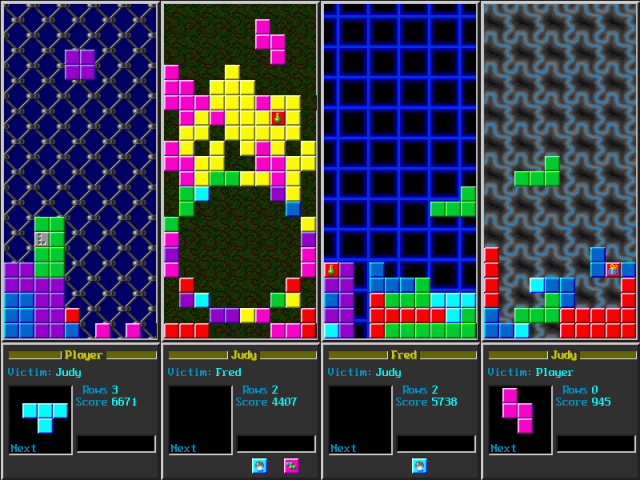
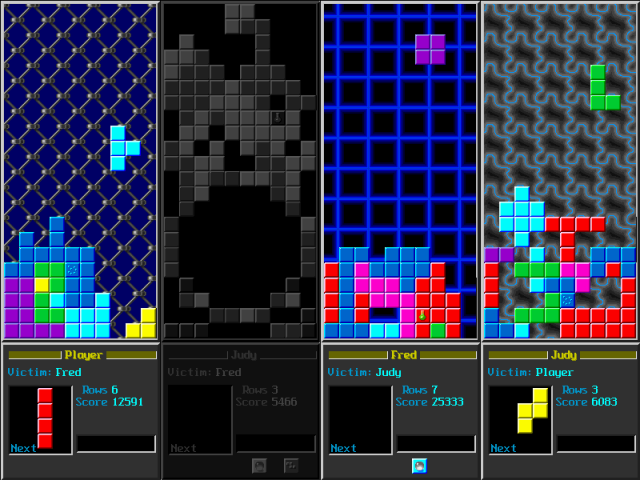
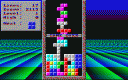
Varmint's EITtris is a competitive falling-block game for human and computer opponents. Alongside ordinary row clearing, special tiles create effects when you complete a row containing them. Matches can be played for points or survival.
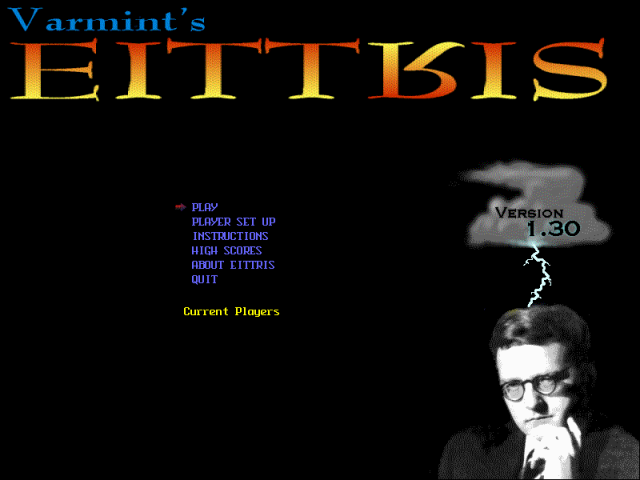
The supplied setup begins without an active player. Open Player Set Up, choose an empty slot and keep its control type on Human for keyboard play. That player screen displays and lets you change every key. Return with Done, then select Play.
The first human slot initially uses the numeric keypad: 7 and 9 move sideways, 5 lowers a piece, 4 drops it, and 8 and 6 rotate in opposite directions. F1 pauses. Check the displayed bindings before adding another player, since each slot can use its own configuration.
Start here
Quick tips
Set up a Human player before choosing Play.
Player Set Up displays the current key bindings for each slot.
- Arrow keys / Enter
- Choose and confirm menu entries
- Keypad 7 / Keypad 9
- First human slot: move left / right
- Keypad 5
- First human slot: move down
- Keypad 4
- First human slot: drop
- Keypad 8 / Keypad 6
- First human slot: rotate left / right
- F1
- Pause or continue
- F2 / F3
- Toggle music / sound effects
- Escape
- End the round
Screens
Screenshots
Keep playing
Similar Games

Help improve this entry
Something not working?
Report a gameplay or information problem. Short reports are enough.
Archive notes
Rights and Source Notes
Browser play uses the archived Freeware release. Official project references are listed below.
- Distribution
- Freeware
- Browser player
- js-dos · Browser play
- Added to archive
- 2026-07-27
- Official references