Castle Adventure
Saves are stored in this browser.
Player notes
About this game
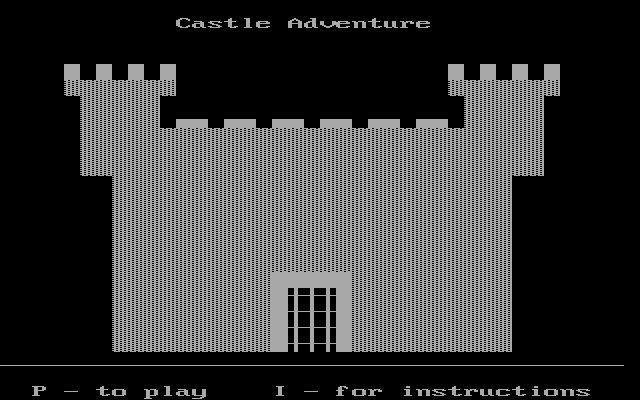
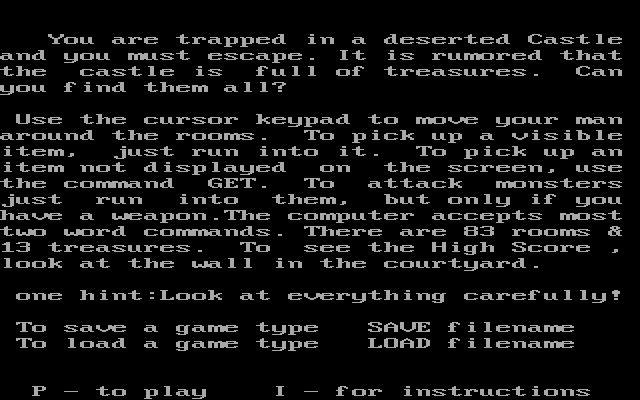
Castle Adventure mixes room exploration with short text commands. Kevin Bales's instructions describe a castle with 83 rooms and 13 treasures, but collecting treasure is only part of the task: you also need to find a way out. Inspect what you encounter instead of treating every room as an empty passage.
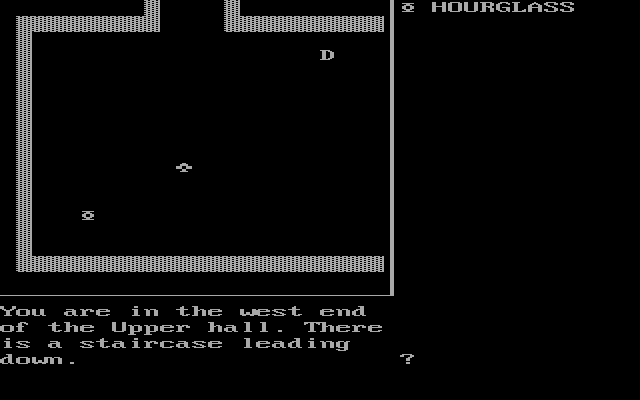
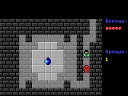
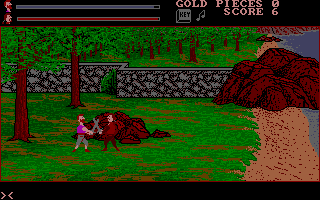
Use the cursor keys to move. Walking into a visible item picks it up, while an item described in text may require the GET command. The parser accepts many two-word commands. Monsters are also approached by moving into them, but the manual specifically warns that you need a weapon before attacking.
The game provides its own SAVE and LOAD commands followed by a filename. These belong to the original game and are separate from the browser player's save controls. Keep track of useful rooms and equipment before returning to a monster that blocks your route.
Start here
Quick tips
Find a weapon before walking into a monster.
Use GET for an item described in text that is not shown on the room display.
- Arrow keys
- Move through rooms; touch visible items to collect them
- Type GET + object
- Attempt to pick up a described object
- Type SAVE + filename
- Use the game's save command
- Type LOAD + filename
- Use the game's load command
Screens
Screenshots
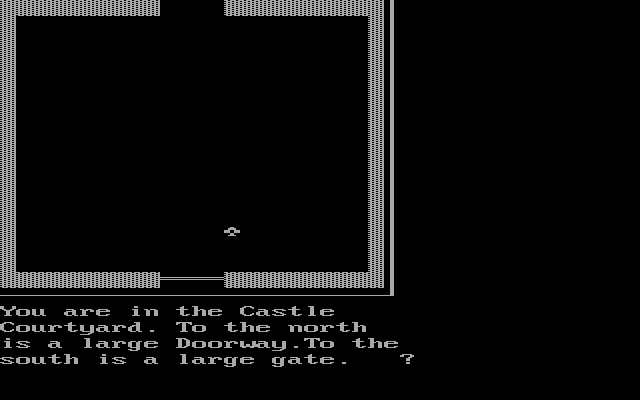
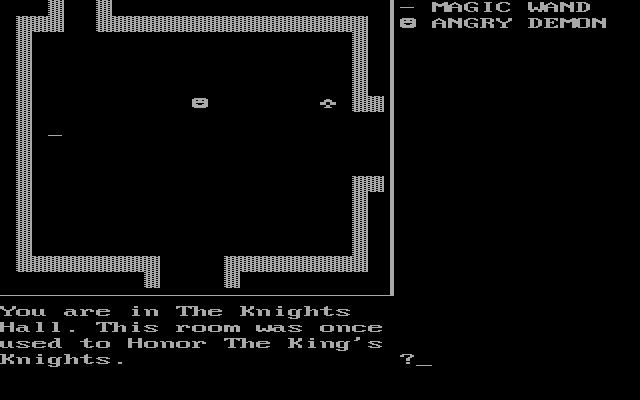
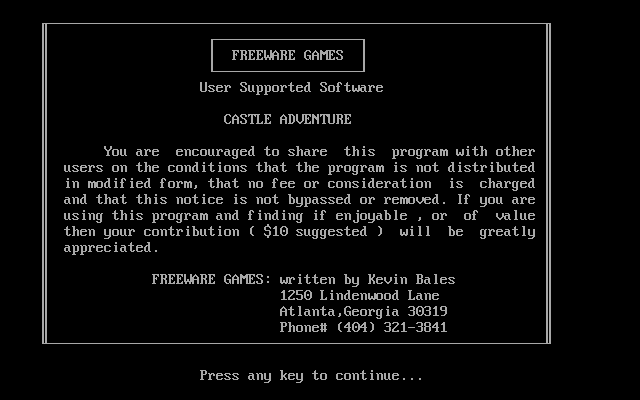
Keep playing
Similar Games
Help improve this entry
Something not working?
Report a gameplay or information problem. Short reports are enough.
Archive notes
Rights and Source Notes
Browser play uses the archived Freeware release.
- Distribution
- Freeware
- Browser player
- js-dos · Browser play
- Added to archive
- 2026-07-26