5 Days A Stranger
Saves are stored in this browser.
Player notes
About this game
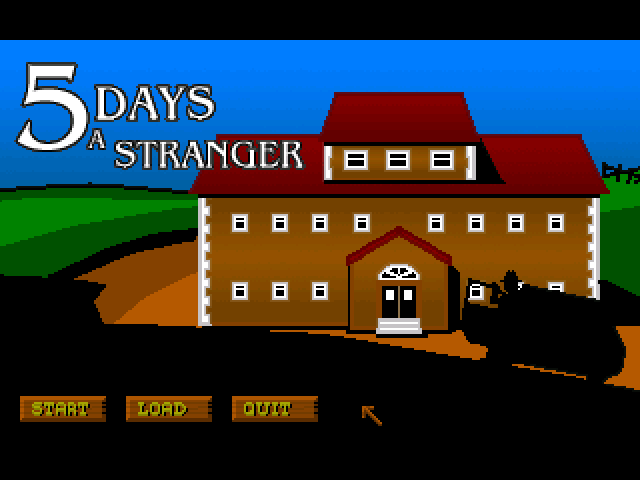
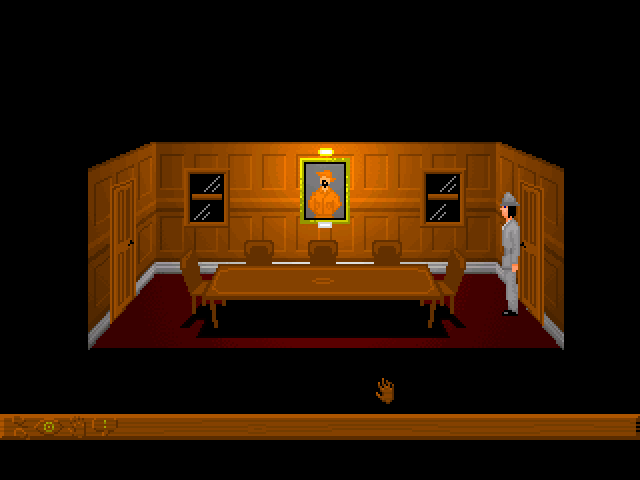
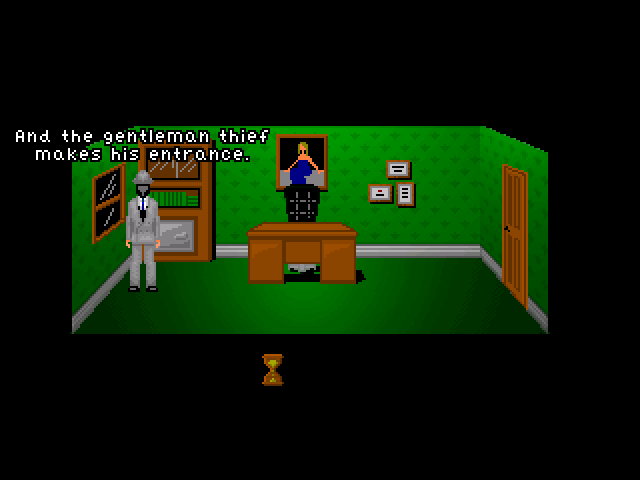
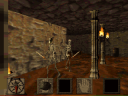
5 Days a Stranger follows Trilby, a burglar whose visit to DeFoe Manor becomes an attempt to escape it. Explore the house, talk to the other people trapped there and investigate the objects you find. This is the packaged version 1.3 of the point-and-click horror adventure.
Right-click to open the action and inventory interface, select what you want to do, then left-click a person or object to carry it out. Move away from the panel to dismiss it. The function-key shortcuts select walking, looking, using, talking or the current inventory item; Space cycles through actions.
Use F6 to save and F8 to restore. The developer explicitly recommends frequent saves because Trilby can die. Escape skips a cutscene when supported, while F9 restarts the game.
Start here
Quick tips
Save frequently; the game includes situations where Trilby can die.
Select an action before clicking its target.
- F1 / F2
- Select Walk / Look
- F3 / F4
- Select Use / Talk
- F5
- Select the current inventory item
- Space
- Cycle through actions
- F6
- Save the game
- F8
- Restore a saved game
- F9
- Restart the game
- Escape
- Skip a cutscene
- F7 / Ctrl+Q
- Quit
- Right click
- Open the action and inventory interface
- Left click
- Select an action or item; carry out the selected action on a target
Screens
Screenshots
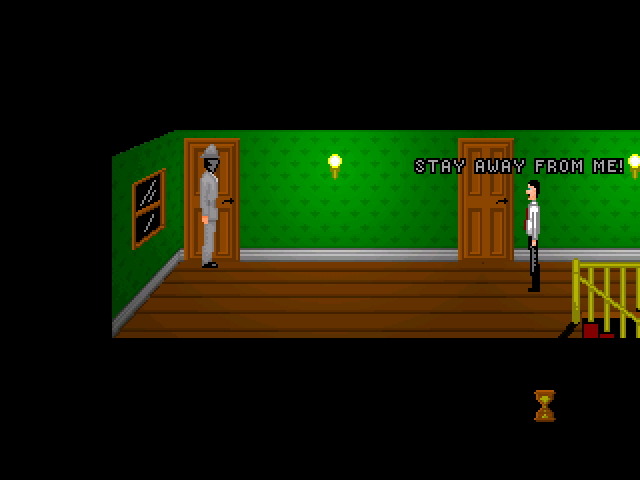
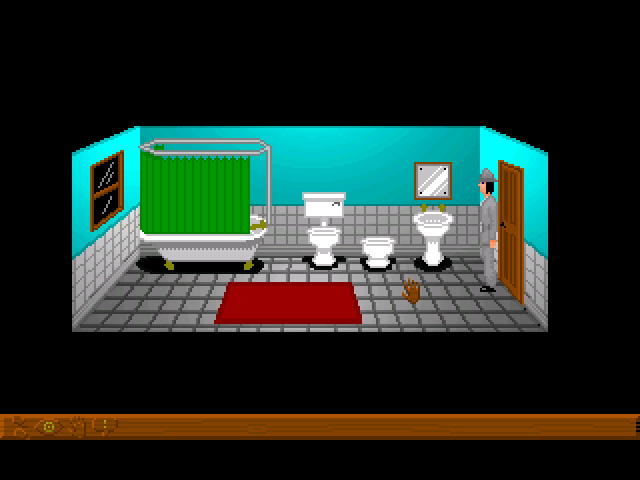
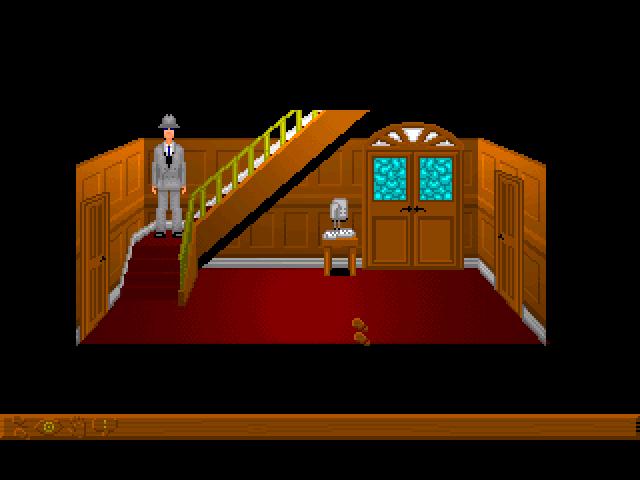
Keep playing
Similar Games
Help improve this entry
Something not working?
Report a gameplay or information problem. Short reports are enough.
Archive notes
Rights and Source Notes
Browser play uses the archived Freeware release. Official project references are listed below.
- Distribution
- Freeware
- Browser player
- js-dos · Browser play
- Added to archive
- 2026-07-25
- Official references