Lords of Midnight PC
Saves are stored in this browser.
Player notes
About this game
The Lords of Midnight combines a character-led journey with a war against Doomdark. Luxor can recruit and command forces for an attack on Ushgarak, while Morkin seeks the Ice Crown. You choose the balance by deciding which characters to guide; there is no separate adventure-versus-war mode switch.
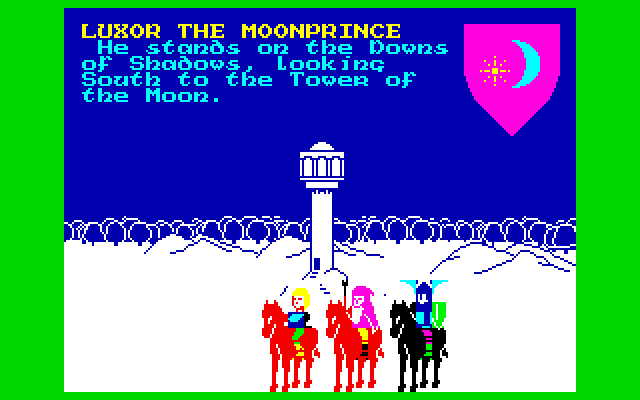
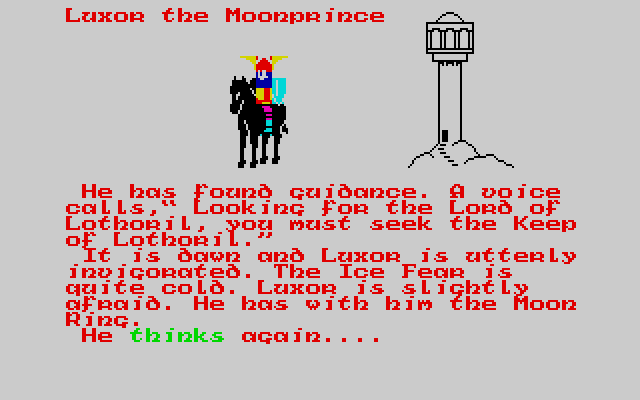
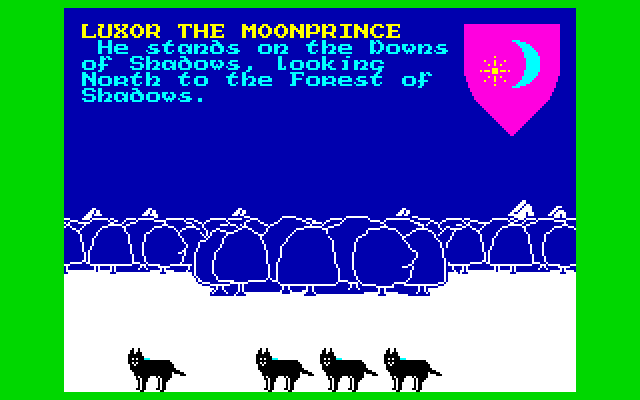
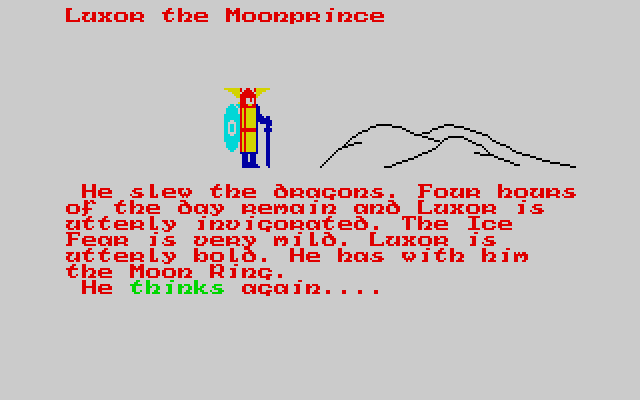
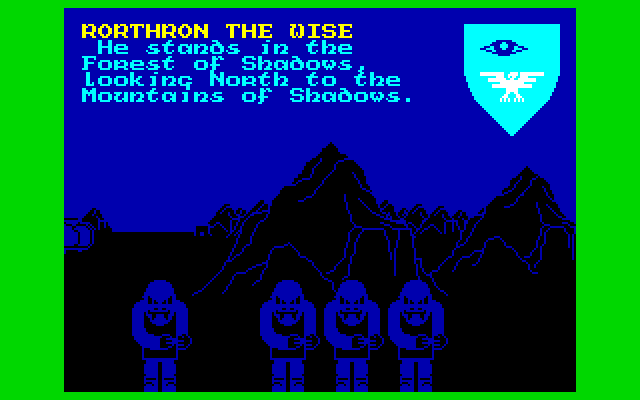
The view shows the selected character’s position and facing. Number keys 1–8 select compass directions; Q moves forward in that direction. R opens Think for more information and T opens Choose for context-sensitive actions such as searching or approaching a battle.
Characters have individual daylight limits, affected by travel and condition. One character reaching night does not prevent you from moving the others. When all desired actions are finished, press U for Night so Doomdark can act and the next day can begin.
Start here
Quick tips
Use Think to check a character’s condition and remaining possibilities.
Press U after moving everyone; the next day does not begin automatically.
- 1–8
- Face north, northeast, east, southeast, south, southwest, west or northwest
- Q / E
- Move forward / look
- R / T
- Think / choose an action
- C / V / B / N
- Select Luxor / Morkin / Corleth / Rorthron
- M
- Select another recruited character
- U
- End the day with Night
- S / D
- Save / load an old game
- Escape
- Exit
Screens
Screenshots
Keep playing
Similar Games
Help improve this entry
Something not working?
Report a gameplay or information problem. Short reports are enough.
Archive notes
Rights and Source Notes
Browser play uses the archived Freeware release. Official project references are listed below.
- Distribution
- Freeware
- Browser player
- js-dos · Browser play
- Added to archive
- 2026-07-27
- Official references