Doomdark's Revenge PC
Saves are stored in this browser.
Player notes
About this game
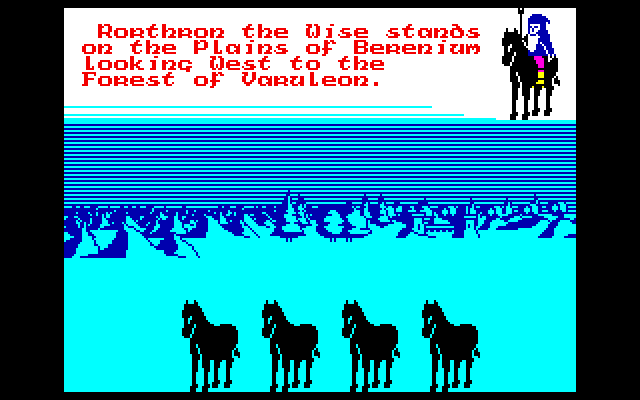
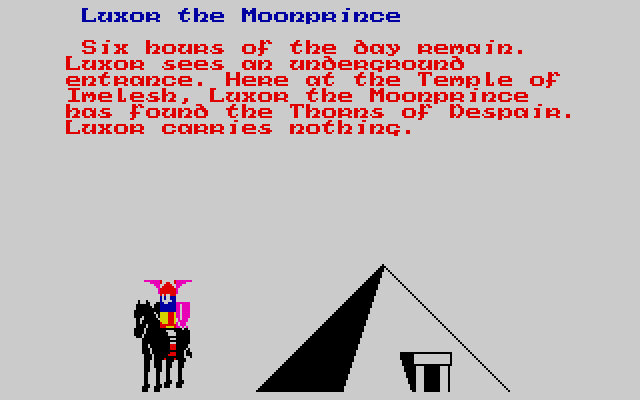
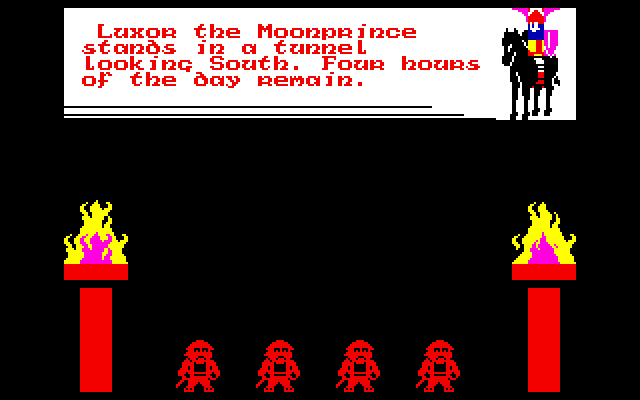
Doomdark's Revenge mixes landscape exploration with the command of characters and armies. Luxor's journey into Icemark centres on Morkin and the threat of Shareth Heartstealer. Looking across the landscape, checking a character and choosing an action are separate commands rather than a single continuous movement system.
In this PC conversion, Q moves, W looks and E opens choices. R checks the place, T the battle, Y the army and U the person. Minus and equals rotate the view. Brackets select the previous or next character, making it easier to review companions before ending a day.
D invokes Night and F invokes Dawn. Save with S and load with J. These mappings follow the supplied PC patch reference; the older narrative manual also discusses a Spectrum keyboard overlay, which should not be treated as the current PC layout.
Start here
Quick tips
Review your characters before invoking Night.
The PC command keys differ from the Spectrum overlay described in the old manual.
- Q
- Move
- W
- Look
- E
- Choose an action
- R / T / Y / U
- Check place / battle / army / person
- - / =
- Rotate view left / right
- [ / ]
- Select previous / next character
- D / F
- Night / Dawn
- S / J
- Save / load
- G / H
- Answer Yes / No
Screens
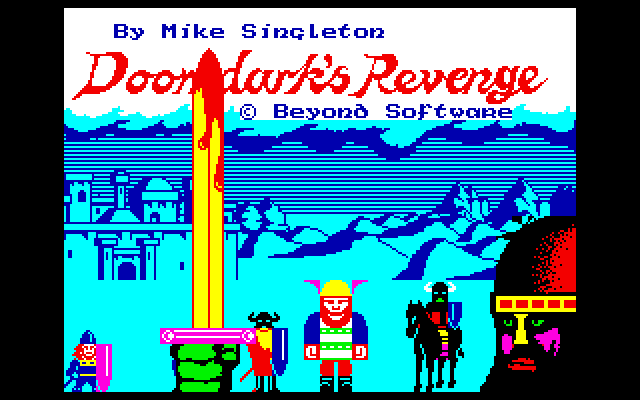
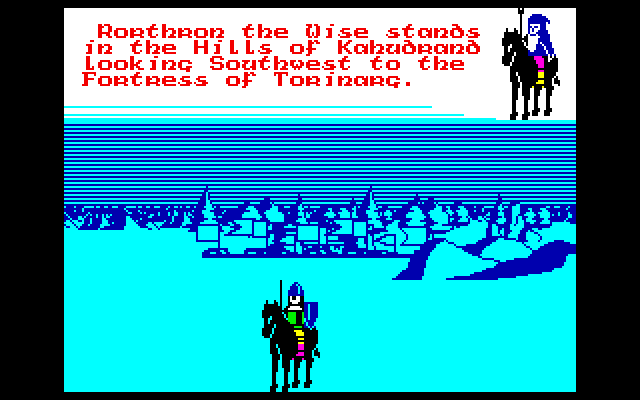
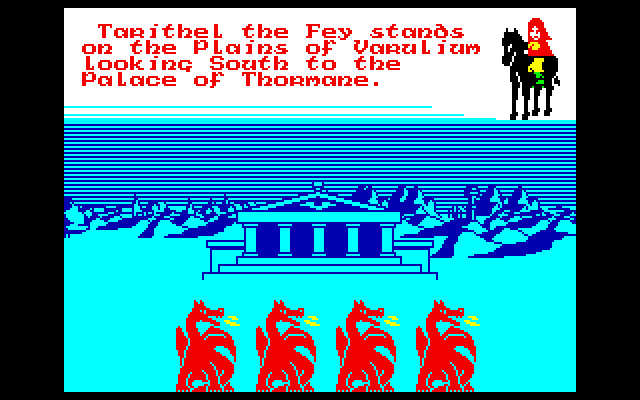
Screenshots
Keep playing
Similar Games
Help improve this entry
Something not working?
Report a gameplay or information problem. Short reports are enough.
Archive notes
Rights and Source Notes
Browser play uses the archived Freeware release. Official project references are listed below.
- Distribution
- Freeware
- Browser player
- js-dos · Browser play
- Added to archive
- 2026-07-26
- Official references