MULE
Saves are stored in this browser.
Player notes
About this game
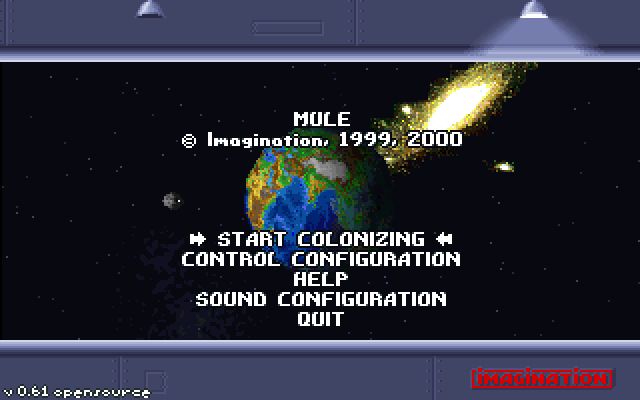
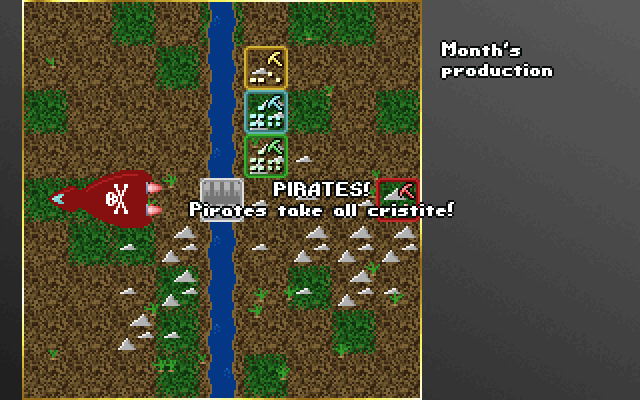
MULE 0.61 is an independent PC interpretation of M.U.L.E. Its documentation labels it an alpha release and notes differences from the original. The colony develops over 12, 18 or 24 months, with land selection, events, personal activity, production and auctions forming each turn.
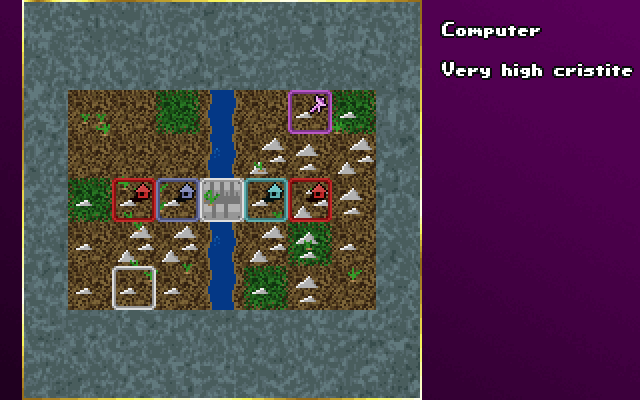
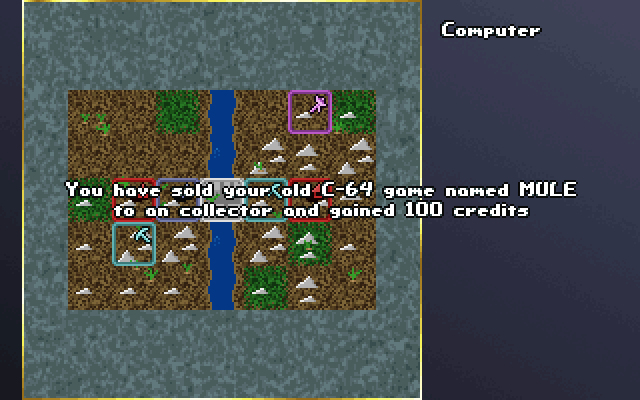
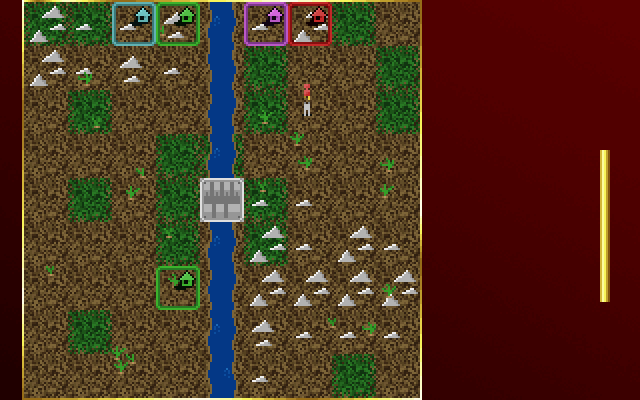
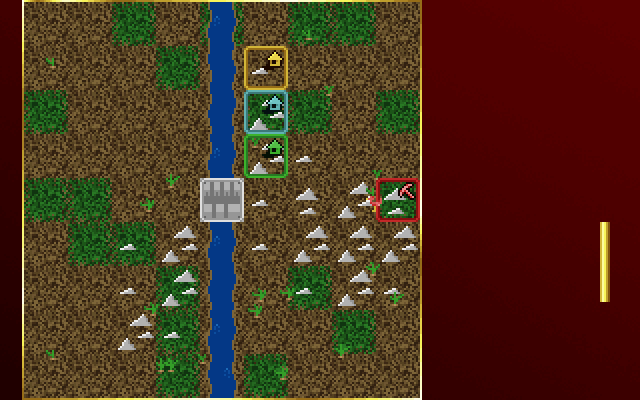
Claim a highlighted plot with your fire key. During the activity phase, buy a mule at the store, outfit it for a resource and take it to a plot. Stand precisely on the plot’s house before placing it, or the mule can escape. Match production to terrain rather than assigning every plot the same job.
Control Configuration shows keyboard layout one using the arrows and Enter as its fire/select key. Check the other layouts before multiplayer play. Auctions let buyers and sellers move their prices toward each other. The manual explicitly provides no save/load feature.
Start here
Quick tips
Check Control Configuration before assigning players.
Position the mule exactly on the plot’s house.
Plan for a continuous session; the documented game has no save command.
- Arrow keys
- Default keyboard layout one: move
- Enter
- Default layout one: fire/select; claim highlighted land
- Arrow Up / Arrow Down
- During auction: adjust position and offered price
Screens
Screenshots
Keep playing
Similar Games
Help improve this entry
Something not working?
Report a gameplay or information problem. Short reports are enough.
Archive notes
Rights and Source Notes
Browser play uses the archived Freeware (installed) release. Official project references are listed below.
- Distribution
- Freeware (installed)
- Browser player
- js-dos · Browser play
- Added to archive
- 2026-07-27
- Official references