Klass of '99
Saves are stored in this browser.
Player notes
About this game
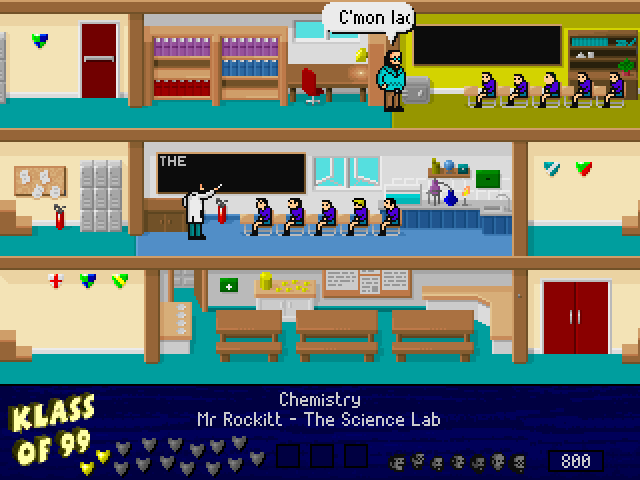
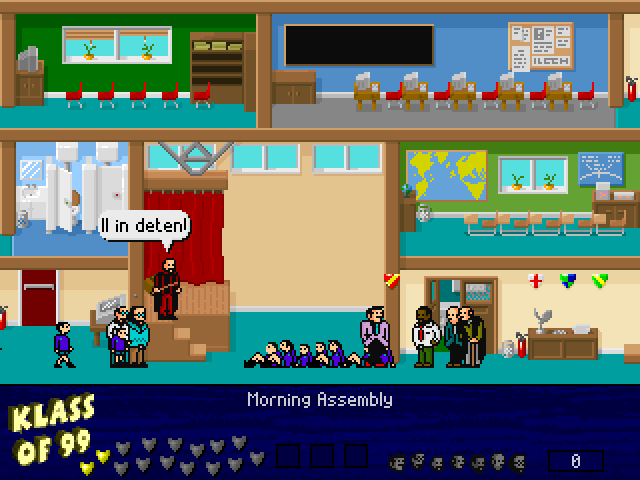
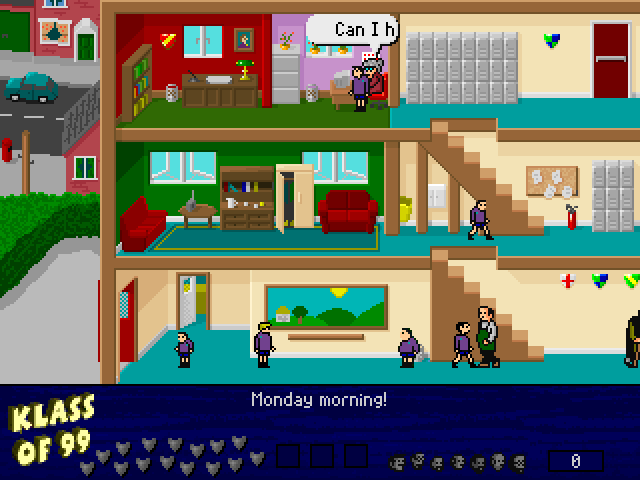
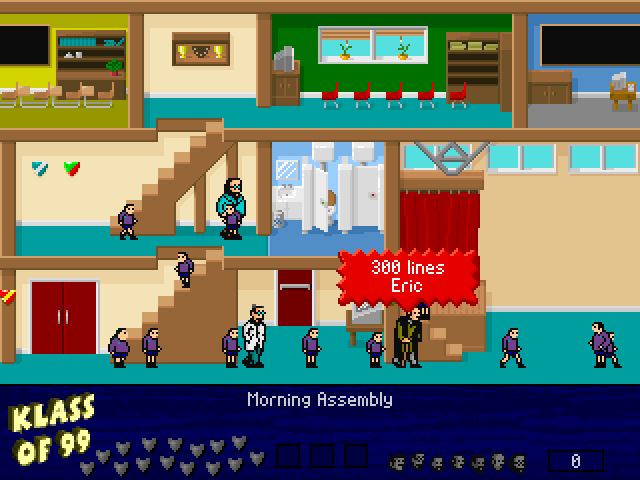
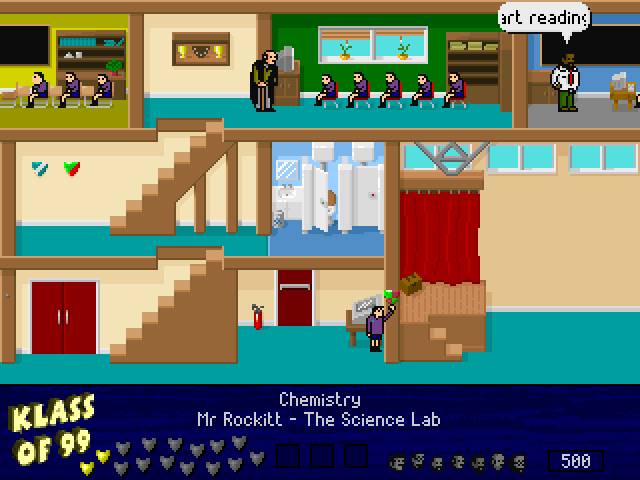
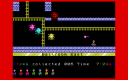
Klass of 99 returns Eric to the school-day mischief of Skool Daze, with a new school layout, additional staff and a report stored on a computer instead of in a safe. His goal is to discover the password to Rose’s computer and erase that report. The game’s story provides clues, so it is worth reading before roaming the corridors.
Movement uses the arrow keys, but actions have separate keys. J jumps, F fires the catapult and H hits. W writes on a blackboard, T types at the computer, and S switches between sitting and standing. Picking up an object uses C; dropping a crystal and dropping a bomb are separate actions on D and B.
This is Richard Jordan’s 1999 DOS tribute. Its readme emphasizes retaining the feel of the earlier games while changing the school and adding audiovisual detail. Press 1 to pause when you need to consult the controls. Learn the action keys before trying to solve the password puzzle, since several interactions depend on using the right command.
Start here
Quick tips
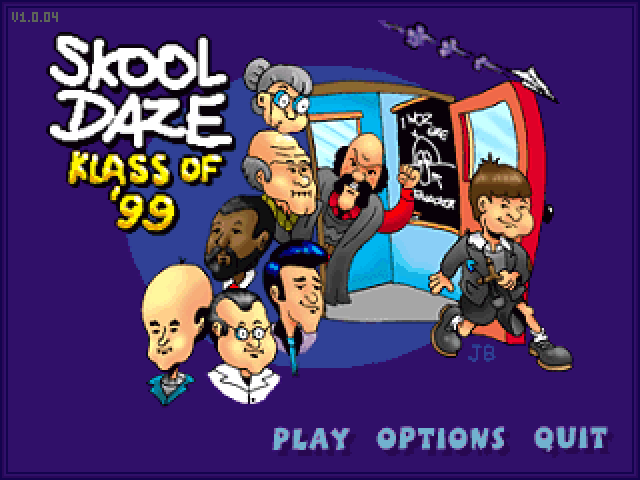
Press Space to leave the credits, then Enter on Play to begin the school day.
Read the in-game story for clues to the computer password.
Typing, writing and picking up objects each use their own key.
- Arrow keys
- Move Eric
- J
- Jump
- F
- Fire the catapult
- H
- Hit
- W
- Write on a blackboard
- T
- Type on a computer
- S
- Sit down or stand up
- C
- Pick up an object
- D
- Drop a crystal
- B
- Drop a bomb
- 1
- Pause
Screens
Screenshots
Keep playing
Similar Games
Help improve this entry
Something not working?
Report a gameplay or information problem. Short reports are enough.
Archive notes
Rights and Source Notes
Browser play uses the archived Freeware (installed) release. Official project references are listed below.
- Distribution
- Freeware (installed)
- Browser player
- js-dos · Browser play
- Added to archive
- 2026-07-27
- Official references