Zelda Classic
Saves are stored in this browser.
Player notes
About this game
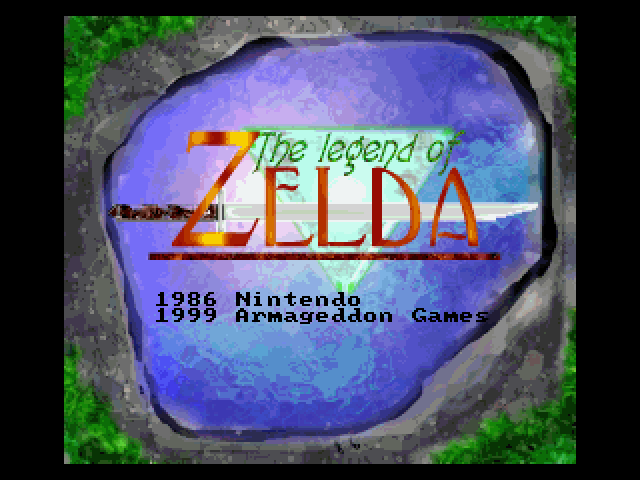
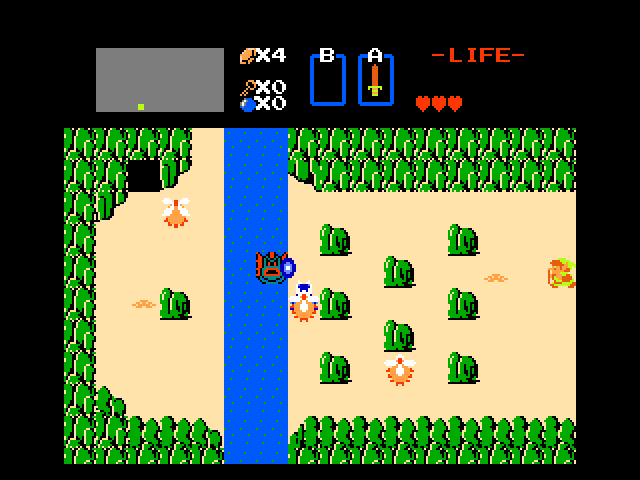
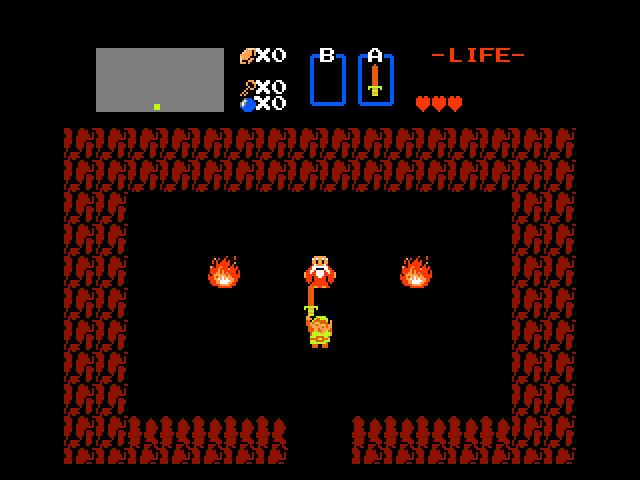
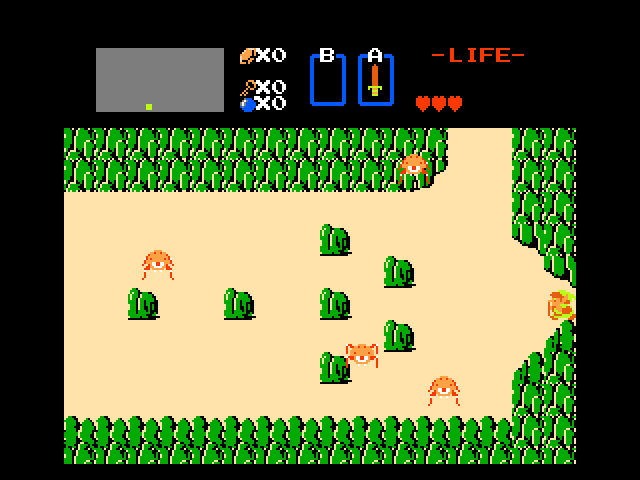
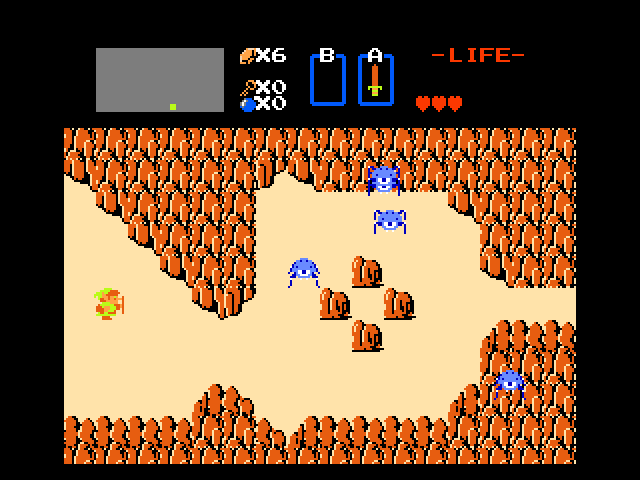
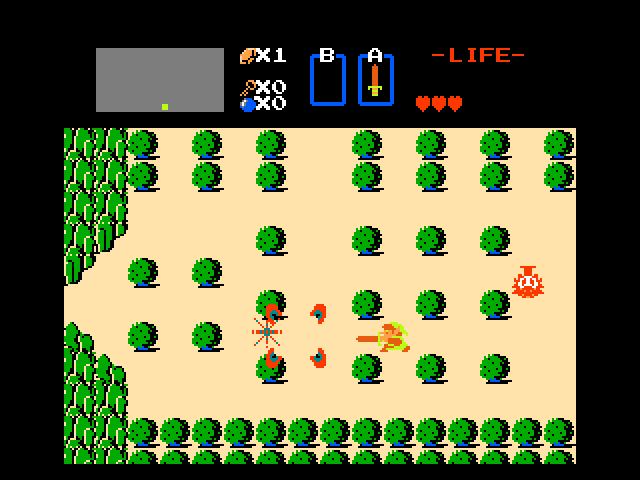
Zelda Classic 1.90 is a fan-made recreation and quest player based on the original Legend of Zelda. Its bundled documentation covers the April 2001 release and distinguishes the player from the separate ZQuest editor. The archive includes quest files with different layouts and graphics, so details can vary between quests.
The default sword button is Alt and the item button is Ctrl. Enter opens the Start menu, while Z and X scroll the selected item. Escape opens the program’s top menu, where the controls can be changed. These are keyboard assignments for virtual A and B buttons; an instruction to press A does not mean the letter A on the keyboard.
Space opens the overworld map when the quest supports it. F3 toggles pause; F4 advances one frame while paused. Start with the standard quest before exploring alternate quest files.
Start here
Quick tips
A and B in quest instructions refer to virtual buttons, not letter keys.
Check the top menu if the default keys have been changed.
- Alt
- A button: use sword / confirm A-button prompts
- Ctrl
- B button: use selected item
- Enter
- Start menu
- Space
- Open supported overworld map
- Z / X
- Scroll selected item left / right
- Escape
- Open the program’s top menu
- F3
- Toggle pause
- F4
- Advance one frame while paused
Screens
Screenshots
Keep playing
Similar Games
Help improve this entry
Something not working?
Report a gameplay or information problem. Short reports are enough.
Archive notes
Rights and Source Notes
Browser play uses the archived Freeware (installed) release. Official project references are listed below.
- Distribution
- Freeware (installed)
- Browser player
- js-dos · Browser play
- Added to archive
- 2026-07-27
- Official references