Desperabis
Saves are stored in this browser.
Player notes
About this game
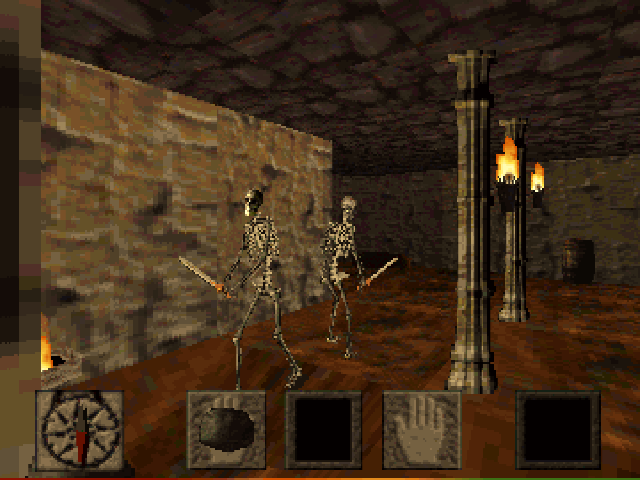
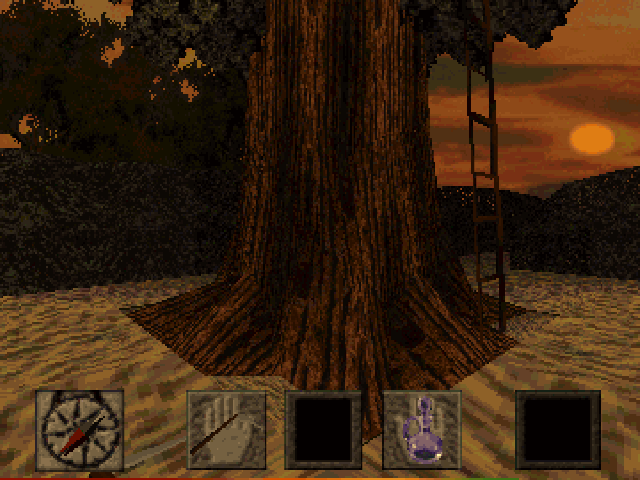
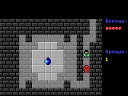
Desperabis follows the apprentice Kjarthan, who steals his master's powerful crystal to save his beloved and awakens a dark demon. The supplied German documentation describes an expanded edition with a training level, a puzzle-focused first part and a more action-focused second part.
Press T to select keyboard control. Arrows move forward and backward or turn; left and right Shift sidestep. Page Up jumps and Page Down ducks. Home and End look up and down, while Delete centers the view.
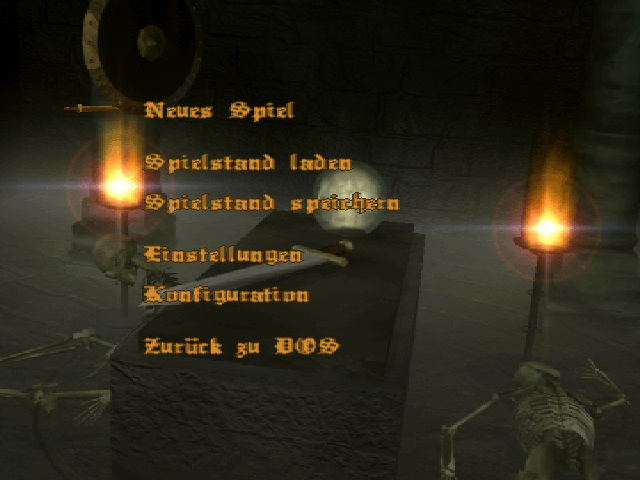
Space uses the selected weapon, and Enter picks up objects or opens doors. Number keys select equipment only after it has been found, so a number is not a shortcut to an item you do not own. F2 shows inventory. F1 or Esc opens the main menu, where Up and Down move the selection and Enter confirms it. P pauses during play.
Start here
Quick tips
Press T if you want the documented keyboard control mode.
Use Enter for objects and doors; Space uses the selected weapon.
- T
- Select keyboard control
- Arrow keys
- Move forward/backward or turn
- Left Shift / Right Shift
- Sidestep left / right
- PgUp / PgDn
- Jump / duck
- Home / End / Delete
- Look up / down / straight ahead
- Space
- Use the selected weapon
- Enter
- Pick up objects, open doors or confirm a menu item
- 1–8
- Select an available inventory weapon or tool
- F2
- Show inventory
- F1 / Esc
- Open the main menu
- P
- Pause
Screens
Screenshots
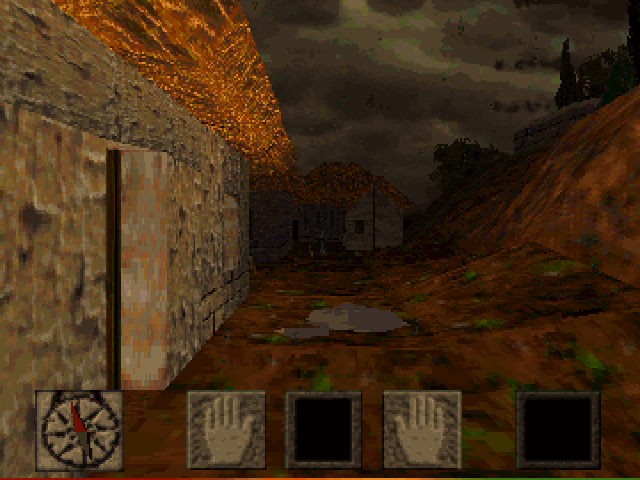
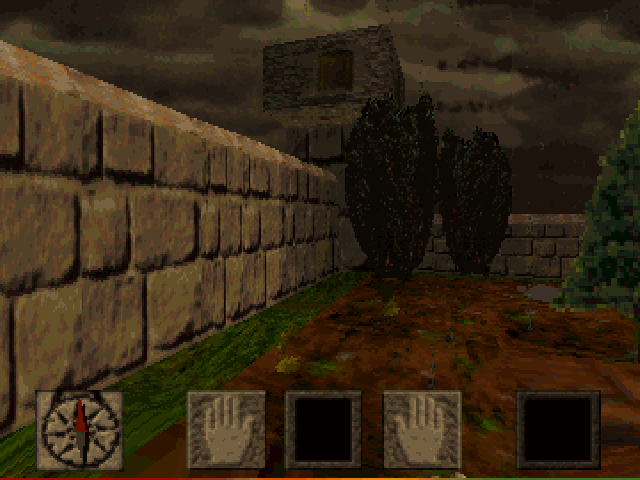
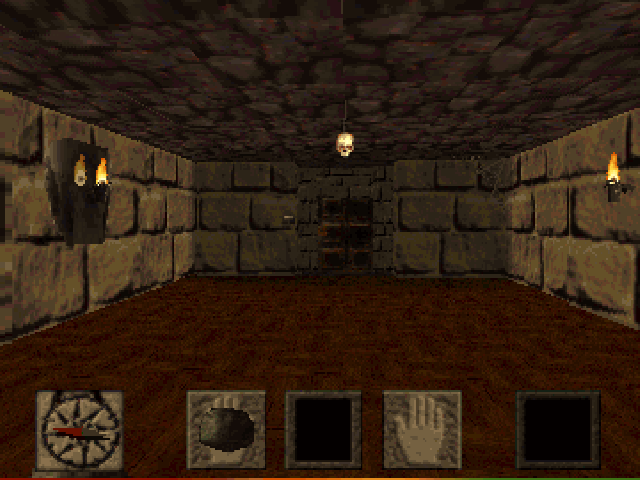
Keep playing
Similar Games
Help improve this entry
Something not working?
Report a gameplay or information problem. Short reports are enough.
Archive notes
Rights and Source Notes
Browser play uses the archived Freeware (installed) release. Official project references are listed below.
- Distribution
- Freeware (installed)
- Browser player
- js-dos · Browser play
- Added to archive
- 2026-07-28
- Official references