Caves of Thor
Saves are stored in this browser.
Player notes
About this game
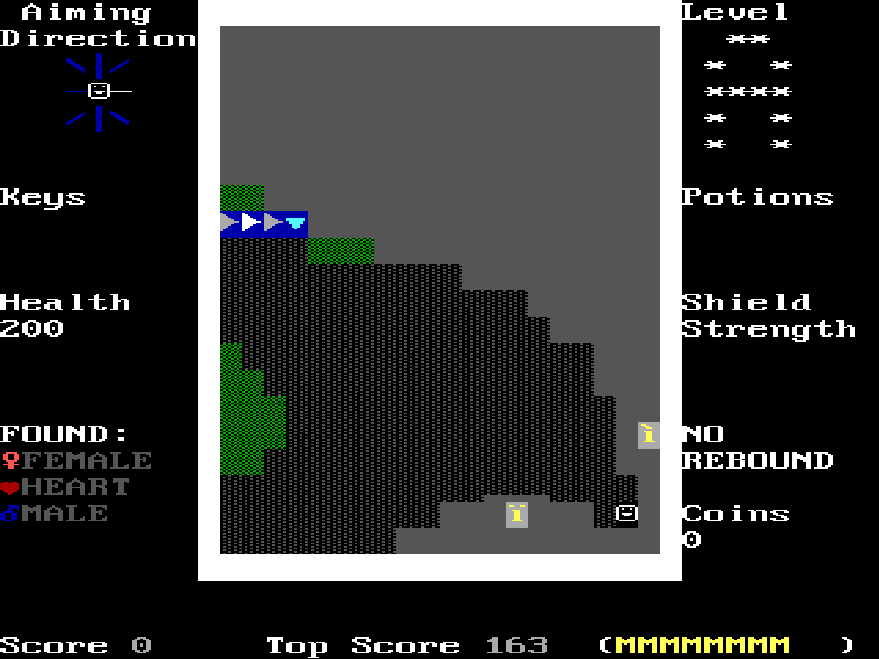
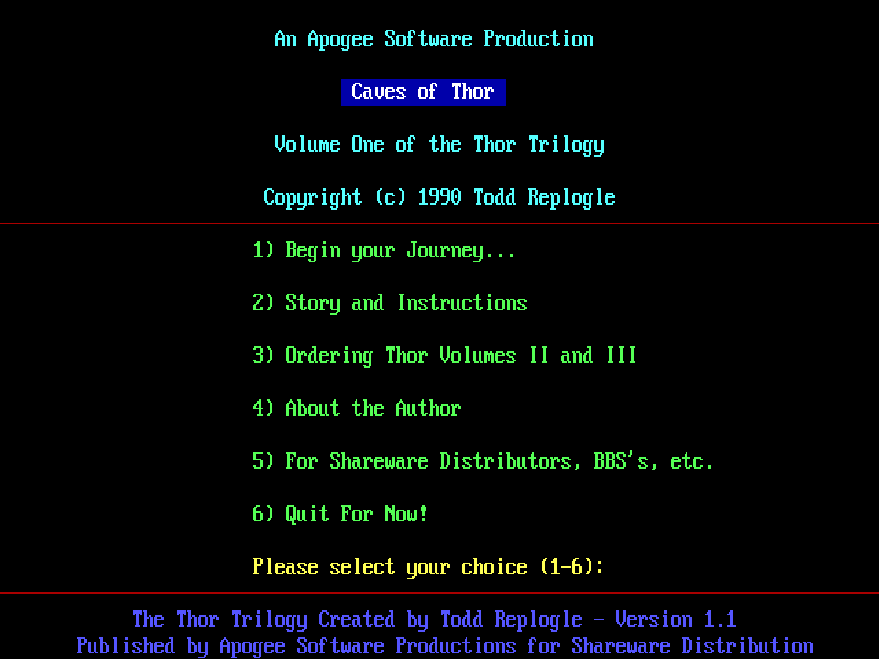
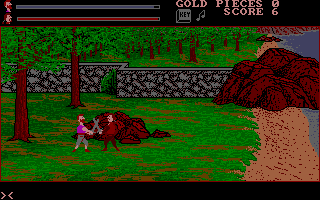
Caves of Thor sends an adventurer through connected caverns in search of three missing objects. This package contains the first volume of the Thor Trilogy; its menu identifies version 1.1. Keys open doors, food restores health and shields provide protection against enemies and lava.
Choose Story and Instructions from the opening menu before beginning your journey. The arrow keys both move and aim your weapon; Space shoots in the direction you last moved. A detonates a potion against nearby enemies, D pauses and S toggles sound. During play, C saves the current position; C during the demonstration continues a saved game.
The caverns do not form a simple one-way sequence. Inverted capital letters mark level connections, and returning through an earlier area can lead somewhere new. Pause the demonstration with D to learn the changing symbols used for objects.
Start here
Quick tips
Use keys for doors and food to restore health.
Revisit level connections; the route is not a straight sequence.
Pause the demonstration to identify object symbols.
- Arrow keys
- Move and aim in the direction of movement
- Space
- Fire the weapon
- A
- Detonate a potion
- D
- Pause the game or demonstration
- S
- Toggle music and sound
- C
- Save during play; continue a saved game during the demonstration
Screens
Screenshots
Keep playing
Similar Games
Help improve this entry
Something not working?
Report a gameplay or information problem. Short reports are enough.
Archive notes
Rights and Source Notes
Browser play uses the archived Freeware release.
- Distribution
- Freeware
- Browser player
- js-dos · Browser play
- Added to archive
- 2026-07-28