Cybercoaster
Saves are stored in this browser.
Player notes
About this game
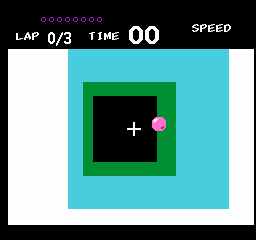
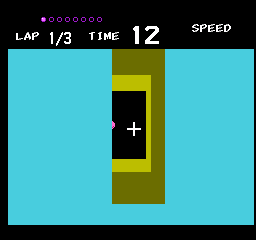
Cybercoaster is a tunnel racing game by Fizzer and noby for the NES. Each course challenges you to finish three laps before time runs out. Completing a lap adds more time. There are also eight spheres to collect in each level; collecting them all earns a Perfect rating, but it is not required to advance.
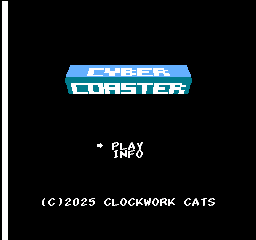
Press Enter to choose Play, then confirm the Get Ready screen with Enter to start driving. Use the arrow keys to move around the tunnel. Hold X to accelerate and Z to brake. Releasing both buttons maintains your current forward speed, so letting go of X is not the same as braking. The speed gauge helps you see the difference.
Press Enter during a run to pause. From that pause screen, Tab retries the current level; confirm the retry screen to start again. Concentrate on completing laps before chasing every sphere, especially while learning how the tunnel turns.
Start here
Quick tips
Confirm Get Ready before expecting the accelerator to move you.
Release both speed buttons to coast; hold Z when you need to slow down.
Finishing laps extends the timer; collecting every sphere is optional.
- Arrow keys
- Move around the tunnel
- Hold X
- Accelerate (NES A)
- Hold Z
- Brake (NES B)
- Enter
- Choose Play, confirm the start screen, or pause a run
- Tab while paused
- Retry the current level (NES Select)
Screens
Screenshots
Keep playing
Similar Games
Help improve this entry
Something not working?
Report a gameplay or information problem. Short reports are enough.
Archive notes
Rights and Source Notes
Browser play is available for this entry. Official project references are listed below.
- Distribution
- CC BY 4.0
- Attribution
- Cybercoaster by Fizzer and noby,.
- Browser player
- EmulatorJS · Browser play
- Added to archive
- 2026-07-23
- Official references