Diamond
Saves are stored in this browser.
Player notes
About this game
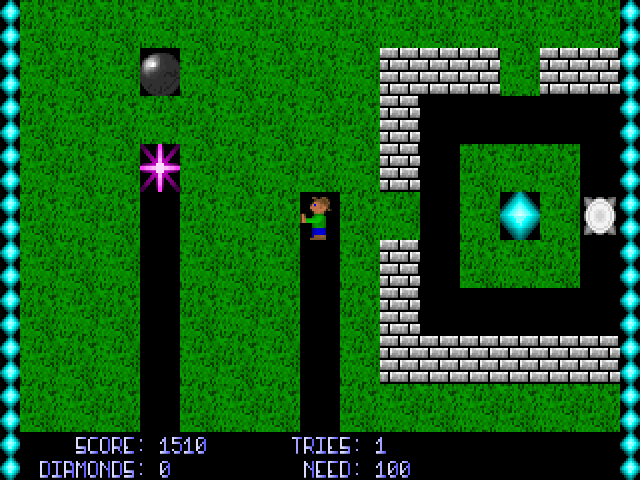
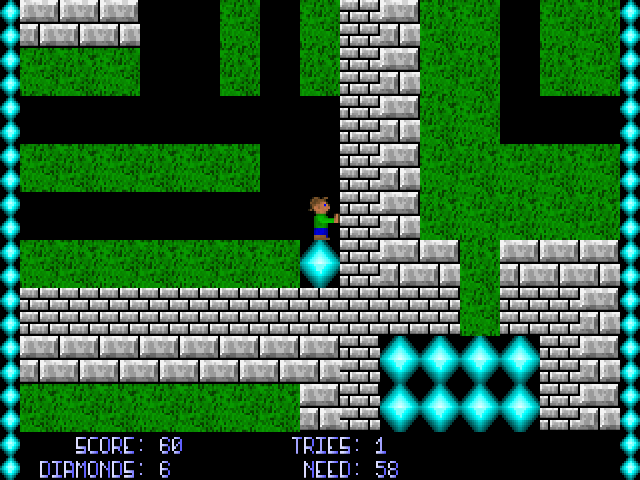
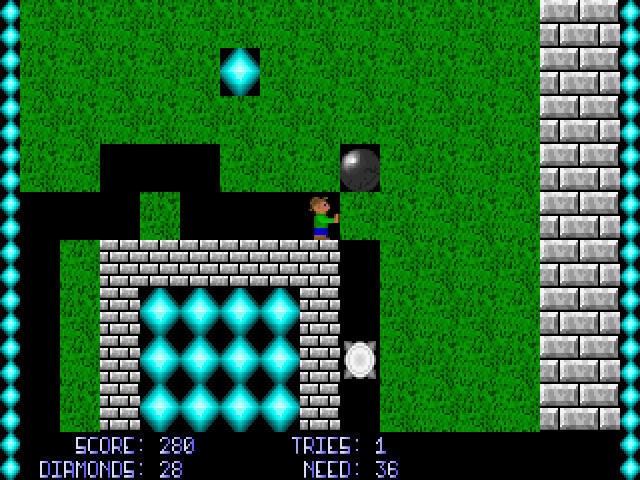
Diamond mixes digging puzzles with hazards that keep moving while you plan. Each of its fifteen levels asks for a set number of diamonds. Reaching the quota opens the exit, but loose boulders and even the diamonds themselves can fall onto the player. Conveyor belts, lifts, crushers and coloured doors complicate the route through the mine.
Matthew Bush's documentation dates the first release to April 14, 1995. It explains that objects can help as well as hurt: a falling boulder can crush an enemy, and converters exchange boulders and diamonds. Moving a rock without checking what is underneath can change the whole puzzle.
The arrow keys move in four directions. Hold Space with a direction to dig, push or collect something beside you without stepping into its square. Tab opens the automap, where the player is marked by a flashing red dot. Be especially careful when using the stationary action above your head, since removing support can bring an object down.
Start here
Quick tips
Hold Space with a direction when you need to act on a neighbouring square without moving into it.
Reach the required diamond count before heading for the exit, and check for loose rocks overhead.
- Arrow keys
- Move in four directions
- Space + direction
- Dig, push or collect beside you without moving
- Tab
- Open the automap
- S
- Open the game's save-slot menu
- Q / Esc
- Quit
Screens
Screenshots

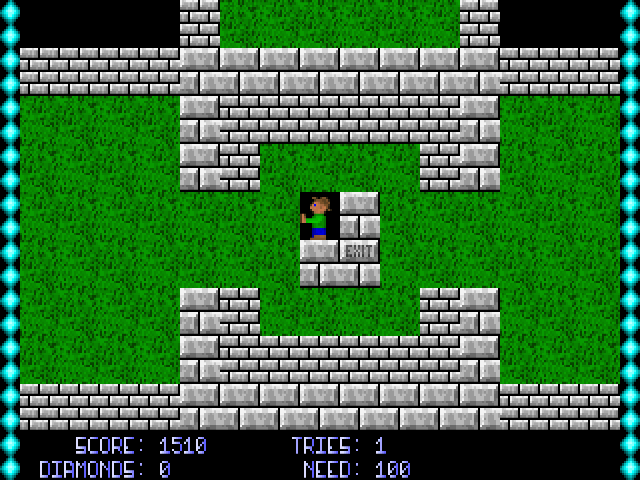
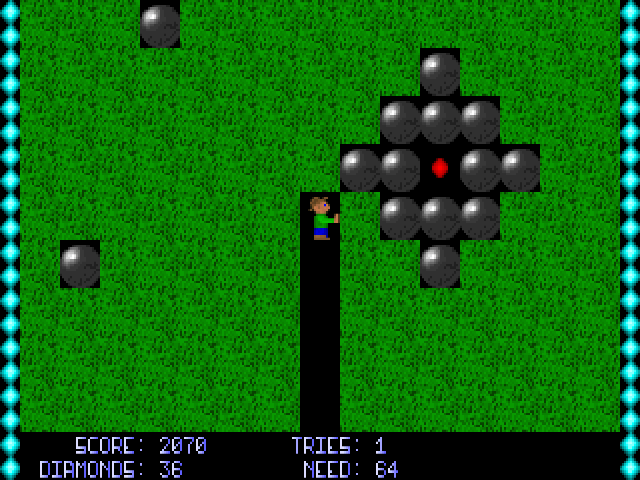
Keep playing
Similar Games

Help improve this entry
Something not working?
Report a gameplay or information problem. Short reports are enough.
Archive notes
Rights and Source Notes
Browser play uses the archived Freeware (installed) release. Official project references are listed below.
- Distribution
- Freeware (installed)
- Browser player
- js-dos · Browser play
- Added to archive
- 2026-07-26
- Official references