Terra-Probe
Saves are stored in this browser.
Player notes
About this game
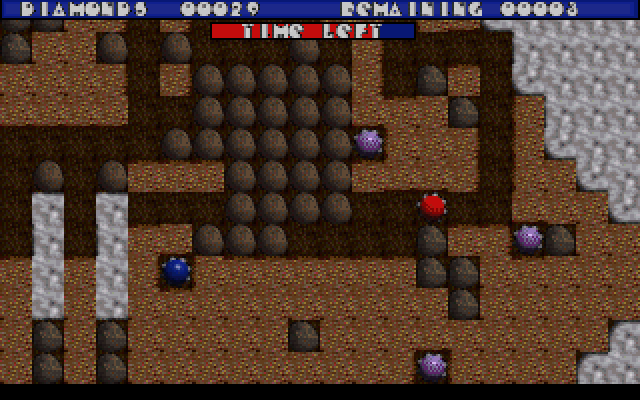
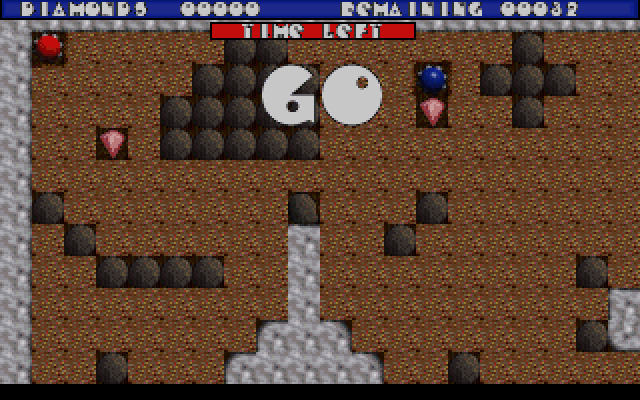
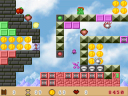
Terra Probe puts a red mining robot inside caves filled with earth, diamonds and unstable rocks. Each cave specifies a gem quota. Collect enough to open the purple-and-yellow exit, then guide the probe into it.
Digging removes the support beneath rocks, which then fall. That is dangerous to the probe, but a falling rock can also destroy a rival mining droid and create more gems nearby. Crushers, timed explosives and other devices offer additional ways to change the cave.
Use the arrow keys to move. Holding Space with a direction excavates that neighbouring square without moving into it. The instructions inside this build assign F1 to restart, F2 to redefine keys and Escape to quit; these take precedence over the older README's conflicting F1 note. Plan a route before digging beneath a boulder.
Start here
Quick tips
Collect the stated gem quota to open the exit.
Removing earth beneath a rock makes it fall.
- Arrow keys
- Move through the cave
- Space + direction
- Excavate an adjacent square without moving
- F1
- Restart the level
- F2
- Redefine keyboard controls
- F3
- Change screen resolution
- Escape
- Quit the game
- I
- Show instructions from the title screen
Screens
Screenshots
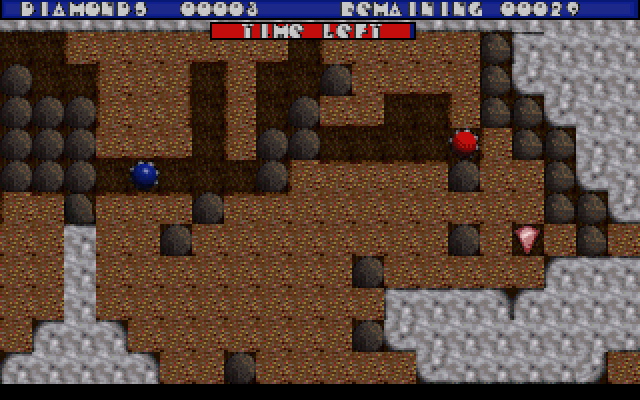
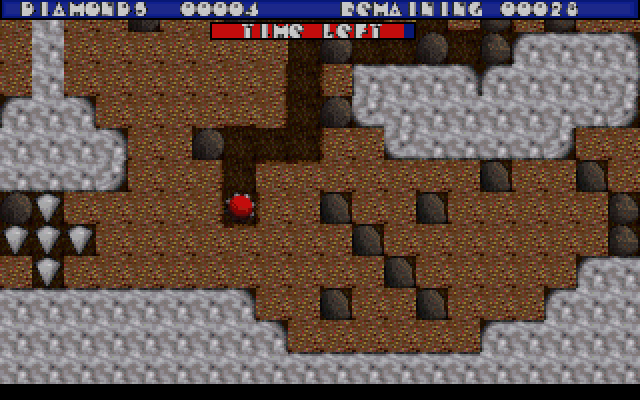
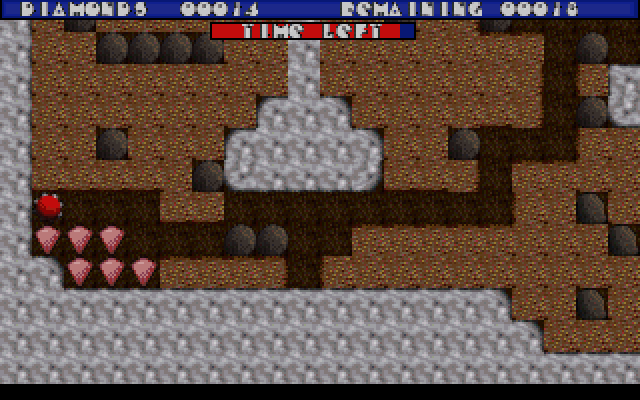
Keep playing
Similar Games
Help improve this entry
Something not working?
Report a gameplay or information problem. Short reports are enough.
Archive notes
Rights and Source Notes
Browser play uses the archived Freeware (installed) release. Official project references are listed below.
- Distribution
- Freeware (installed)
- Browser player
- js-dos · Browser play
- Added to archive
- 2026-07-27
- Official references