Gaia
Saves are stored in this browser.
Player notes
About this game
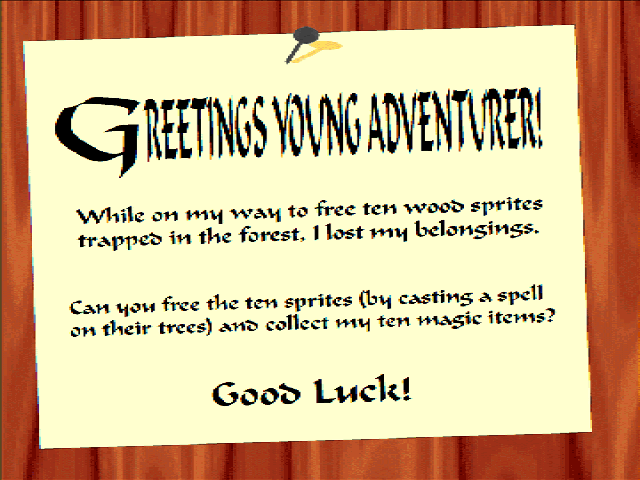
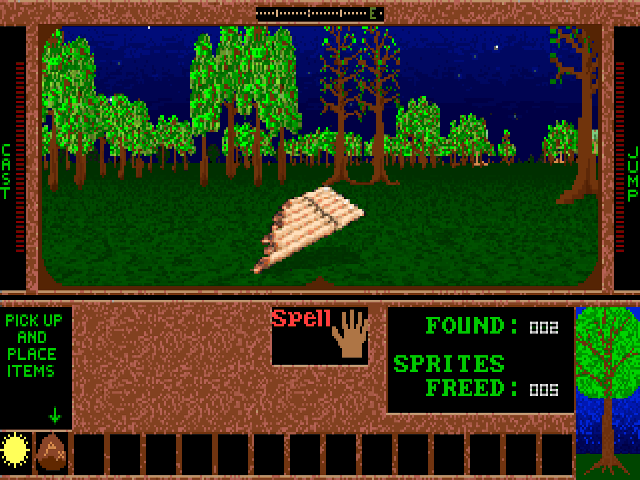
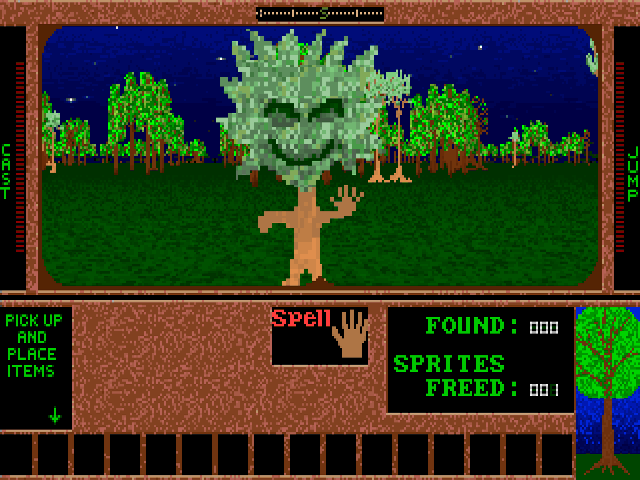
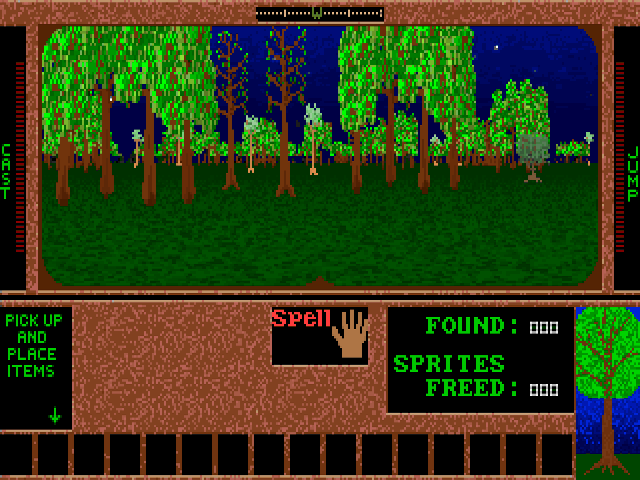
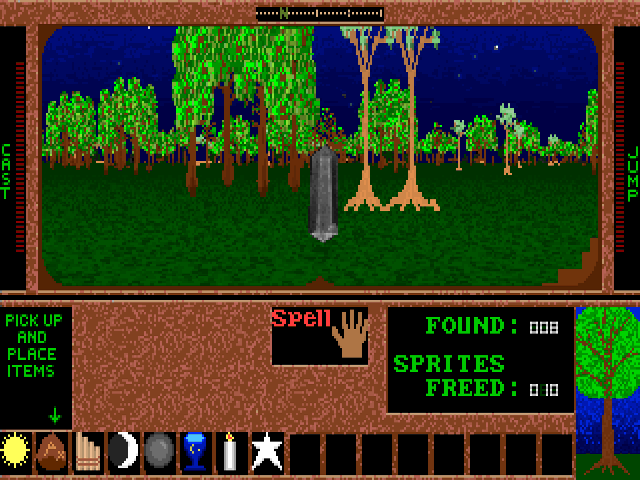
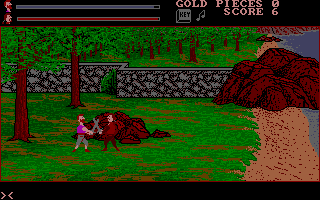
Gaia opens with a request to recover ten lost magic items and free ten wood sprites trapped in trees. Exploration takes place in a first-person forest. The interface tracks items found and sprites freed, so keep both goals in mind instead of treating the world as a shooting arena.
Arrow keys move or turn. Space, Alt or Ctrl casts a spell. Hold and release 0 or J to jump; P or Enter picks up an object. The on-screen help also identifies S or minus as the command for choosing an object to drop.
F1 opens that help screen. If movement behaves erratically, the developer recommends toggling Num Lock. Learn how to collect and place objects before travelling far, and use the inventory area to keep track of what the forest has already yielded.
Start here
Quick tips
Both the lost items and trapped sprites count toward the objective.
Toggle Num Lock if movement becomes erratic.
- Arrow Up / Arrow Down
- Move forward / backward
- Arrow Left / Arrow Right
- Turn left / right
- Space / Alt / Ctrl
- Cast a spell
- 0 / J
- Hold and release to jump
- P / Enter
- Pick up an object
- S / -
- Select an object to drop
- F1
- Open instructions
- F
- Pause
- Escape
- Quit
Screens
Screenshots
Keep playing
Similar Games
Help improve this entry
Something not working?
Report a gameplay or information problem. Short reports are enough.
Archive notes
Rights and Source Notes
Browser play uses the archived Freeware release.
- Distribution
- Freeware
- Browser player
- js-dos · Browser play
- Added to archive
- 2026-07-26