Kentris
Saves are stored in this browser.
Player notes
About this game
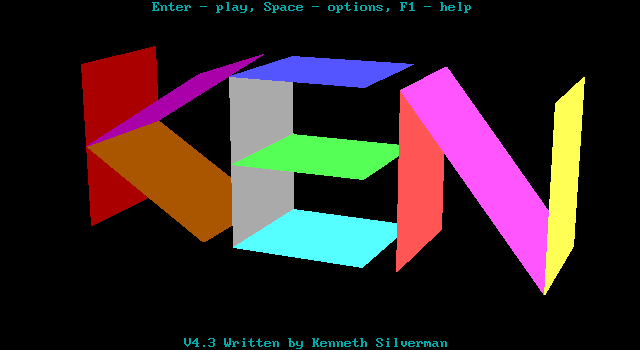
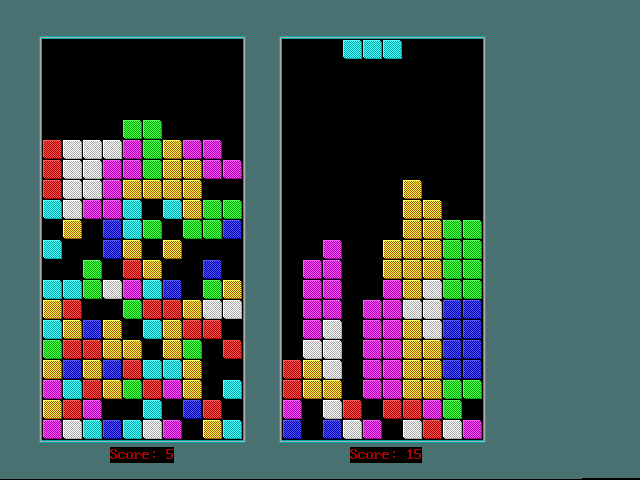
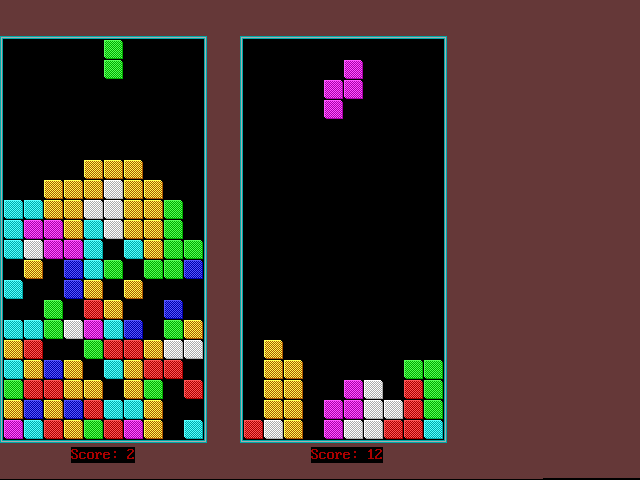
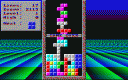
Kentris puts two falling-block boards alongside one another. Fit pieces into complete rows while keeping the stack below the top. Before starting, the setup screen lets you change match settings and players; use the arrows to navigate and Enter to begin.
The left board uses A and D, or Left and Right, for horizontal movement. W or Up rotates one way, while S or Down rotates the other. Space toggles fast descent for that board. The right board uses keypad 4 and 6 to move, 8 and 5 to rotate, and 0 to toggle fast descent; keep Num Lock on for those numeric inputs.
These controls differ from versions that use Down only to accelerate a piece. Try both rotation directions at a low speed before increasing the pace. Escape ends the current match.
Start here
Quick tips
Down rotates on the left board; Space controls fast descent.
Keep Num Lock on when using the right player’s numeric keypad.
- Arrow keys
- Navigate the setup screen
- Enter
- Start the match from setup
- A / D or Arrow Left / Arrow Right
- Left board: move the piece left / right
- W / Arrow Up
- Left board: rotate in one direction
- S / Arrow Down
- Left board: rotate in the opposite direction
- Space
- Left board: toggle fast descent
- Keypad 4 / 6
- Right board: move left / right with Num Lock on
- Keypad 8 / 5
- Right board: rotate in opposite directions with Num Lock on
- Keypad 0
- Right board: toggle fast descent with Num Lock on
- Escape
- End the match
Screens
Screenshots
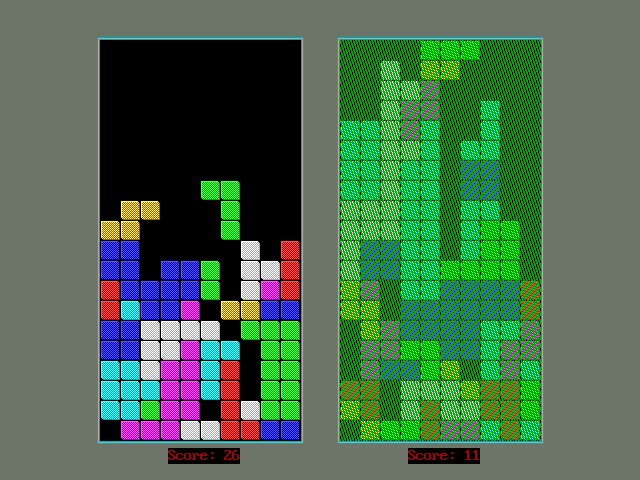
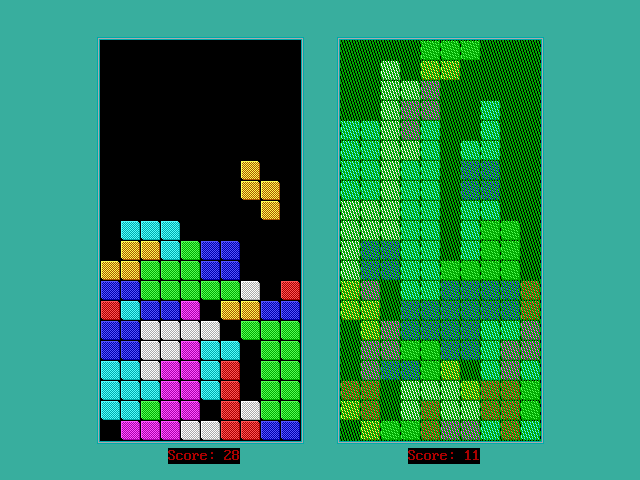
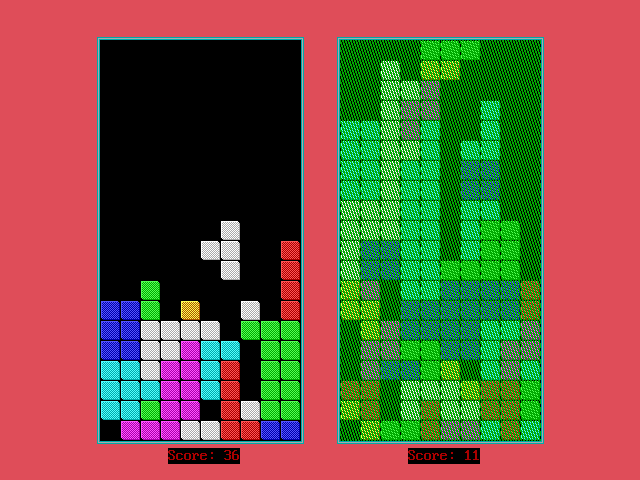
Keep playing
Similar Games

Help improve this entry
Something not working?
Report a gameplay or information problem. Short reports are enough.
Archive notes
Rights and Source Notes
Browser play uses the archived Freeware release. Official project references are listed below.
- Distribution
- Freeware
- Browser player
- js-dos · Browser play
- Added to archive
- 2026-07-27
- Official references