Labirinth
Saves are stored in this browser.
Player notes
About this game
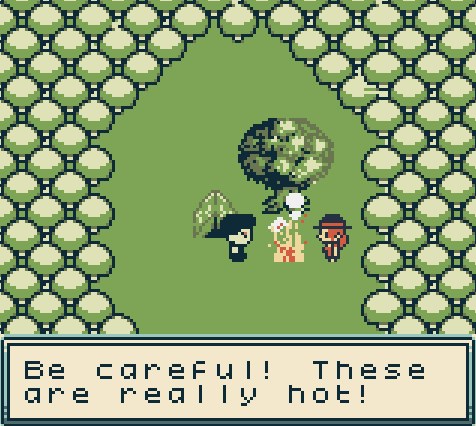
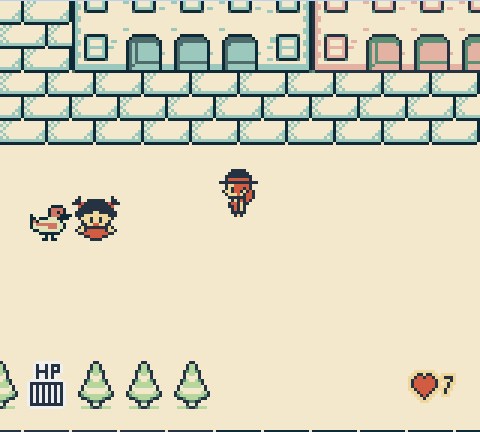
Labirinth begins with a traveller lost in unfamiliar rooms and looking for a way out. Paths, locked doors and people with requests turn the journey into an exploration puzzle. Listen to conversations and examine nearby objects: an item or favour can open the next part of the route.
Press Enter at the title, then use the arrows and X to make menu choices. The opening offers an easier route that requires helping seven people, or a harder one that asks you to help everyone in need. In the world, the arrows move your character and X is the Game Boy A interaction and dialogue button.
Tab represents Select and opens the in-game Save, Load and Restart menu. Use Restart deliberately, and read a character's whole conversation before moving on. A wall or obstacle may simply mean that you need to approach from another direction.
Start here
Quick tips
Read requests carefully; helping people changes the route forward.
Choose the easier opening option to begin with the seven-person objective.
Tab opens the game menu; Restart begins again.
- Enter
- Game Boy Start: begin from the title
- Arrow keys
- Move; choose menu entries
- X
- Game Boy A: interact, advance dialogue and confirm choices
- Tab
- Game Boy Select: open Save / Load / Restart menu
Screens
Screenshots
Keep playing
Similar Games

Help improve this entry
Something not working?
Report a gameplay or information problem. Short reports are enough.
Archive notes
Rights and Source Notes
Browser play is available for this entry. Official project references are listed below.
- Distribution
- CC BY-SA 4.0
- Attribution
- Labirinth by godai / Gniazdo Swiatow.
- Browser player
- EmulatorJS · Browser play
- Added to archive
- 2026-07-23
- Official references