Save Maurice!
Saves are stored in this browser.
Player notes
About this game
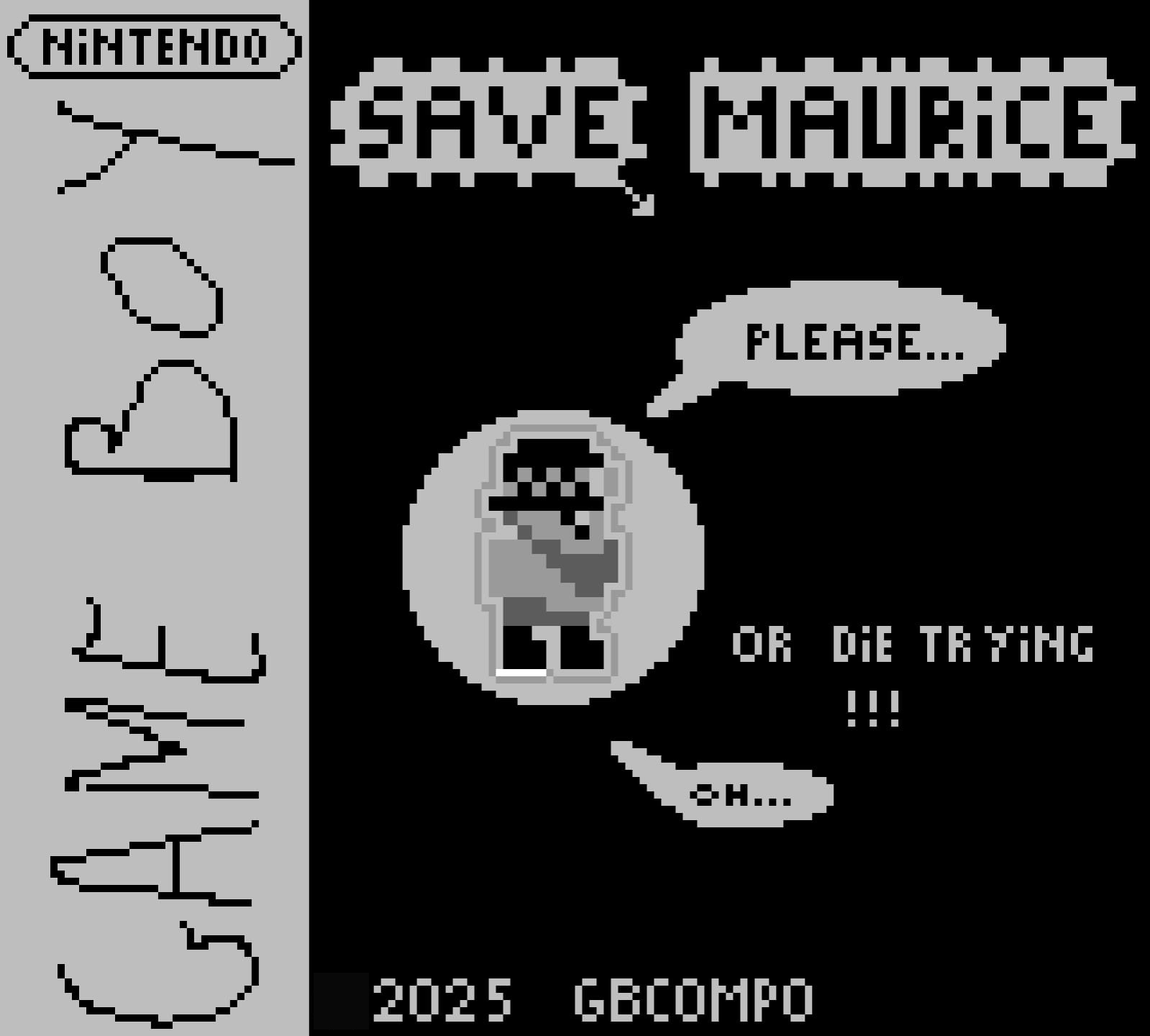
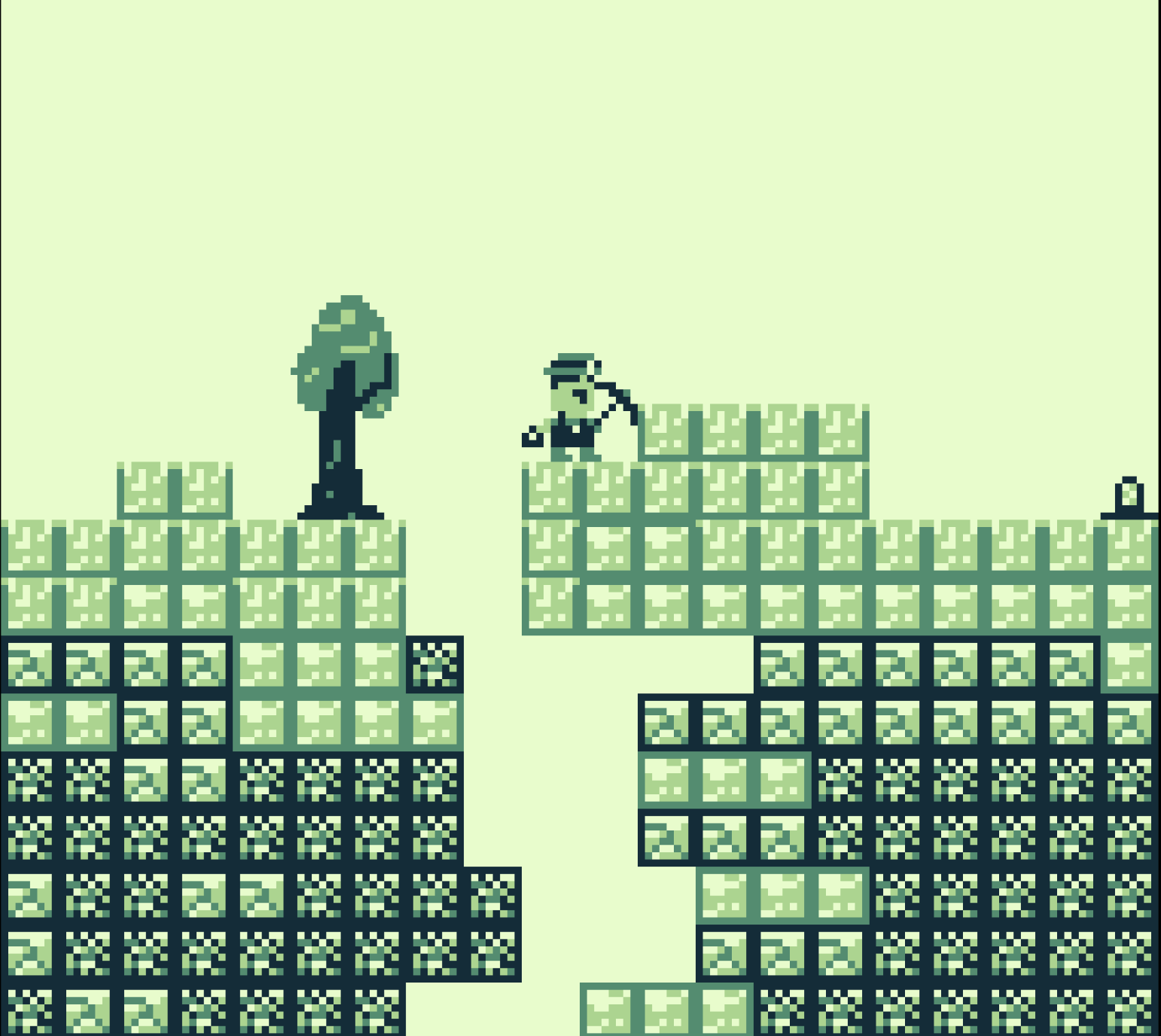
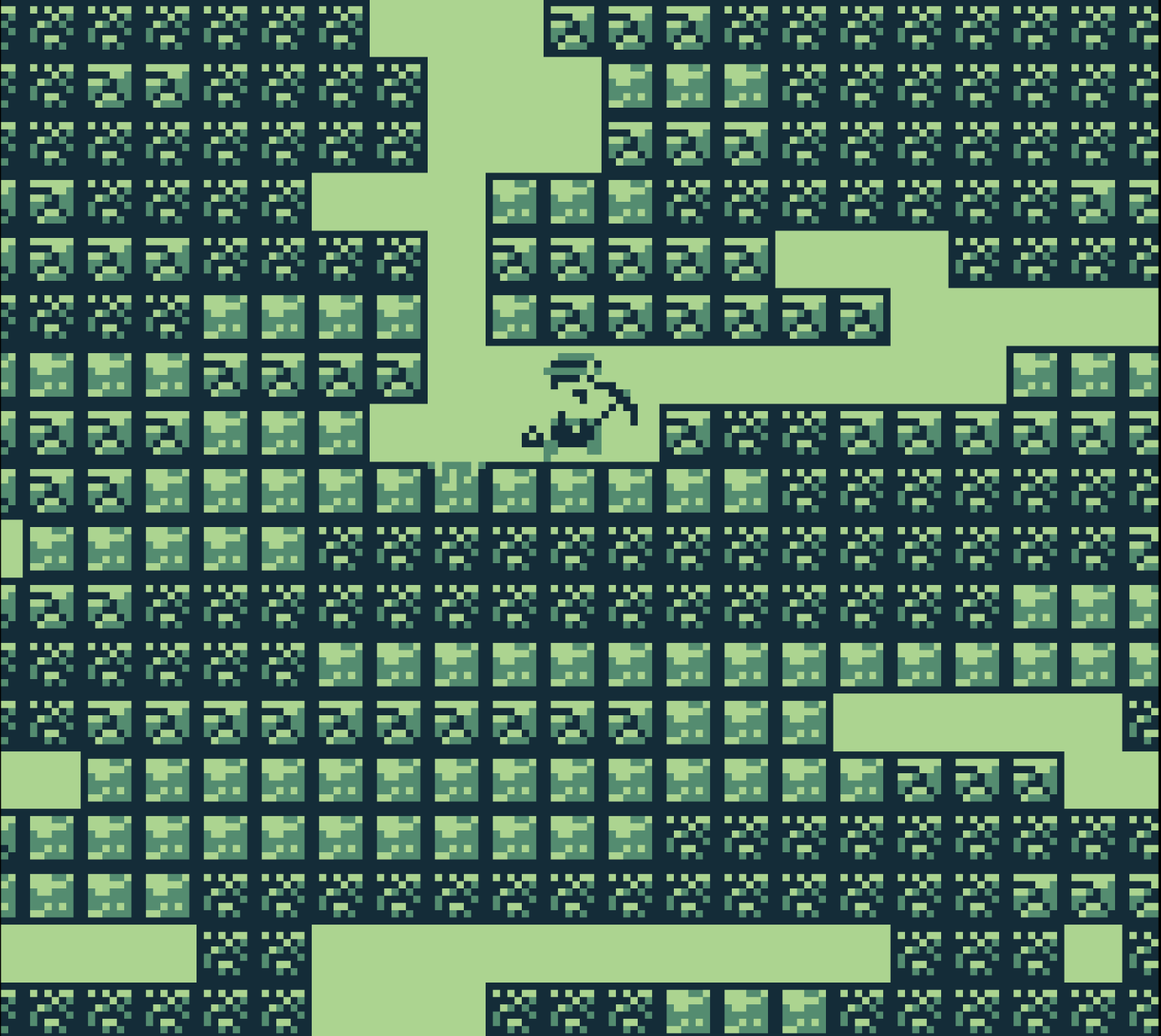
Save Maurice! is a 2025 Game Boy digging game by Les Wet. Maurice has disappeared into the mines, and Jimmy sets out with a pickaxe and a lantern to find him. The mine is generated for each run. Your route affects the number of blocks you need to break, while the lantern determines how much of the surrounding ground you can see.
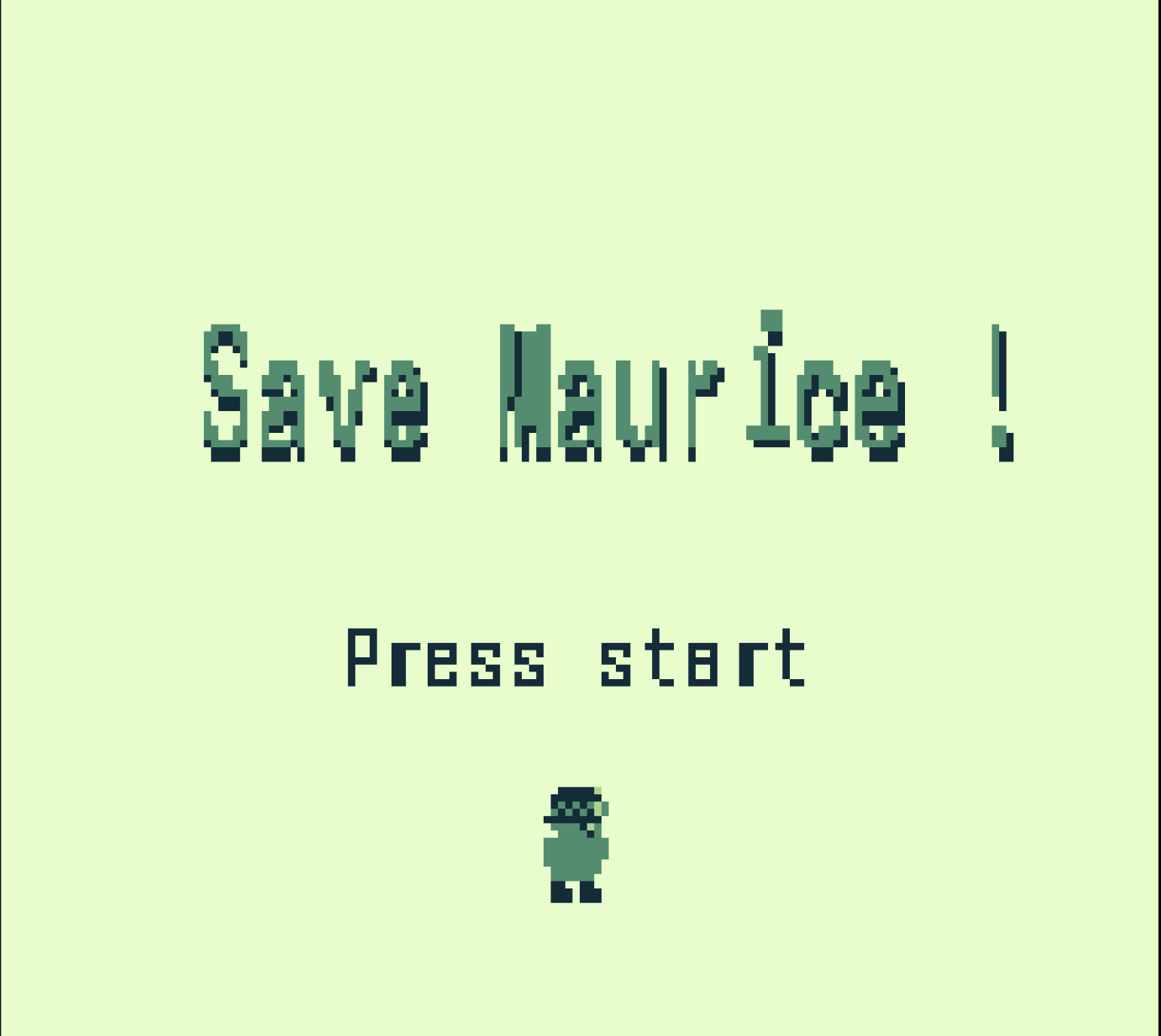
Press Enter at the title. During the introduction, X advances to the next page and Z skips the explanation. Use the left and right arrows to move or face sideways. X operates the pickaxe, corresponding to A on a Game Boy. Dig below your feet or combine the pickaxe with a direction to work into a side wall. Some blocks take more strokes than others, and clearing the ground beneath Jimmy lets him drop farther into the mine.
Lamp recharges are collected with the pickaxe. Plan a route toward them before the mine becomes too dark to navigate. The original help rewards efficient digging and warns against wasting strokes; exploring every block is not the goal. It also documents the original restart combination A+B+Start+Select, mapped here to X+Z+Enter+Tab held together. Restarting begins a new attempt. This page uses the original Game Boy Competition 2025 jam release.
Start here
Quick tips
Read the introduction once: it explains side digging, tougher blocks and lamp refills.
Choose a short route and avoid unnecessary pickaxe strokes.
Collect lamp refills with X before visibility becomes a problem.
- Enter
- Start from the title (Start)
- Left / Right arrows
- Move sideways / choose digging direction
- X
- Use pickaxe / collect lamp refill / advance introduction (A)
- Z
- Skip introduction (B)
- X + Z + Enter + Tab
- Restart together, as documented by the original help
Screens
Screenshots
Keep playing
Similar Games
Help improve this entry
Something not working?
Report a gameplay or information problem. Short reports are enough.
Archive notes
Rights and Source Notes
Browser play uses the release preserved by Homebrew Hub. Official project references are listed below.
- Distribution
- GPL-3.0 (original code and assets); zlib starter-kit portions; dependency notices included
- Attribution
- Save Maurice! by Les Wet, with pixel art credited to Fredou; original code and assets GPL-3.0, starter-kit portions zlib. See corresponding source for complete notices.
- Browser player
- EmulatorJS · Browser play
- Added to archive
- 2026-07-25
- Official references
- Source code
- Download open-source code packageSource code only; this is not a game ROM download.