Mario & Luigi
Saves are stored in this browser.
Player notes
About this game
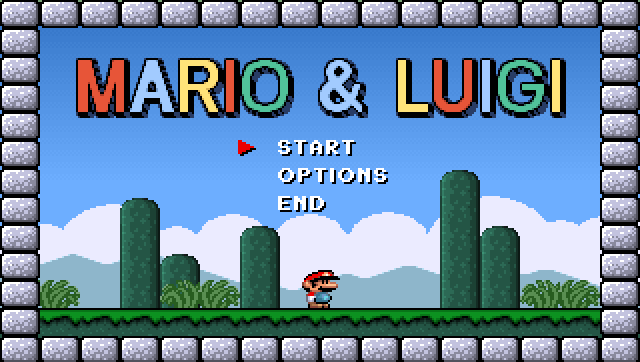
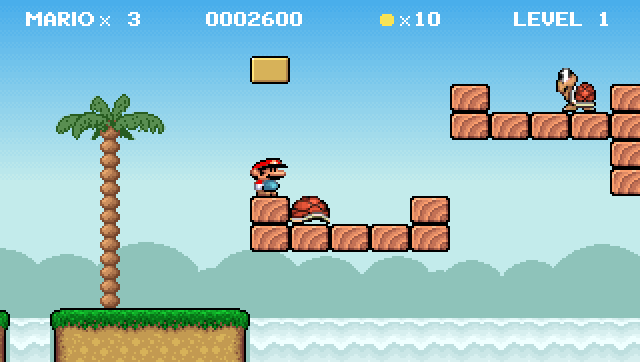
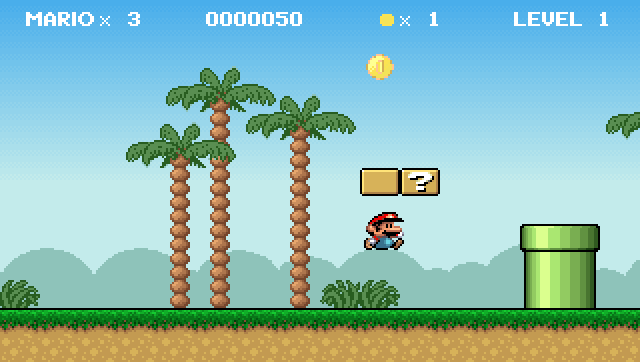
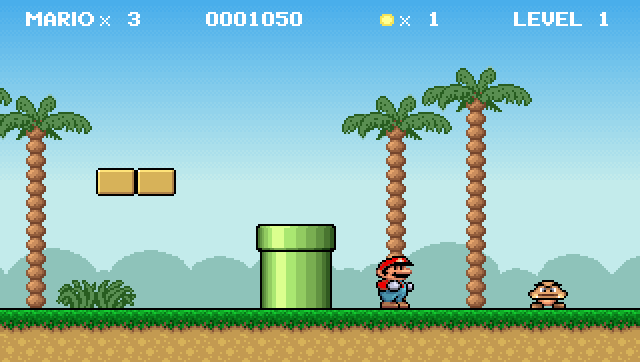
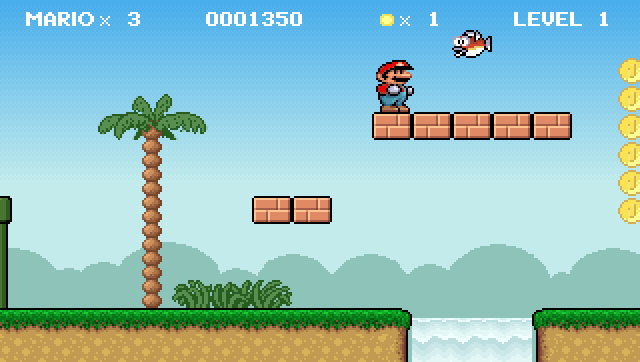
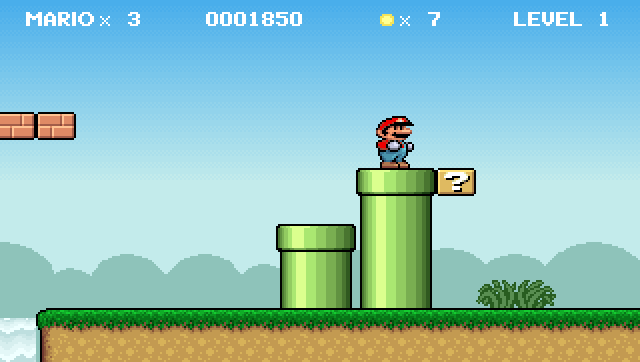
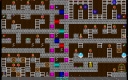
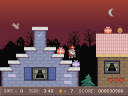
Mario & Luigi is Mike Wiering's small DOS fan game from 1994. The author describes it as an exercise in VGA programming and smooth parallax scrolling, with six levels packed into a compact executable. It is this independent DOS project, not a Nintendo console release.
Its controls are easy to confuse with other platformers. Left and Right walk, holding Ctrl while moving runs, and Alt jumps. Space fires, with Up and Down used to aim. Down also enters some pipes, but the readme explicitly notes that not every pipe is an entrance.
Use the arrow keys and Enter to choose menu options; Escape goes back or quits. The keyboard bindings below come from the README.TXT included with this build. Before attempting a longer jump, get used to the difference between walking and running, and remember that Space is assigned to firing rather than jumping.
Start here
Quick tips
Alt is the jump key; Space is used to fire.
Hold Ctrl with Left or Right to run, and use Down at a pipe that allows entry.
- Left / Right
- Walk
- Ctrl + Left / Right
- Run
- Alt
- Jump
- Space
- Fire; aim with Up / Down
- Down
- Enter a usable pipe
- Enter
- Select a menu item
- Esc
- Go back / quit
Screens
Screenshots
Keep playing
Similar Games
Help improve this entry
Something not working?
Report a gameplay or information problem. Short reports are enough.
Archive notes
Rights and Source Notes
Browser play uses the archived Freeware release. Official project references are listed below.
- Distribution
- Freeware
- Browser player
- js-dos · Browser play
- Added to archive
- 2026-07-27
- Official references