MegaBlocks
Saves are stored in this browser.
Player notes
About this game
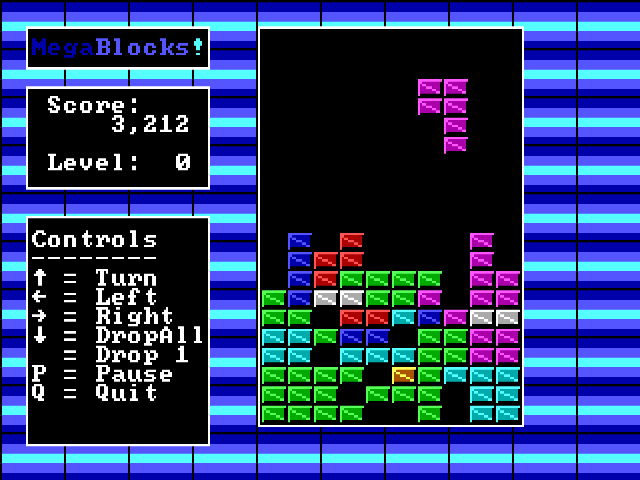
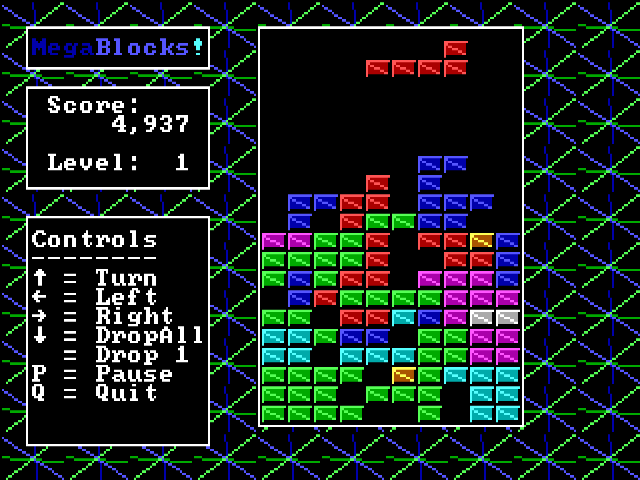
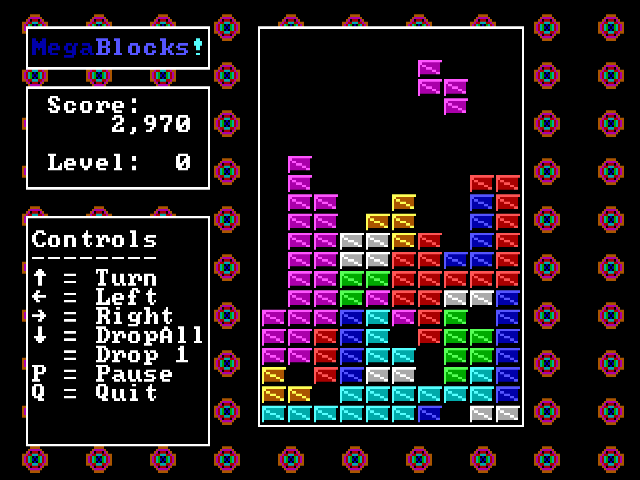
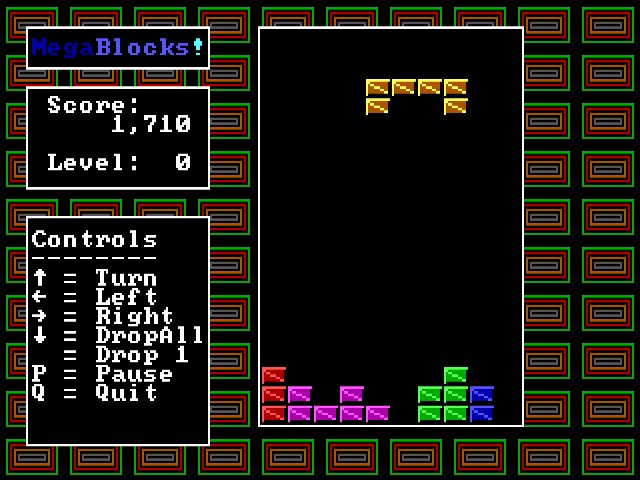
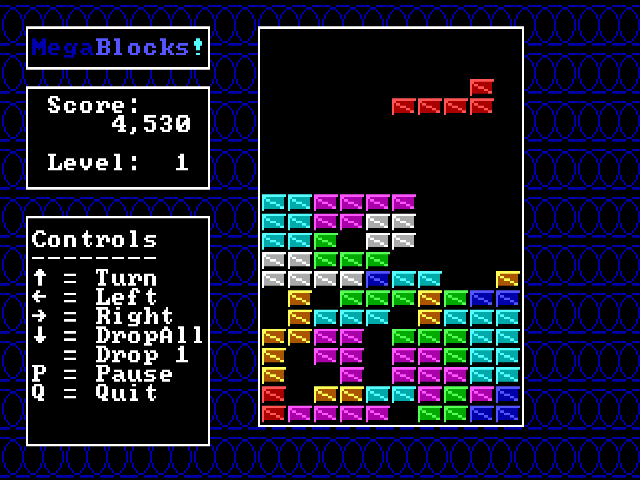
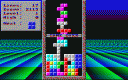
MegaBlocks extends the falling-block puzzle with shapes that demand more room and planning than the usual small pieces. The playfield is accompanied by score, level and a control legend, while the main menu offers instructions and game options.
Arrow Left and Arrow Right move a piece sideways, and Arrow Up turns it. Arrow Down performs the full drop shown as Dropall in the control guide. P pauses and Q quits the current game. Check the landing position before dropping, especially when a larger shape can cover an opening you still need.
The supplied documentation identifies the 1.00.00 release. Start with a low level while learning the shapes, keep a broad open area near the top and use the pause key when you need to inspect a crowded board.
Start here
Quick tips
Check the whole shape’s landing space before pressing Down.
P pauses while you examine the board.
- Arrow Left / Arrow Right
- Move the falling shape
- Arrow Up
- Turn the shape
- Arrow Down
- Drop the shape all the way
- P
- Pause
- Q
- Quit the current game
Screens
Screenshots
Keep playing
Similar Games

Help improve this entry
Something not working?
Report a gameplay or information problem. Short reports are enough.
Archive notes
Rights and Source Notes
Browser play uses the archived Freeware (installed) release.
- Distribution
- Freeware (installed)
- Browser player
- js-dos · Browser play
- Added to archive
- 2026-07-28