Nyet
Saves are stored in this browser.
Player notes
About this game
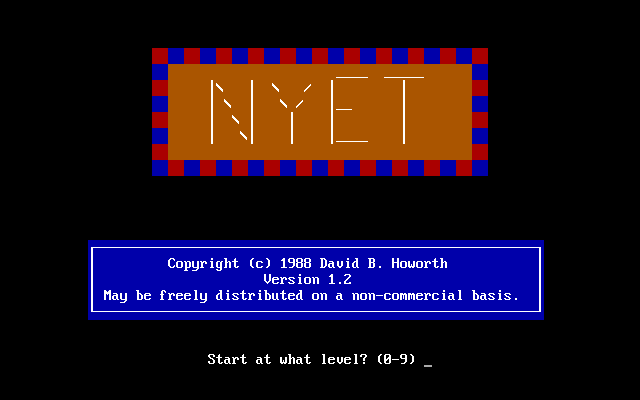
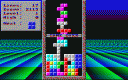
Nyet arranges falling shapes into complete horizontal rows. Each cleared row makes room for more pieces, while the level controls how quickly they descend. David Howorth's version 1.2 instructions explain that scoring depends on level, placement speed and whether the next-piece preview is enabled.
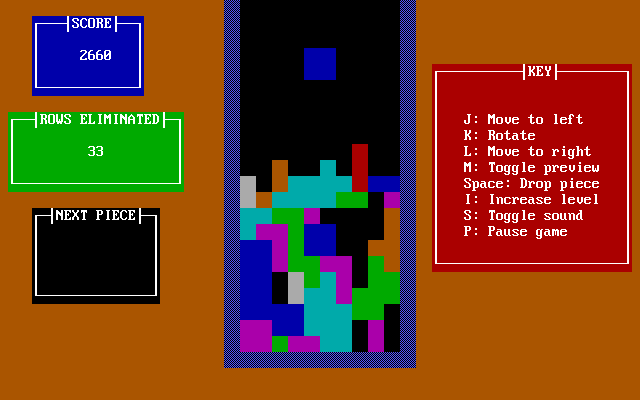
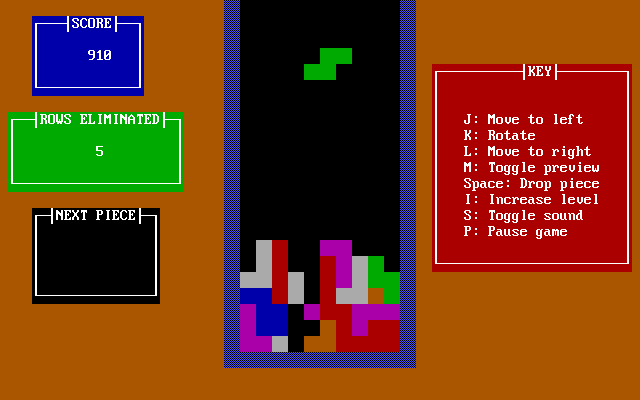
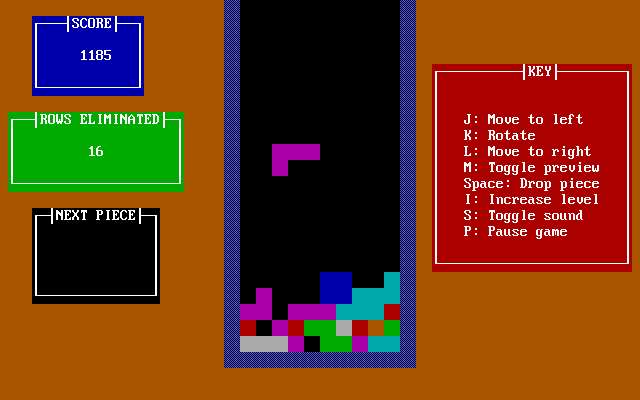
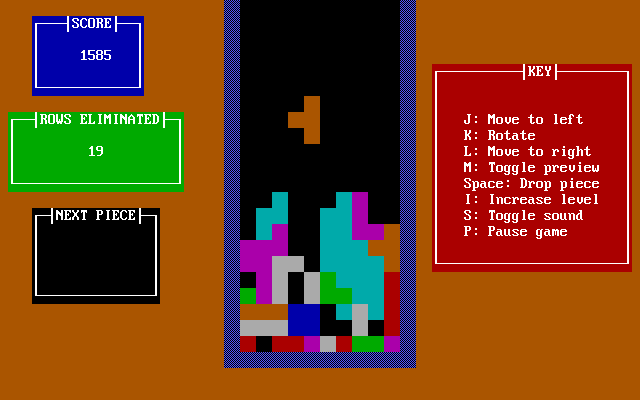
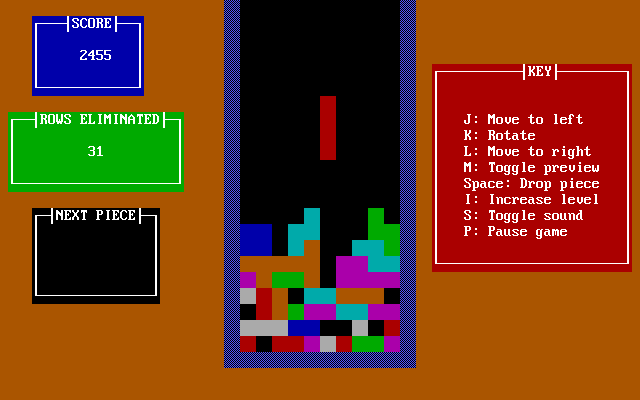
J moves a piece left, K rotates it and L moves it right. Space drops it into place. The manual also lists 4, 5 and 6 for movement and rotation, plus 2 or comma for dropping. Learn one set before the stack becomes crowded.
M toggles the preview, P or Escape pauses, and S toggles sound. Previewing the next piece reduces its placement award by about a third, so it trades score for planning information. I increases the level when you want a faster challenge. Drop a piece quickly only after checking that it is aligned with the intended gap.
Start here
Quick tips
Use J, K, L and Space as a compact movement, rotation and drop layout.
The next-piece preview helps planning but reduces placement points.
- J / 4
- Move left
- K / 5
- Rotate
- L / 6
- Move right
- Space / 2 / comma
- Drop the piece
- M / 1
- Toggle next-piece preview
- I / 8
- Increase the level
- P / Esc
- Pause
- S
- Toggle sound
Screens
Screenshots
Keep playing
Similar Games

Help improve this entry
Something not working?
Report a gameplay or information problem. Short reports are enough.
Archive notes
Rights and Source Notes
Browser play uses the archived Freeware release.
- Distribution
- Freeware
- Browser player
- js-dos · Browser play
- Added to archive
- 2026-07-27