Openglad
Save behavior varies by game. Check the notes below.
Player notes
About this game
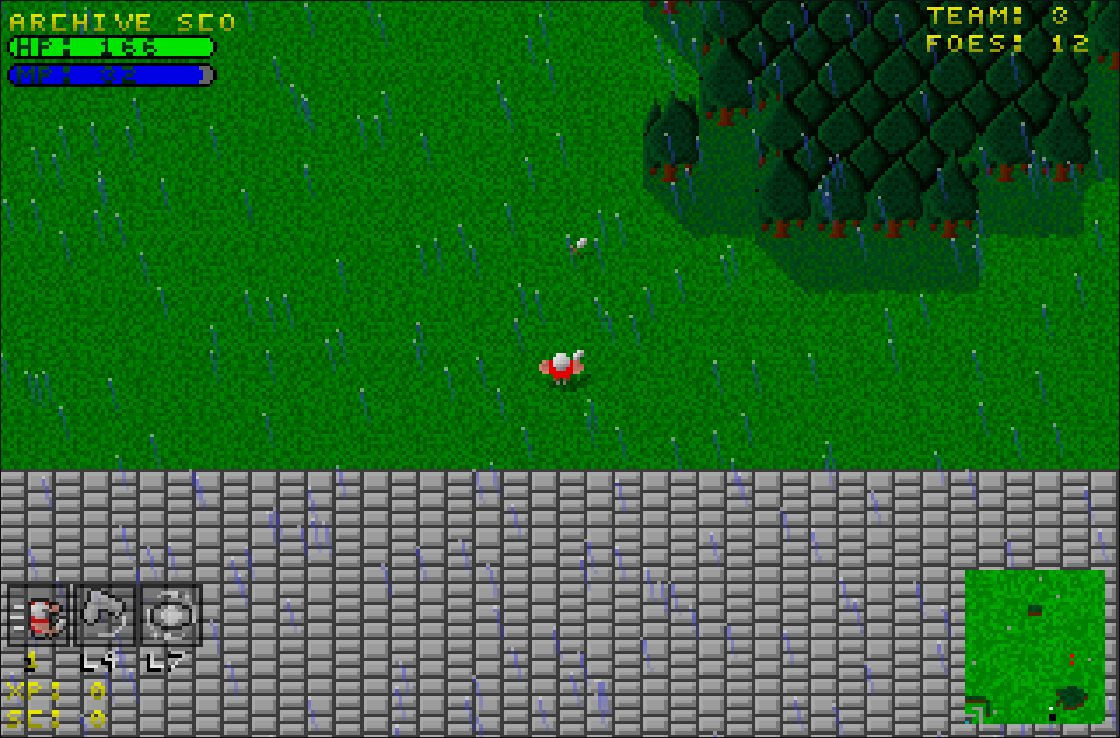
Openglad continues Gladiator, the action RPG by the Forgotten Sages Development Team. Start a company, hire a fighter at Base Camp, and head into the first mission. You control one fighter at a time while the others act on their own. Classes have different attacks and abilities, and surviving fighters can train between battles.
This edition uses the Openglad Project’s v2.1098 browser build. Continue restores your company at Base Camp, with your roster and funds saved in this browser. The archive player is set up for solo play. The original project hosts its own online play.
Start here
Quick tips
At Base Camp, choose HIRE, recruit a Soldier, and press GO. Close the mission briefing to start moving.
The fire button and the movement stick can be held together on a touchscreen. Use BACK if you need to stop and read the controls.
- W / A / S / D
- Move. Hold two keys to move diagonally.
- Z
- Attack with the current fighter.
- 1 / 2 / 3
- Use the assigned abilities. Hold Left Shift for the second row.
- E
- Call teammates to follow.
- Backspace
- Pause a mission or go back in the game’s menus.
- Touch controls
- Drag the left stick to move. Use FIRE, the numbered abilities, and BACK on screen.
Keep playing
Similar Games
Ratings & comments
Help improve this entry
Something not working?
Report a gameplay or information problem. Short reports are enough.
Archive notes
Rights and Source Notes
Browser play is available for this entry. Official project references are listed below.
- Distribution
- GPL-2.0
- Browser player
- WebAssembly · Browser play
- Added to archive
- 2026-11-13
- Official references
- Source code
- Download open-source code packageSource code only; this is not a game ROM download.
No comments yet. Be the first to share a tip.