PANGG!
Saves are stored in this browser.
Player notes
About this game
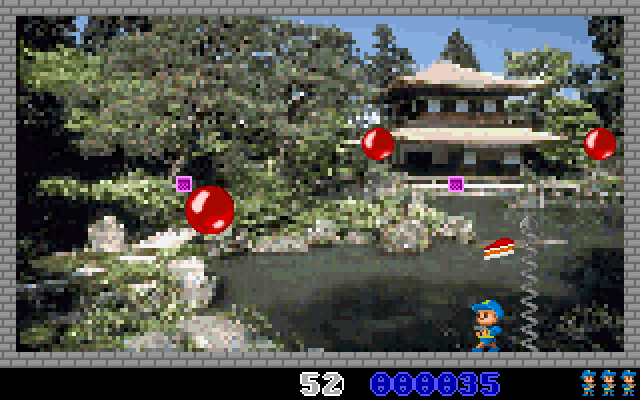
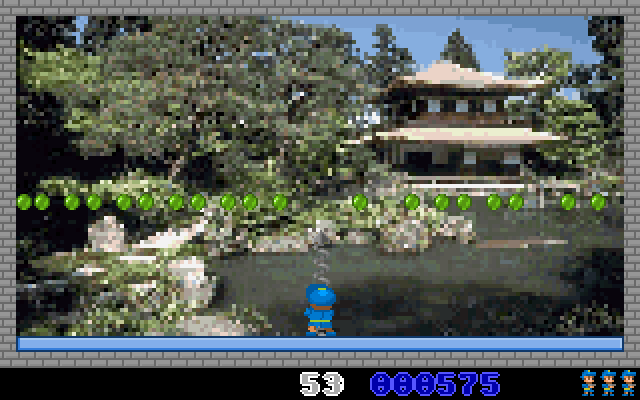
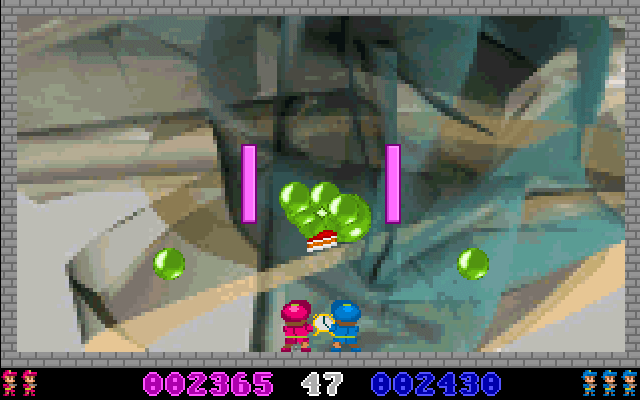
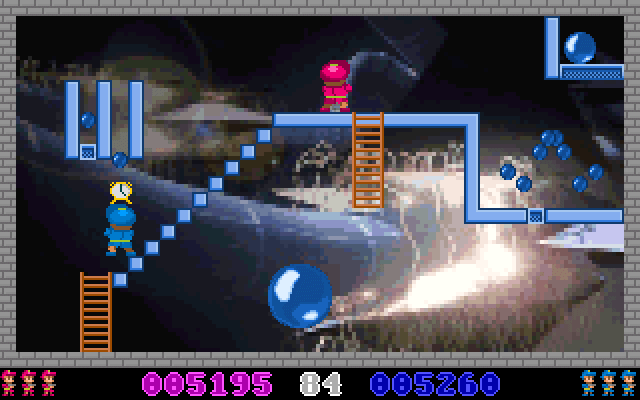
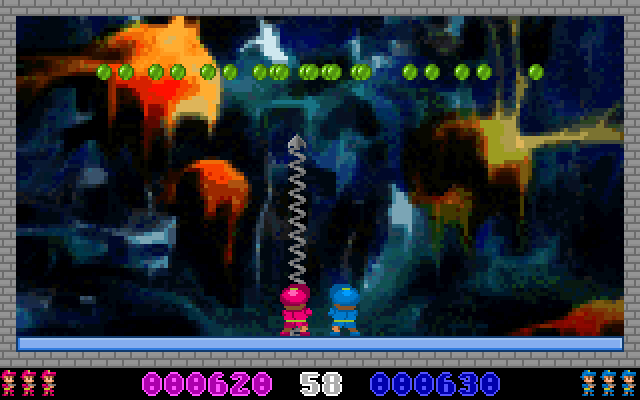
PANGG is a DOS tribute to Pang. A character moves beneath bouncing balls and fires upward, breaking larger hazards into smaller ones until the screen is cleared. Splitting a ball also creates more moving threats, so firing continuously without leaving room to escape can make a level harder.
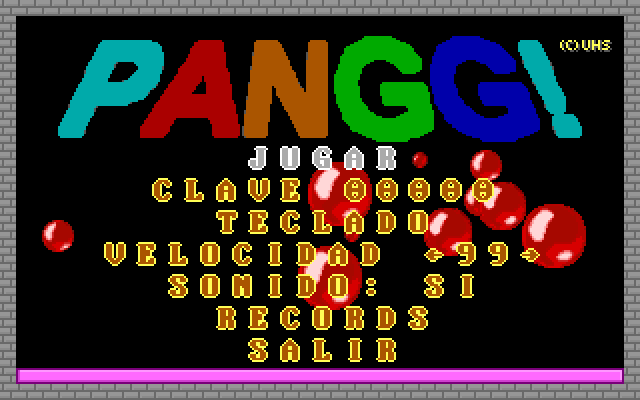
The main menu is in Spanish: Jugar starts play and Teclado displays the keyboard layout. For the first player, the arrow keys supply directional input and Ctrl fires. The second player has a separate letter-key layout and Alt as the fire key, shown on that same control screen.
Escape abandons play. The menu also displays a level code and speed setting. Begin with the listed controls and allow a ball to rise away from the character before moving underneath it.
Start here
Quick tips
Teclado opens the keyboard-control screen.
Splitting a large ball creates additional smaller hazards.
- Arrow keys
- First-player directional controls
- Ctrl
- First-player fire
- Escape
- Abandon play
Screens
Screenshots
Keep playing
Similar Games
Help improve this entry
Something not working?
Report a gameplay or information problem. Short reports are enough.
Archive notes
Rights and Source Notes
Browser play uses the archived Freeware (installed) release. Official project references are listed below.
- Distribution
- Freeware (installed)
- Browser player
- js-dos · Browser play
- Added to archive
- 2026-07-27
- Official references