WinTank
Saves are stored in this browser.
Player notes
About this game
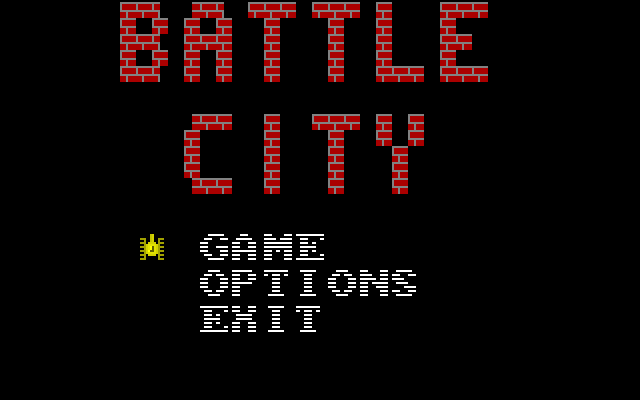
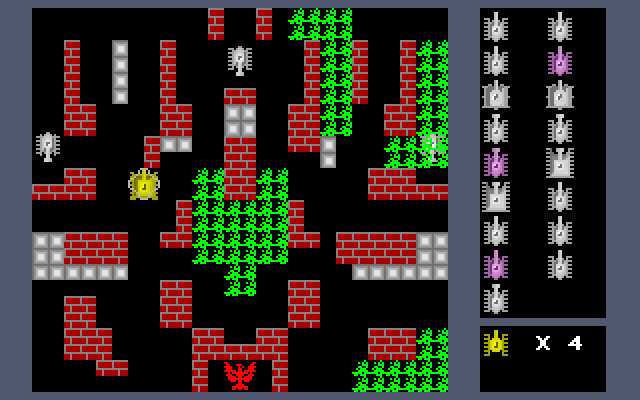
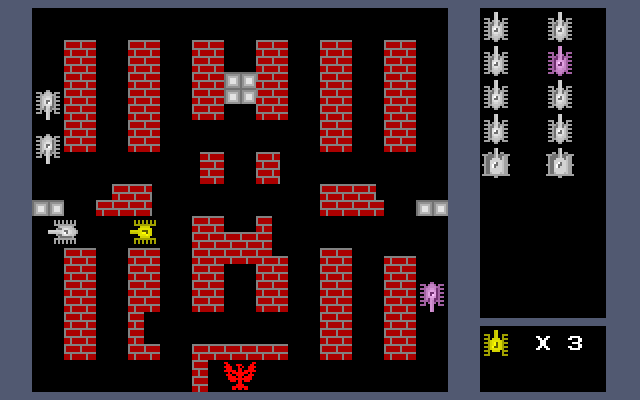
The WinTank entry opens a DOS game titled Battle City. Its bundled TANK.DOC identifies the 1999 build and gives separate controls for two players. The overhead arena uses brick walls and other terrain, with enemy vehicles and a side panel showing tank and life indicators.
Player one moves with the arrows and fires with Ctrl. Player two uses W for up, Z for down, A for left and S for right, firing with left Shift. This is not the usual W/A/S/D arrangement: S moves right in the original instructions. P pauses the game. The menu uses the arrows and Enter to choose an option.
Begin with a single player to learn the layout and firing direction before sharing the keyboard. Use the passages between obstacles to line up a shot and leave room to turn. The package also documents a level editor, but the bindings here describe ordinary play and menu navigation.
Start here
Quick tips
Player two uses Z for down and S for right.
Check your firing direction before entering a narrow passage.
P pauses the current game.
- Arrow keys
- Player 1: move the tank
- Ctrl
- Player 1: fire
- W / Z / A / S
- Player 2: up / down / left / right
- Left Shift
- Player 2: fire
- P
- Pause
- Arrow keys + Enter
- Select and confirm menu options
Screens
Screenshots
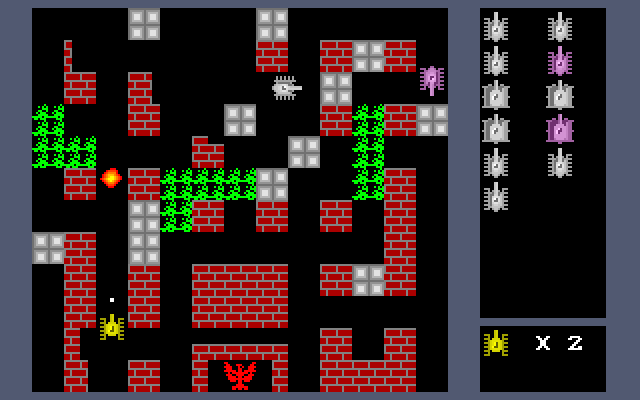
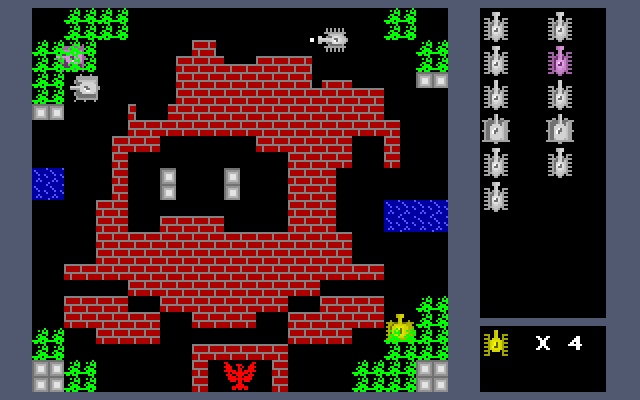
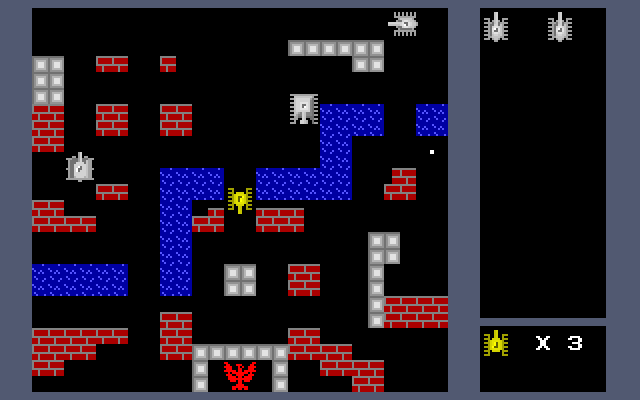
Keep playing
Similar Games
Help improve this entry
Something not working?
Report a gameplay or information problem. Short reports are enough.
Archive notes
Rights and Source Notes
Browser play uses the archived Freeware release. Official project references are listed below.
- Distribution
- Freeware
- Browser player
- js-dos · Browser play
- Added to archive
- 2026-07-27
- Official references