Snarf
Saves are stored in this browser.
Player notes
About this game
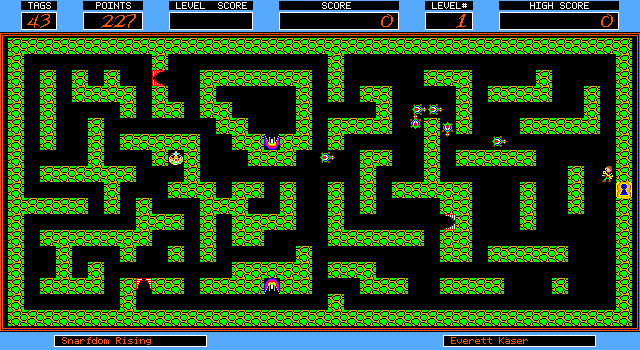
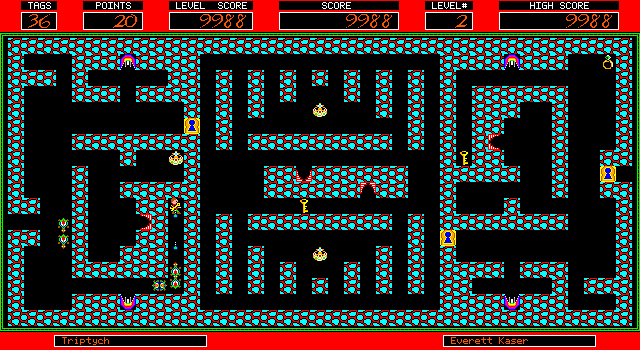
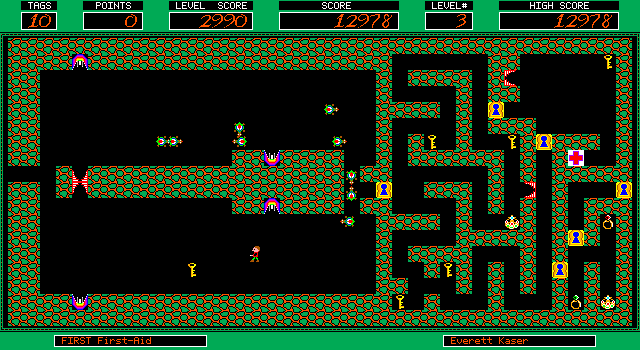
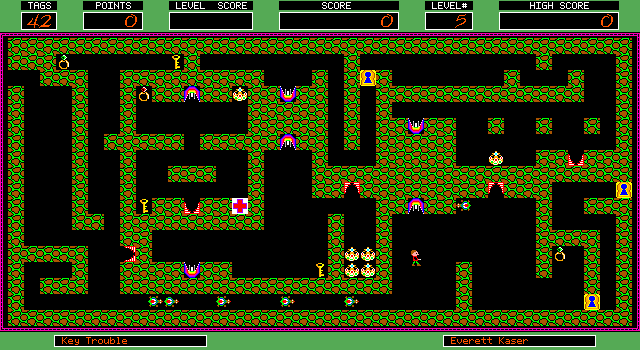
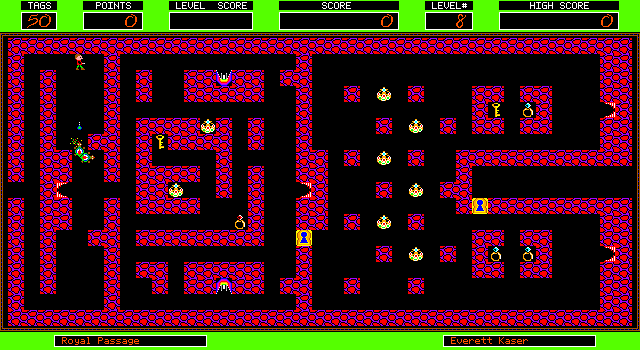
Snarf sends a treasure hunter through mazes containing keys, locked passages, teleports and creatures. Treasure earns points; shooting creatures does not. Your remaining tag count affects the value of a completed level, so avoiding contact is more valuable than simply clearing enemies.
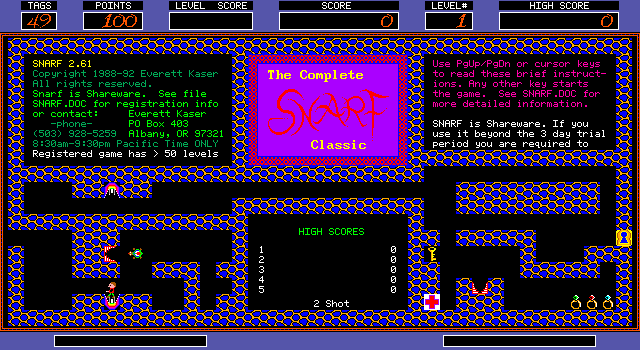
At the opening demonstration, Space advances to the play screen and another key starts. Move with the arrows and fire independently with W, A, S and D. Space pauses during play, N toggles noise and Escape returns to the demonstration. The K option on the opening screen can redefine the game keys.
First-aid stations restore the tag allowance, but they do not appear in every maze. You can carry only one key at a time. The packaged instructions identify Snarf 2.60 US and distinguish normal two-shot play from the harder one-shot option.
Start here
Quick tips
Treasure scores points; shooting snarfs does not.
Keep your tag count high for a better end-of-level score.
- Space
- Advance the opening screens; pause during play
- Arrow keys
- Move
- W / A / S / D
- Fire up / left / down / right
- N
- Toggle sound
- Escape
- Return to the demo; quit from the opening screen
- K
- Redefine keys on the opening screen
- < / >
- Decrease / increase game speed
- 1 / 2
- Choose one-shot / two-shot play on the opening screen
Screens
Screenshots
Keep playing
Similar Games
Help improve this entry
Something not working?
Report a gameplay or information problem. Short reports are enough.
Archive notes
Rights and Source Notes
Browser play uses the archived Shareware (installed) release.
- Distribution
- Shareware (installed)
- Browser player
- js-dos · Browser play
- Added to archive
- 2026-07-27