Space Plumber
Saves are stored in this browser.
Player notes
About this game
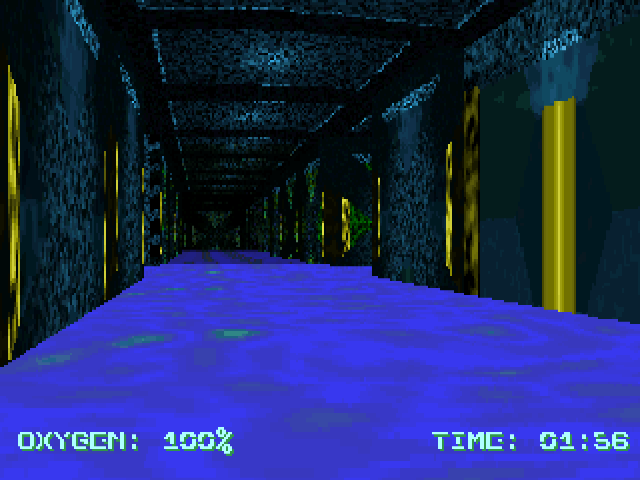
Space Plumber sends you into a sinking processing plant to start its water-extraction pumps. Valves and computer consoles activate when you walk into them; there is no separate use key. Finding every pump is not quite the end, because you must survive until the water drops below your head.
In this DOS version, Up and Down move forward and backward, Left and Right turn, and Shift runs while your feet are out of the water. Once submerged, C swims down and D or Space swims up. PgUp and Delete change the viewing angle.
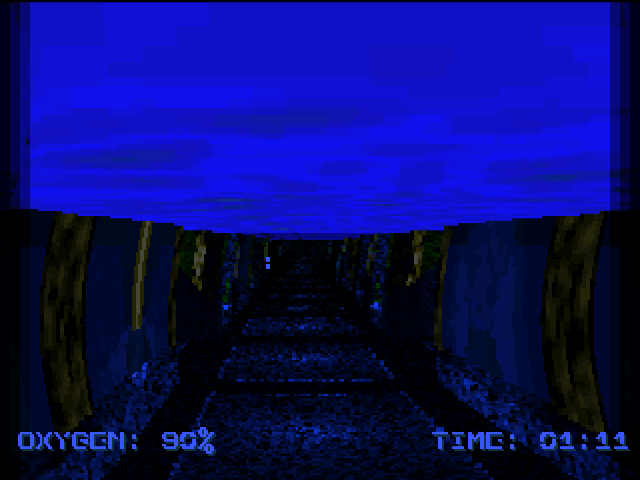
The version 1.0.5 manual says the countdown estimates sinking time rather than directly ending the level. Oxygen is the immediate danger, and some part of each level retains an air pocket. P pauses and Escape returns to the main menu. Learn a route back to breathable space before diving into an unfamiliar flooded corridor.
Start here
Quick tips
Touch valves and consoles to activate them; there is no use button.
After the final pump starts, keep breathing until the water actually recedes.
- Up / Down
- Move forward / backward
- Left / Right
- Turn
- Shift
- Run while feet are out of water
- C
- Swim down
- D / Space
- Swim up
- PgUp / Delete
- Look up / down
- P
- Pause
- Esc
- Return to the main menu
Screens
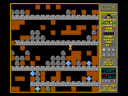
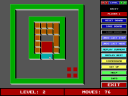
Screenshots
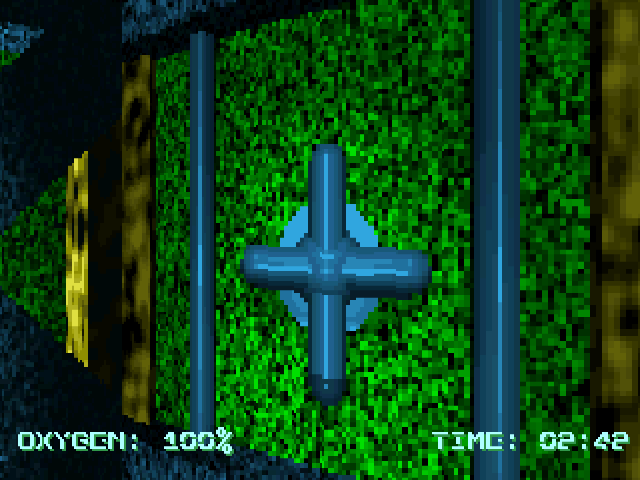
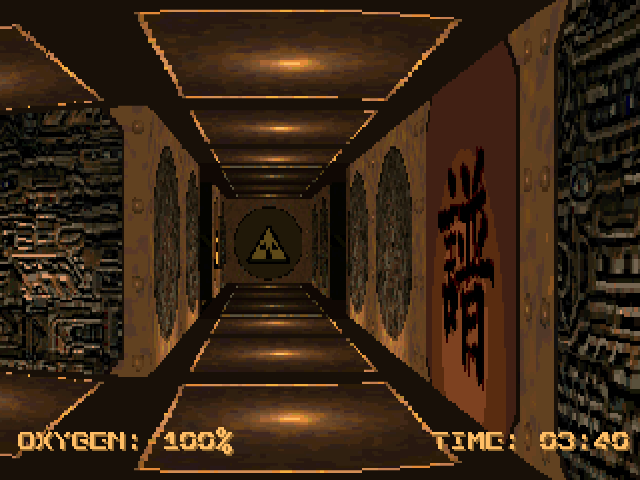
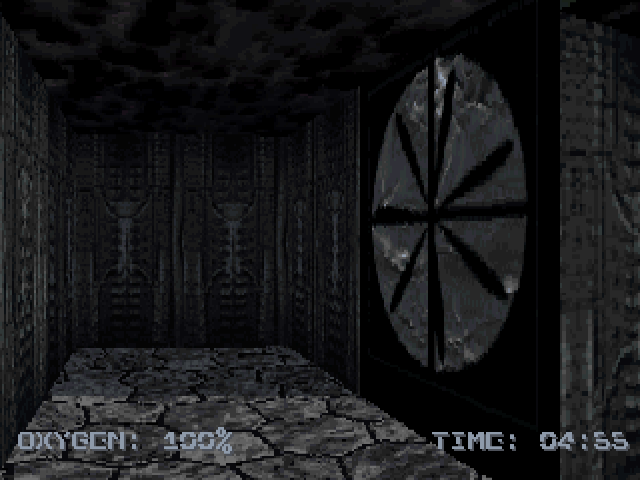
Keep playing
Similar Games
Help improve this entry
Something not working?
Report a gameplay or information problem. Short reports are enough.
Archive notes
Rights and Source Notes
Browser play uses the archived Freeware release. Official project references are listed below.
- Distribution
- Freeware
- Browser player
- js-dos · Browser play
- Added to archive
- 2026-07-28
- Official references