Station Escape
Saves are stored in this browser.
Player notes
About this game
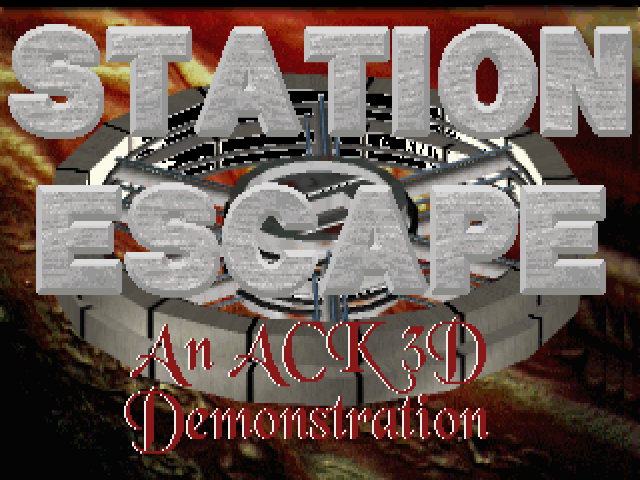
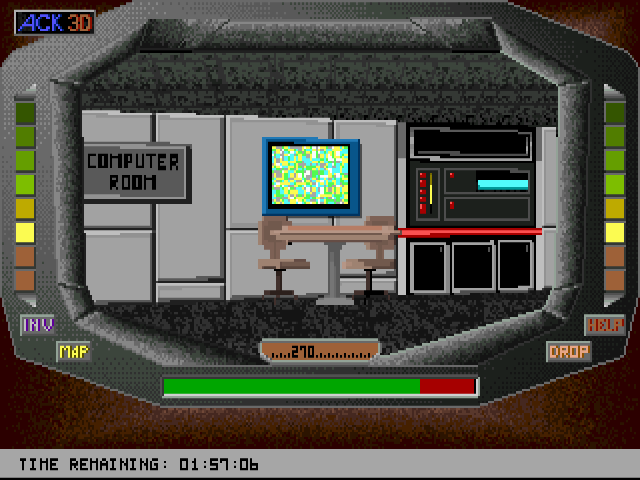
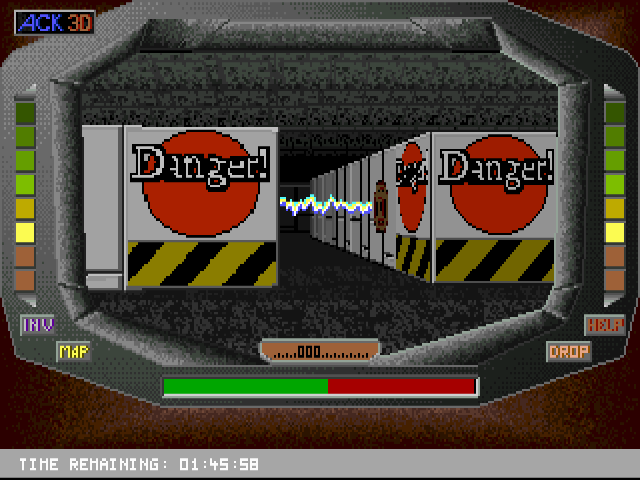
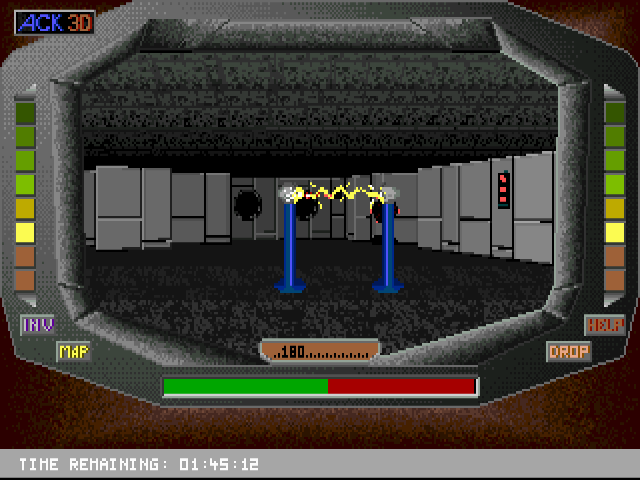
Station Escape is a demonstration of the ACK-3D engine. Its background story places you aboard a damaged station, searching for parts to repair Shuttle Five before time runs out. The developer presents it as an engine experiment rather than a complete adventure campaign.
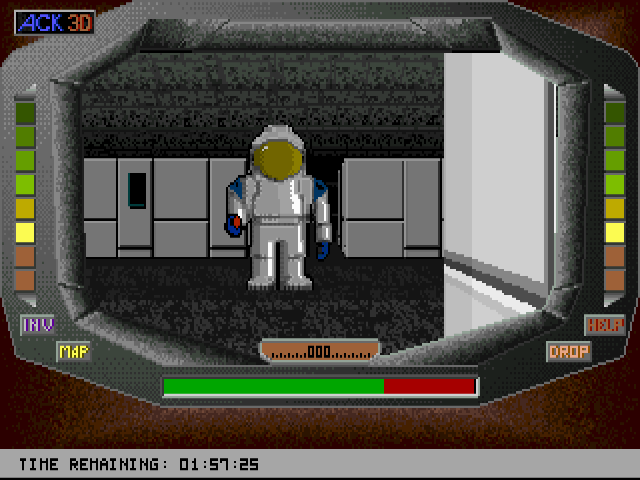
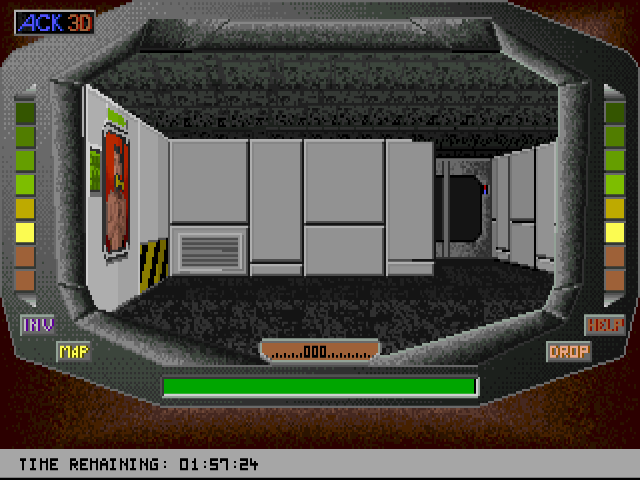
The mouse controls movement in two different ways. One mode follows mouse motion; the other displays a directional cursor within the view. F1 switches between them. The right mouse button fires the plasma weapon, so watch the energy bar while exploring.
H opens help, M displays the overhead map, I shows the inventory display and D drops an object. The original README also records occasional ghost images of objects at certain viewing angles. These visual artifacts belong to this demo build and should not be mistaken for additional pickups.
Start here
Quick tips
Use F1 to try the other mouse movement mode if steering feels unfamiliar.
Watch the energy bar when using the plasma weapon.
- F1
- Switch between the two mouse movement modes
- H
- Open help
- M
- Show the overhead map
- I
- Show the inventory display
- D
- Drop an object
- Escape
- Exit the demo
- Mouse movement
- Steer using motion or the directional cursor, depending on the selected mode
- Right click
- Fire the plasma weapon
Screens
Screenshots
Keep playing
Similar Games
Help improve this entry
Something not working?
Report a gameplay or information problem. Short reports are enough.
Archive notes
Rights and Source Notes
Browser play uses the archived Freeware (installed) release.
- Distribution
- Freeware (installed)
- Browser player
- js-dos · Browser play
- Added to archive
- 2026-07-27