Tetris
Saves are stored in this browser.
Player notes
About this game
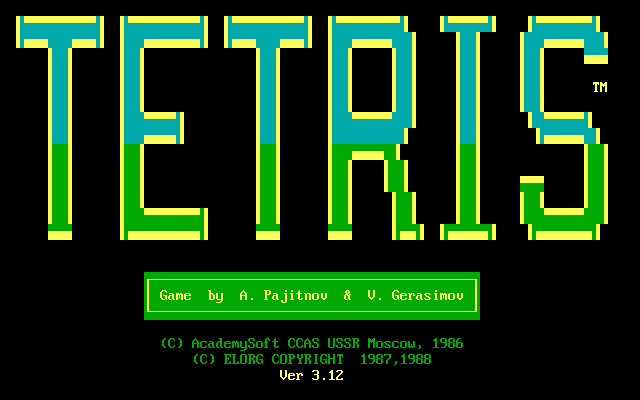
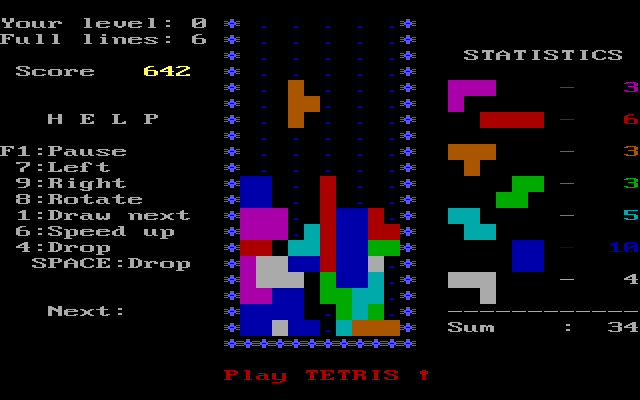
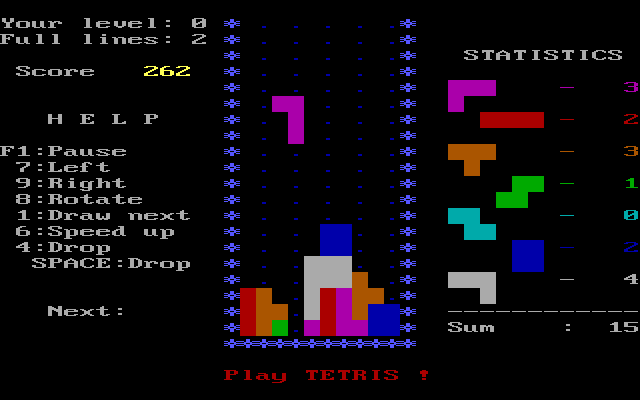
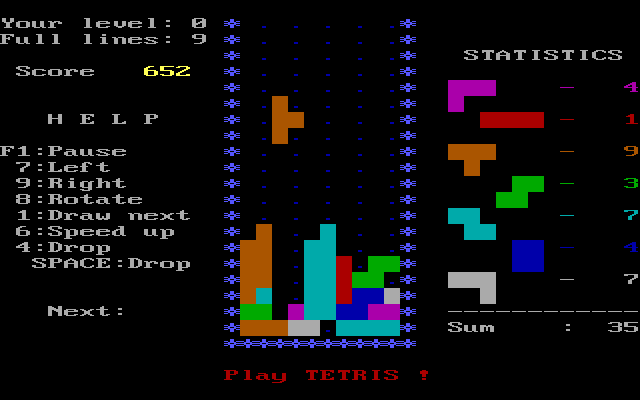
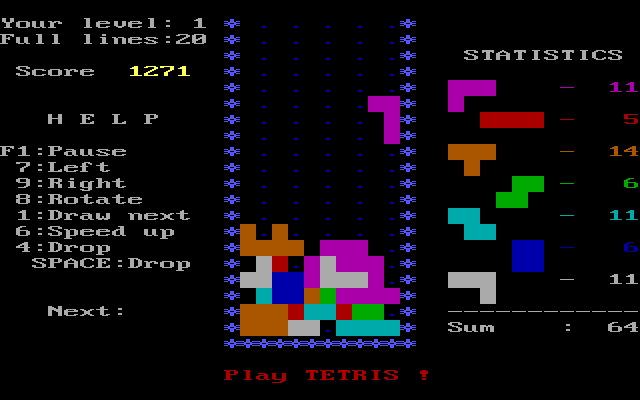
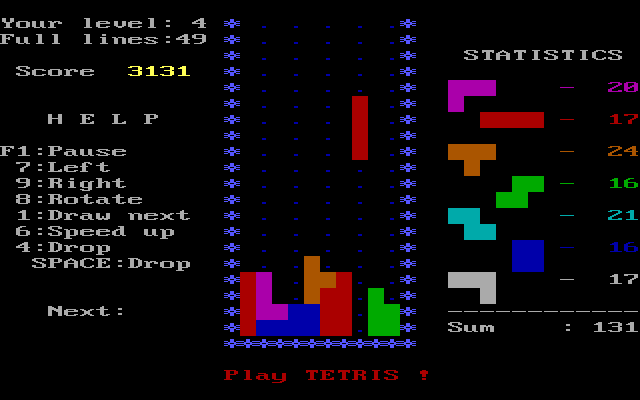
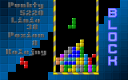
This DOS version of Tetris presents a falling-block board beside a piece tally and a help panel. Complete horizontal rows while keeping the stack from reaching the top. Its opening setup includes Play or Demo, a next-piece preview, starting level and starting height.
Use 7 and 9 to move a piece left and right, and 8 to rotate. Space or 4 drops it; 6 increases the speed and 1 toggles the next-piece display. F1 pauses. These are the bindings printed in this package's help panel, so do not assume an arrow-key layout from another Tetris release.
On the setup screen, choose a low level and a low starting height while learning, then press Space to begin. Watch the next-piece preview before filling a narrow gap. After Game Over, R restarts. The executable identifies itself as version 3.12; these instructions describe that packaged version.
Start here
Quick tips
Start with a low level and starting height.
Use the numbered bindings shown beside the board.
Keep a route open for the next piece.
- 7 / 9
- Move the piece left / right
- 8
- Rotate the piece
- Space / 4
- Drop the current piece
- 6
- Increase speed
- 1
- Toggle the next-piece preview
- F1
- Pause
- Space
- Start from the setup screen
- R
- Restart after Game Over
Screens
Screenshots
Keep playing
Similar Games

Help improve this entry
Something not working?
Report a gameplay or information problem. Short reports are enough.
Archive notes
Rights and Source Notes
Browser play uses the archived Freeware release. Official project references are listed below.
- Distribution
- Freeware
- Browser player
- js-dos · Browser play
- Added to archive
- 2026-07-27
- Official references