Tetris 3
Saves are stored in this browser.
Player notes
About this game
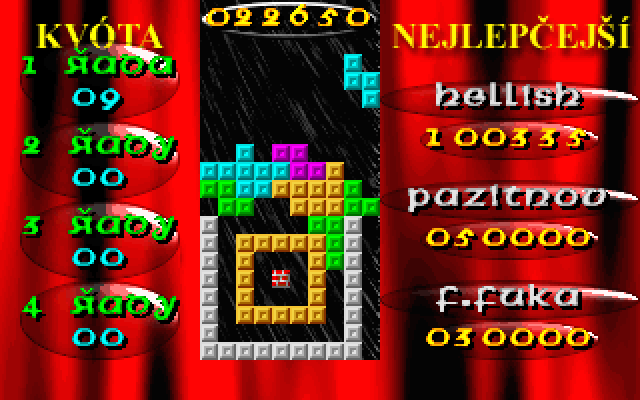
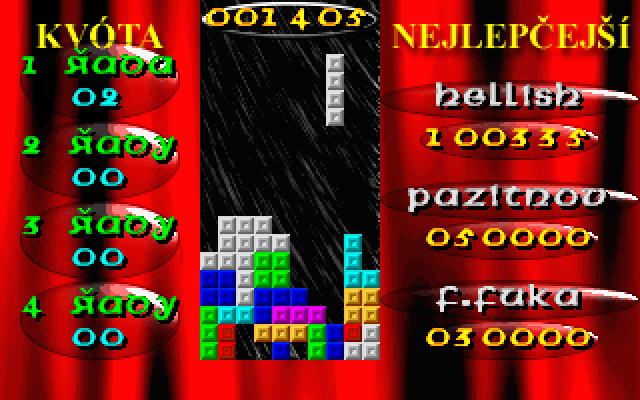
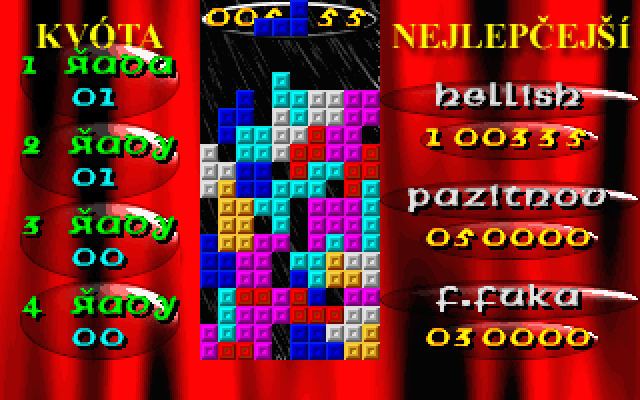
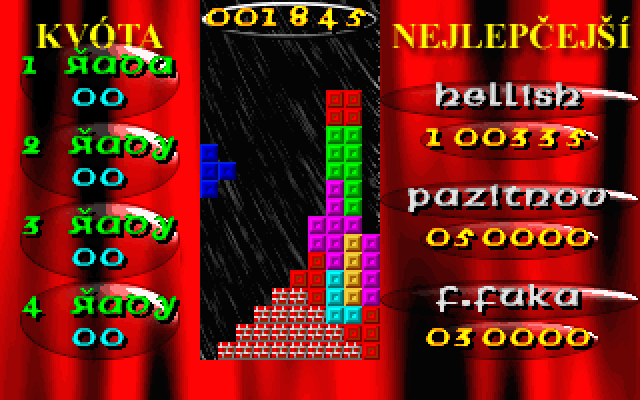
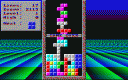
Tetris 3 is Hellsoft's Czech-language falling-block game. Its special mode gives each level a task: complete specified combinations of one, two, three or four rows, survive for a stated time, or remove marked bricks. Failing a task costs a life. Every fifth level is a bonus opportunity that can add a life without taking one away on failure.
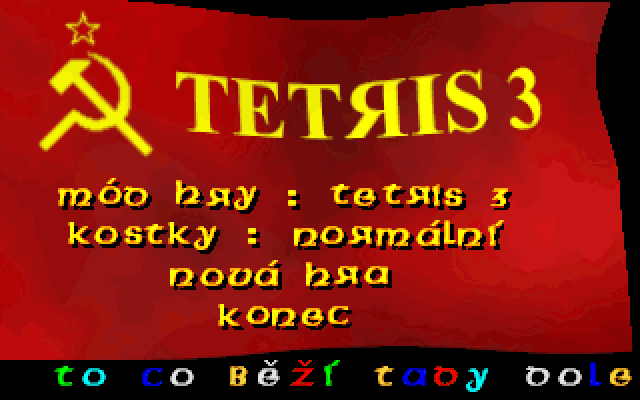
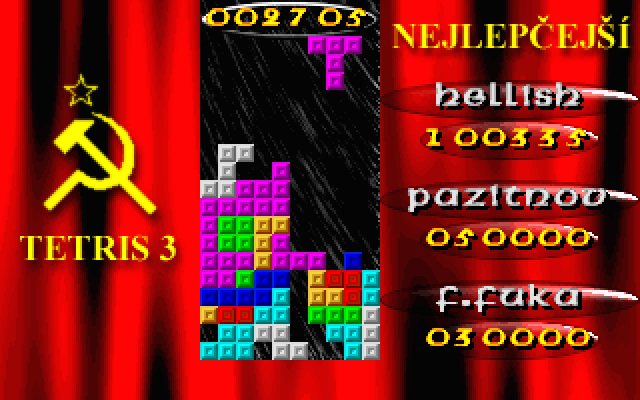
In the menu, Mod hry selects the game mode and Kostky selects ordinary or special piece shapes. Nova hra starts play. Left and Right move a piece, Down drops it, and Space, Enter or Up rotates it. P pauses and Escape returns to the menu.
Read the quota at the left of the board before dropping pieces: several single-line clears do not necessarily satisfy a requirement for a double. Choose NORMALNI mode for conventional play while learning the controls. The supplied README describes 100 levels in the task-based mode; it also distinguishes the optional special shapes from standard pieces.
Start here
Quick tips
Read the task or quota before placing the first piece.
Double-, triple- and four-row quotas require those rows to clear together.
Choose NORMALNI mode and ordinary pieces while learning.
- Arrow Left / Arrow Right
- Move the piece horizontally
- Arrow Down
- Drop the piece
- Space / Enter / Arrow Up
- Rotate a piece; confirm an action where prompted
- P
- Pause
- Escape
- End play and return to the menu
Screens
Screenshots
Keep playing
Similar Games

Help improve this entry
Something not working?
Report a gameplay or information problem. Short reports are enough.
Archive notes
Rights and Source Notes
Browser play uses the archived Freeware release. Official project references are listed below.
- Distribution
- Freeware
- Browser player
- js-dos · Browser play
- Added to archive
- 2026-07-27
- Official references