Tetris Pro
Saves are stored in this browser.
Player notes
About this game
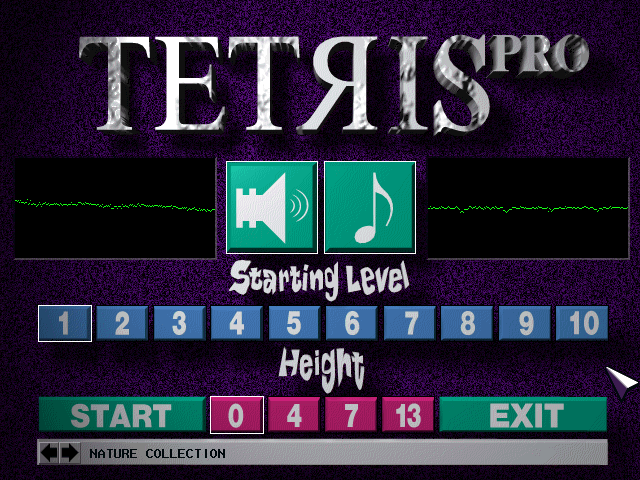
This Tetris Pro edition by TRIAL uses a mouse-driven opening screen and a conventional falling-block well. Choose a starting level from 1–10 and an initial height of 0, 4, 7 or 13, then click Start. A low starting level with height zero leaves the most room to learn the pace.
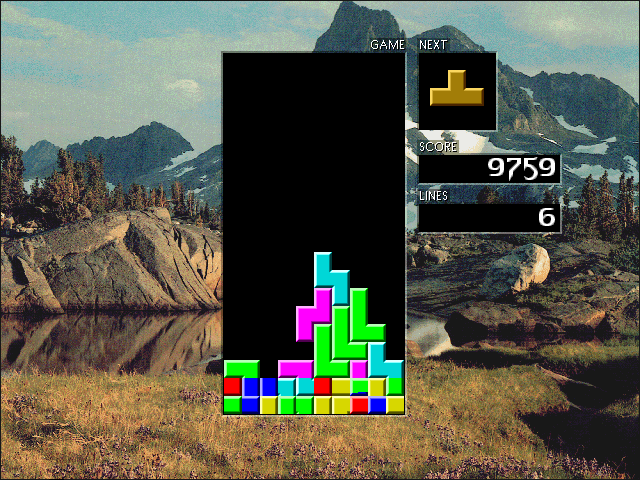
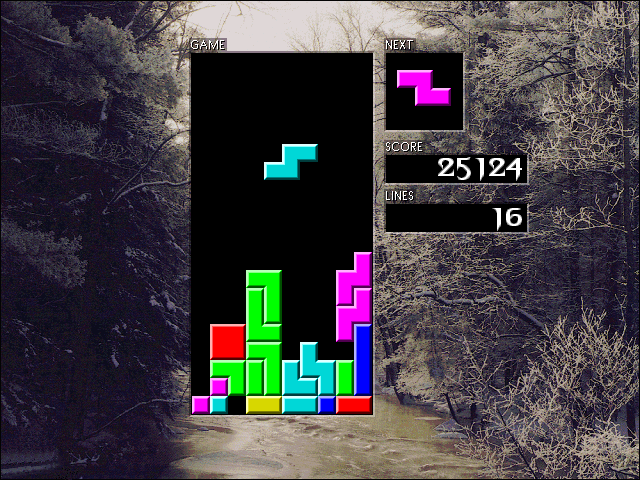
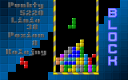
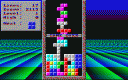
Move the current piece sideways with Left and Right and rotate it with Up. Aim to complete horizontal rows without leaving covered gaps. The preview box shows the next piece, while the counters track score and cleared lines. Plan the next placement before the current block settles.
The opening screen also provides separate sound and music buttons and a background collection selector. Changing the starting height deliberately adds an initial stack; it is not a display-size setting.
Start here
Quick tips
Start at level 1 and height 0 while learning the controls.
Use the next-piece preview to keep gaps reachable.
- Arrow Left / Arrow Right
- Move the falling piece sideways
- Arrow Up
- Rotate the falling piece
- P
- Pause / resume
- Click a starting level / height
- Set the opening difficulty and initial stack
- Click Start
- Begin a game
- Click speaker / music buttons
- Change the audio options
Screens
Screenshots
Keep playing
Similar Games

Help improve this entry
Something not working?
Report a gameplay or information problem. Short reports are enough.
Archive notes
Rights and Source Notes
Browser play uses the archived Freeware release.
- Distribution
- Freeware
- Browser player
- js-dos · Browser play
- Added to archive
- 2026-07-27