Tetris Pro (Craig Rothwell)
Saves are stored in this browser.
Player notes
About this game
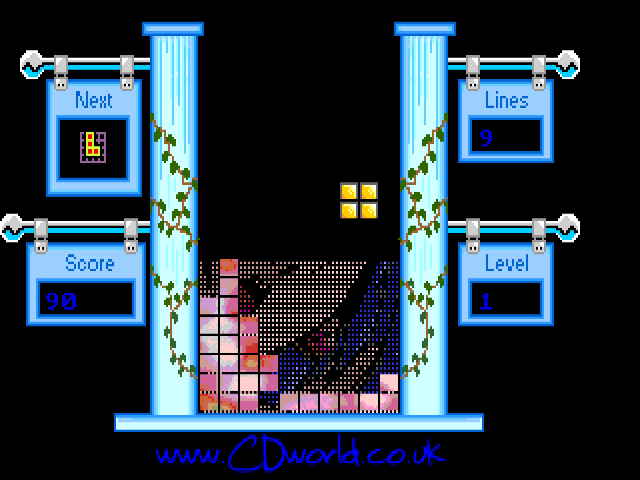
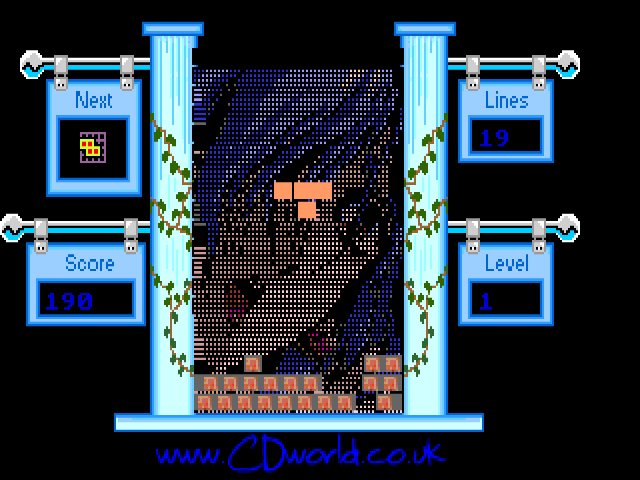
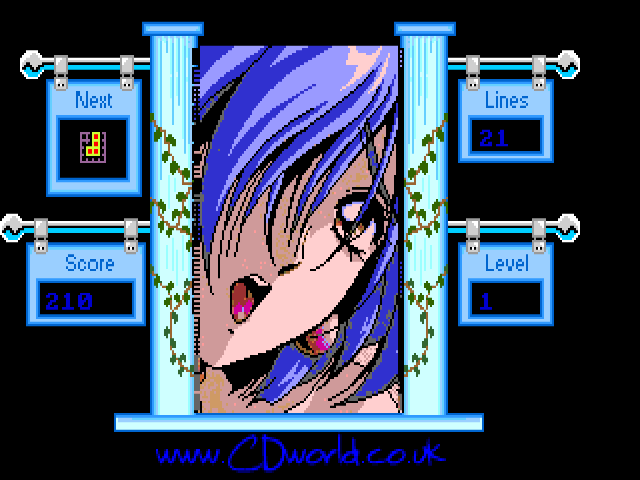
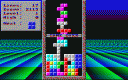
Craig Rothwell’s Tetris Pro is a falling-block puzzle built around revealing a background picture. The archived release is a beta: its documentation describes a limited set of stages and options that were still unfinished. This is Rothwell’s game, distinct from the other DOS game called Tetris Pro by TRIAL.
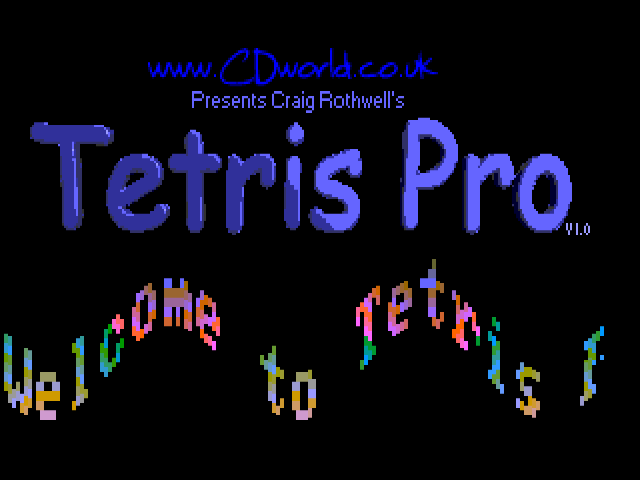
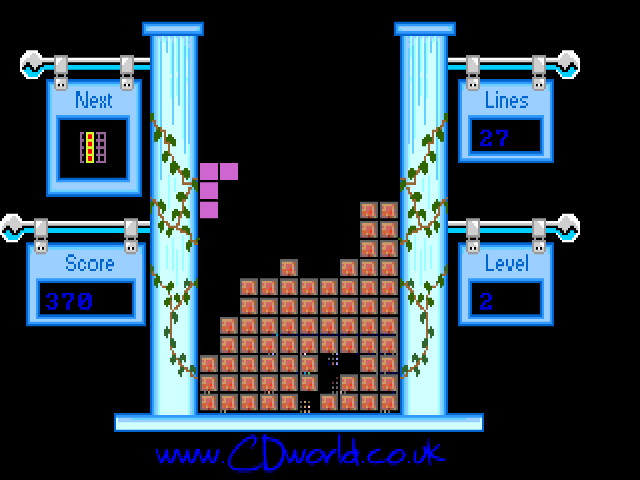
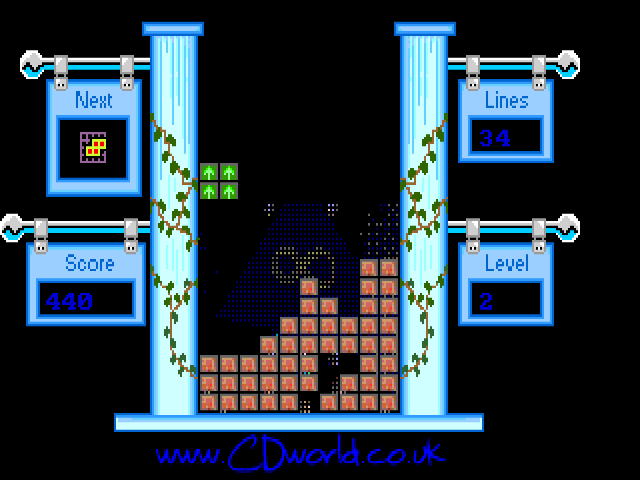
Press Space to leave the title screen and confirm the selected game mode. Move pieces with the left and right arrows, use Down to lower them, and press Space to rotate. Completing a line containing a power-up can activate an effect. TNT closes gaps in the well, the gold block adds points, and arrow power-ups change the game speed. The developer also notes that power-up activation can be unreliable in this beta.
Press P to pause and view the power-up screen. Start with the basic line-clearing rules, then use that screen to identify an unfamiliar effect. The listed future features, such as joystick support and a 3D mode, are plans in the original readme rather than features promised by this browser version.
Start here
Quick tips
Power-ups activate when included in a completed line.
Use P to inspect the effects; this archived beta has unfinished options.
- Left / Right
- Move the falling piece horizontally
- Down
- Lower the falling piece
- Space
- Rotate a piece; advance the title or confirm a menu choice
- P
- Pause and show the power-up screen
Screens
Screenshots
Keep playing
Similar Games

Help improve this entry
Something not working?
Report a gameplay or information problem. Short reports are enough.
Archive notes
Rights and Source Notes
Browser play uses the archived Freeware release. Official project references are listed below.
- Distribution
- Freeware
- Browser player
- js-dos · Browser play
- Added to archive
- 2026-07-28
- Official references